Wirelessly Connect Printer to 4G LTE Router: A Step-by-Step Guide
In today's digital age, having a reliable and efficient printing solution is crucial for both personal and professional use. If you're looking to connect your printer to a 4G LTE router wirelessly, you're in the right place. This guide will walk you through the process of setting up a wireless connection between your printer and 4G LTE router, ensuring seamless printing from anywhere, anytime.
Understanding the Basics
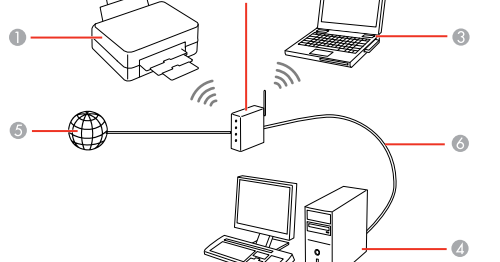
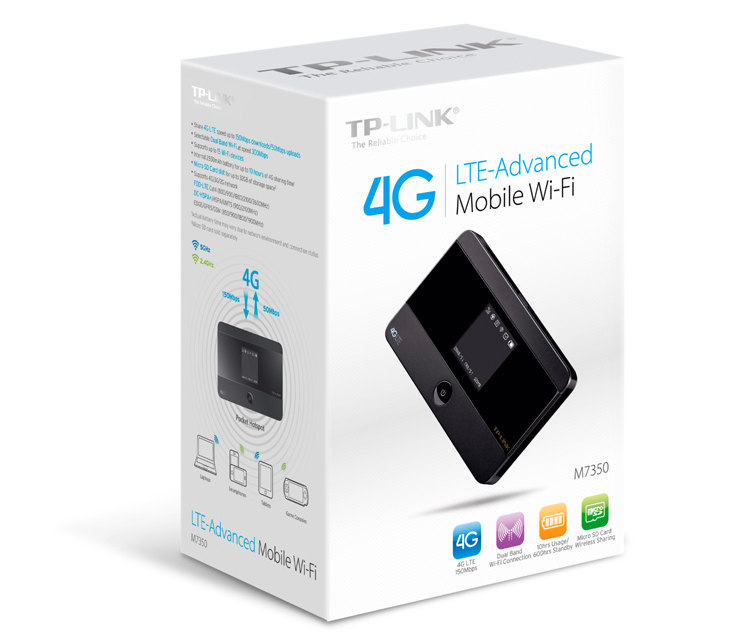
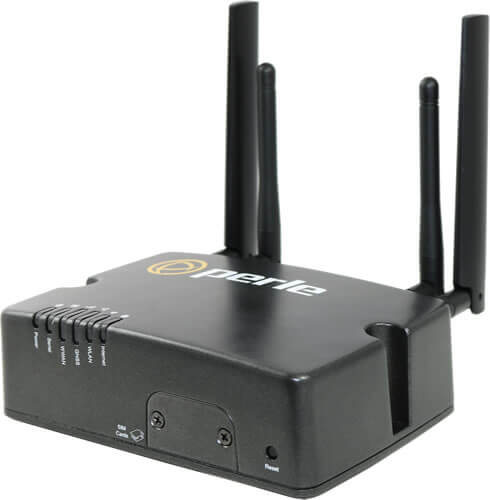
A 4G LTE router is a type of wireless router that uses 4G Long-Term Evolution (LTE) technology to provide high-speed internet connectivity. To connect your printer to a 4G LTE router wirelessly, you'll need to follow these basic steps:
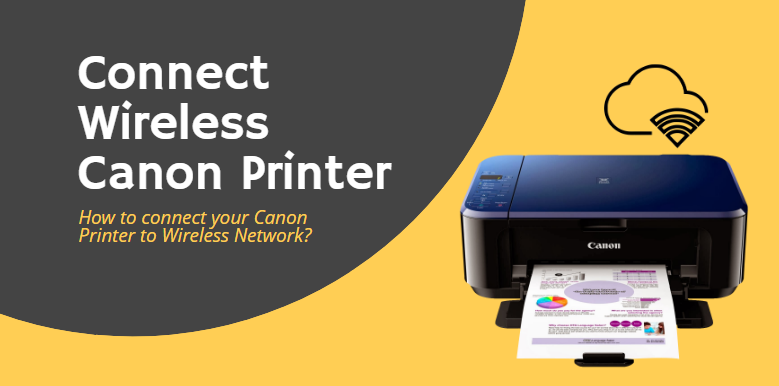
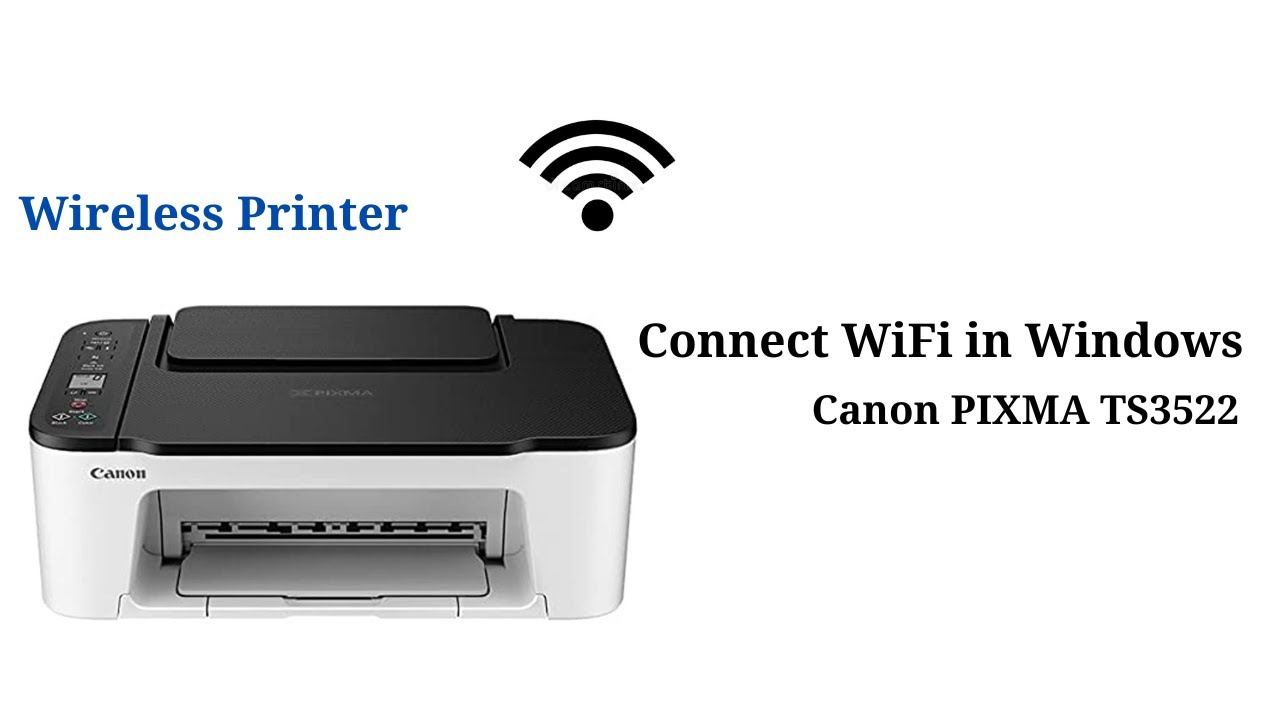
- Ensure your printer supports wireless connectivity: Check your printer's manual or manufacturer's website to confirm it has wireless capabilities.
- Check your 4G LTE router's settings: Make sure your router is configured to support wireless connections and has a stable internet connection.
- Choose the right wireless network mode: Select the wireless network mode (e.g., WPA2, WPA3) that is supported by both your printer and router.
Connecting Your Printer to the 4G LTE Router
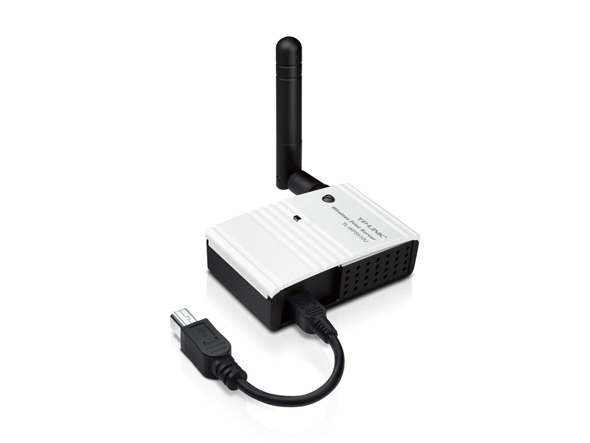
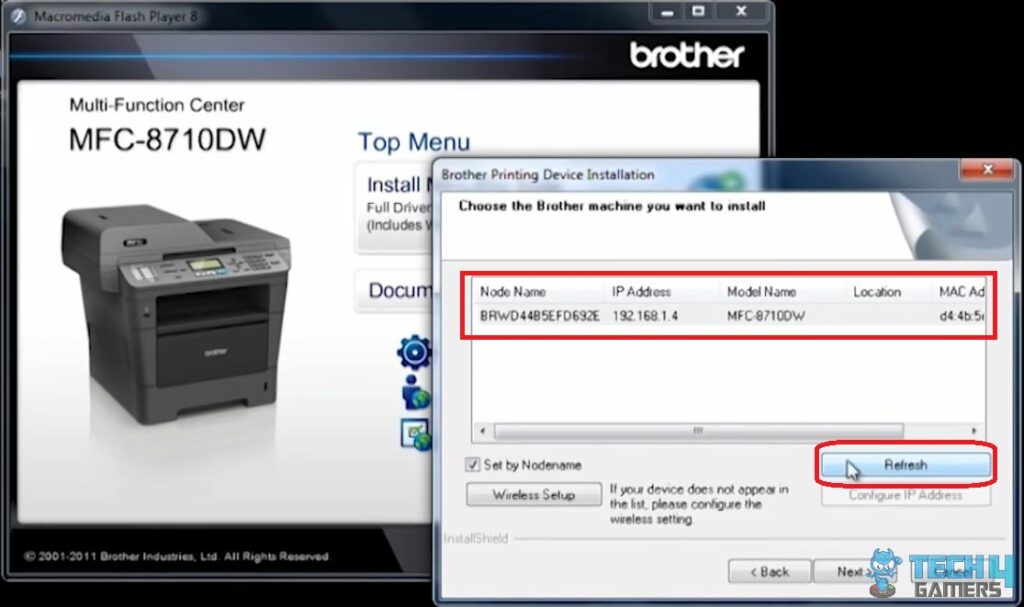
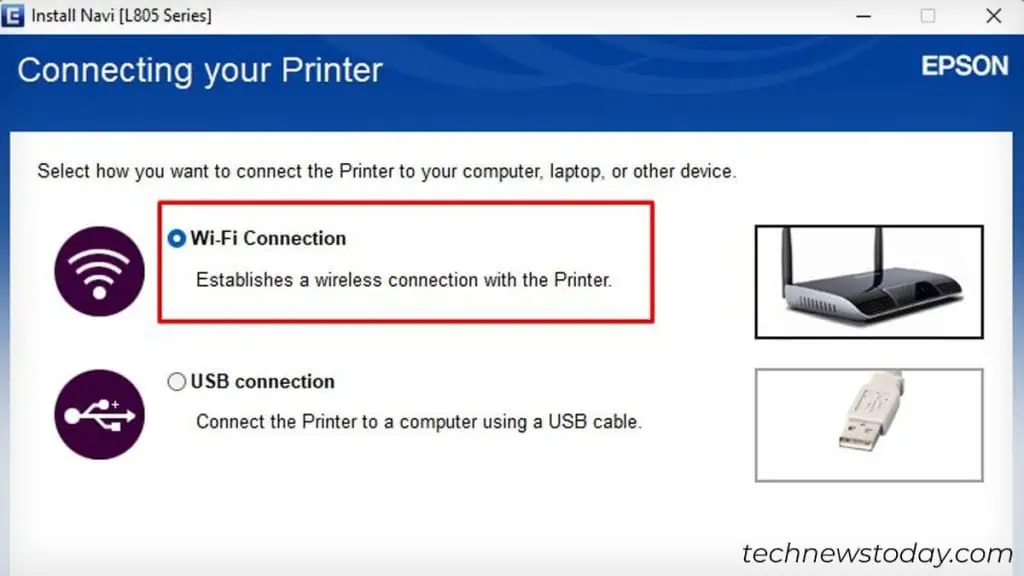
Now that you've prepared your printer and router, it's time to connect them wirelessly. Follow these steps: