Mastering the Art of Wireless Router Configuration for a Gaming Network
As a gamer, optimizing your internet connection is crucial to maintain a seamless gaming experience. A well-configured router is the backbone of a high-performance gaming network, ensuring low latency, high-speed data transfer, and reduced lag. In this comprehensive guide, we'll explore the essential settings to optimize your wireless router for an unparalleled gaming experience.
Why Router Settings Matter for Gaming

Routers are the unsung heroes of home networks, controlling the flow of data between devices and the internet. The right router settings can significantly impact your gaming performance, as suboptimal settings can result in high ping times, packet loss, and jitter, all of which can render gameplay unplayable. In fact, a 2022 report by BroadbandNow found that 75% of gamers experienced lag due to unoptimized routers.
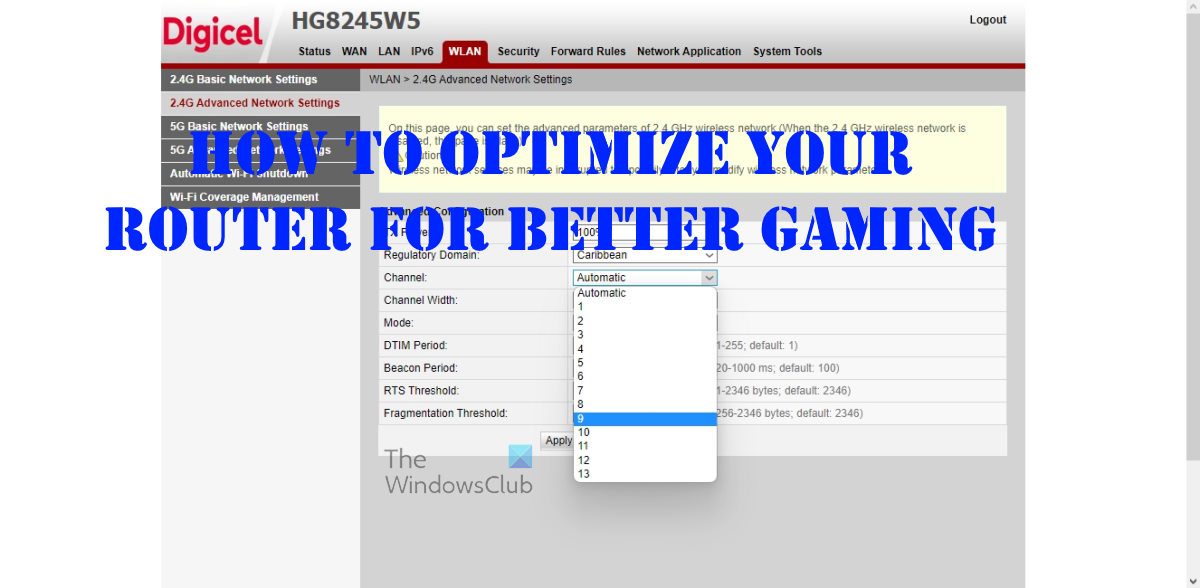
- Channel Selection: Allow your router to select the best channel for your Wi-Fi network or set it to a static channel if needed.
- Wi-Fi Standard: Ensure your router supports the latest Wi-Fi standards (e.g., Wi-Fi 6 or Wi-Fi 7) for the fastest data transfer rates.
- Bandwidth Allocation: Allocate enough bandwidth for your gaming devices to ensure smooth performance.
- Quality of Service (QoS): Configure Quality of Service to prioritize gaming traffic and minimize lag.
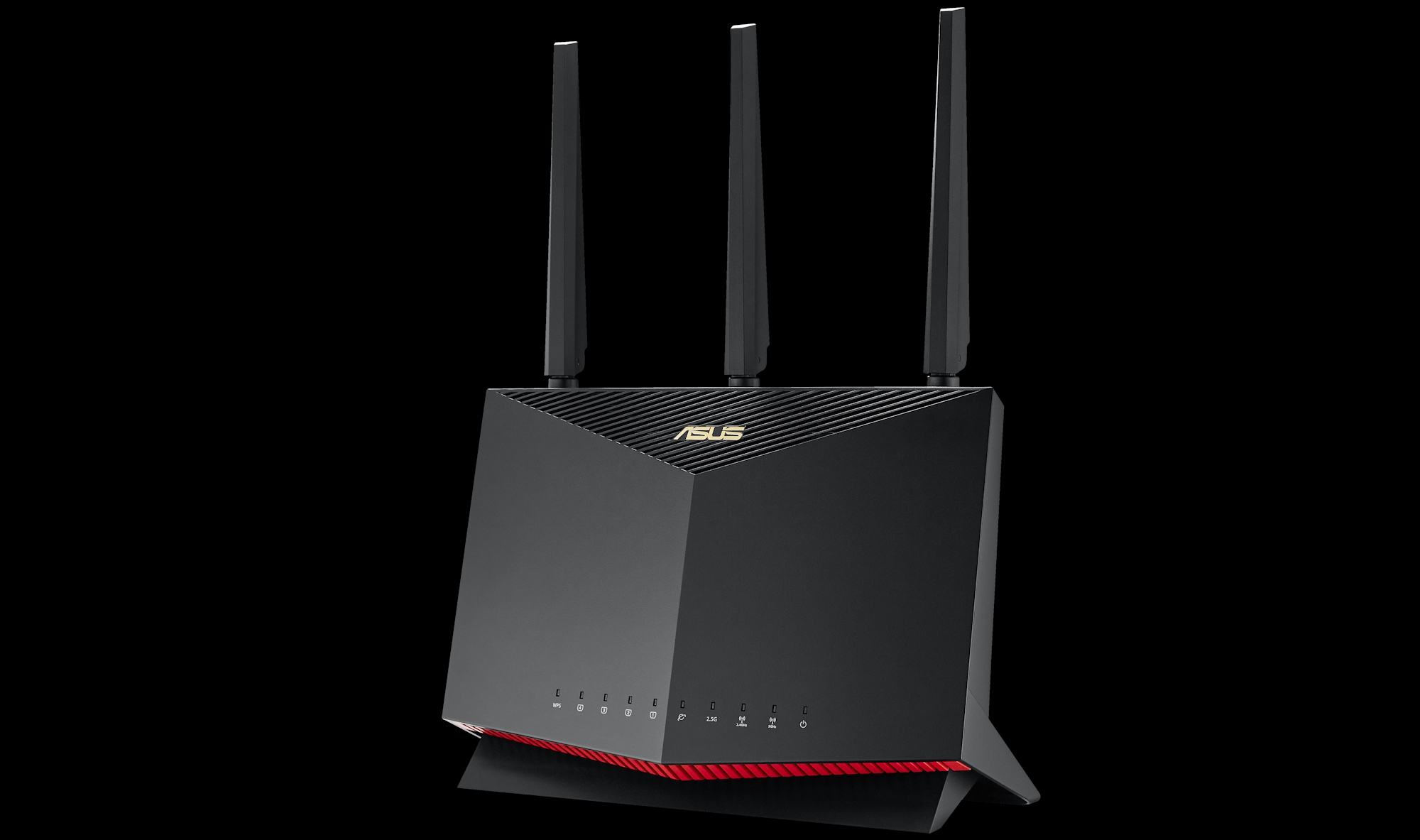
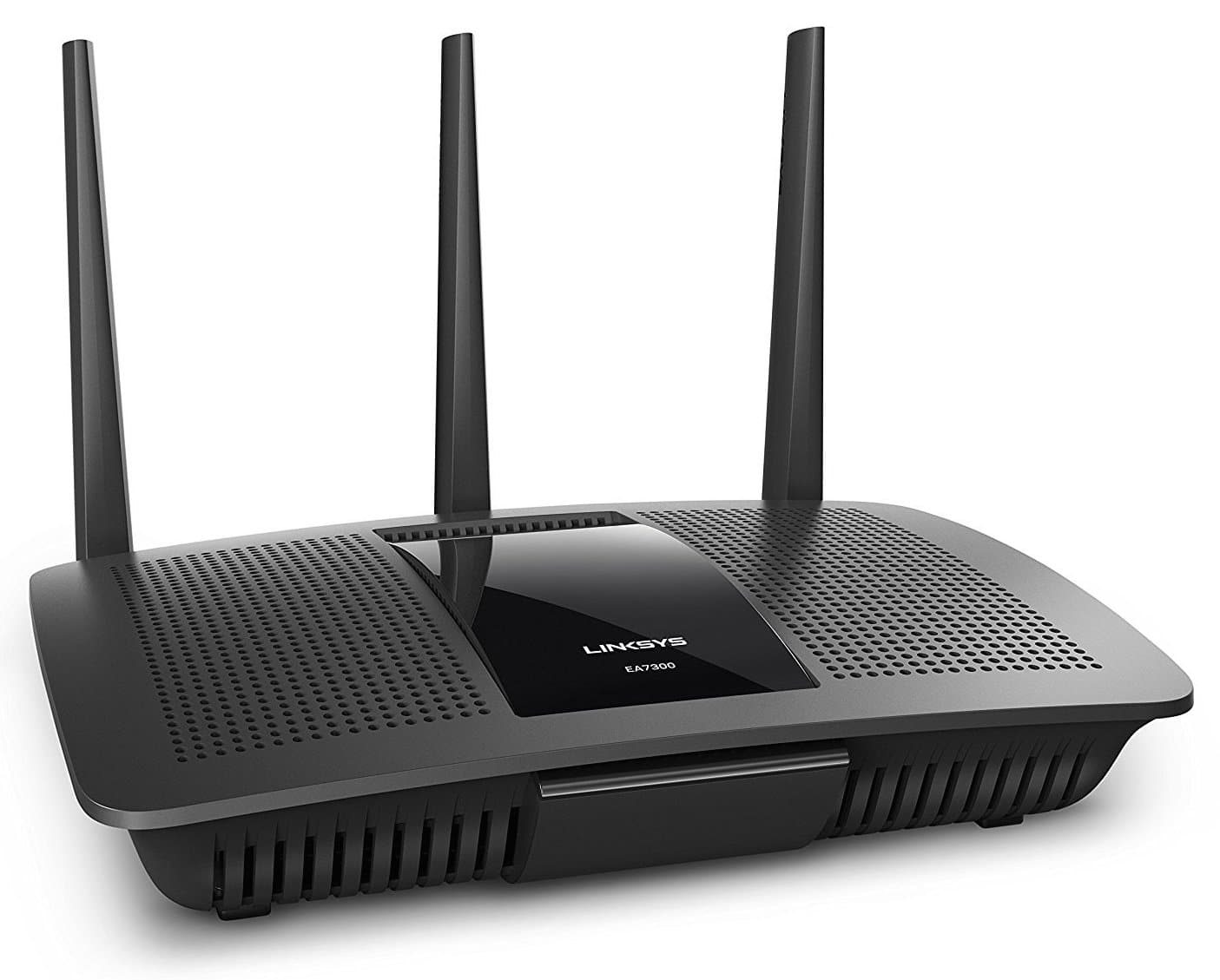
- Netgear vs. ASUS vs. Linksys vs. TP-Link: Compare and choose the best gaming router for your home network.
Professional-Level Optimization Techniques
- Use Gaming-Specific Router Modes or Profiles: Many modern routers include built-in gaming modes that automatically adjust settings for optimal gaming performance.
- Monitor Network Traffic: Use a network traffic analyzer to identify bottlenecks and optimize your router's settings accordingly.
- Update Firmware Regularly: Stay up-to-date with the latest firmware updates to ensure your router's optimal performance.
Choosing the Right Router
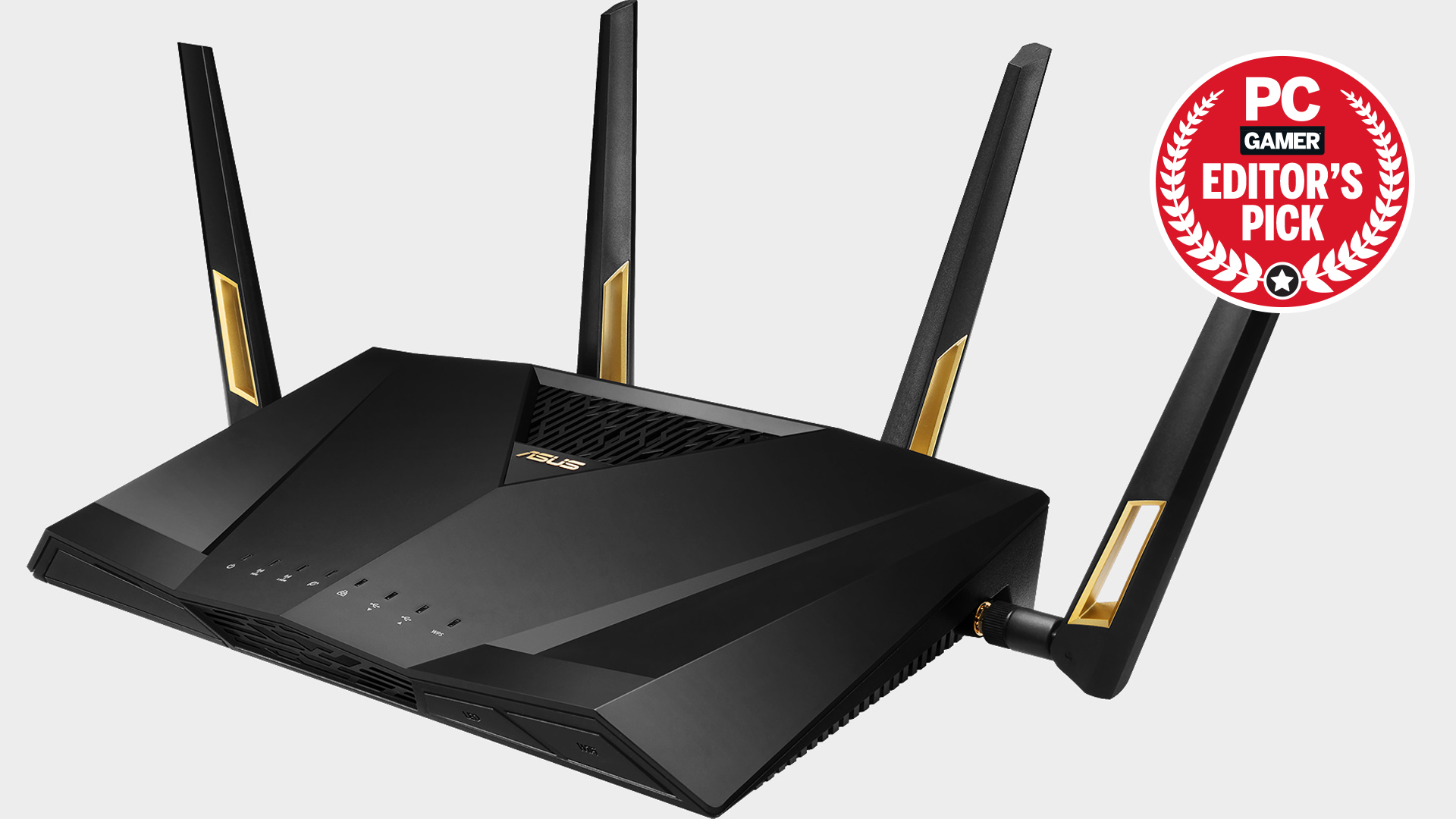
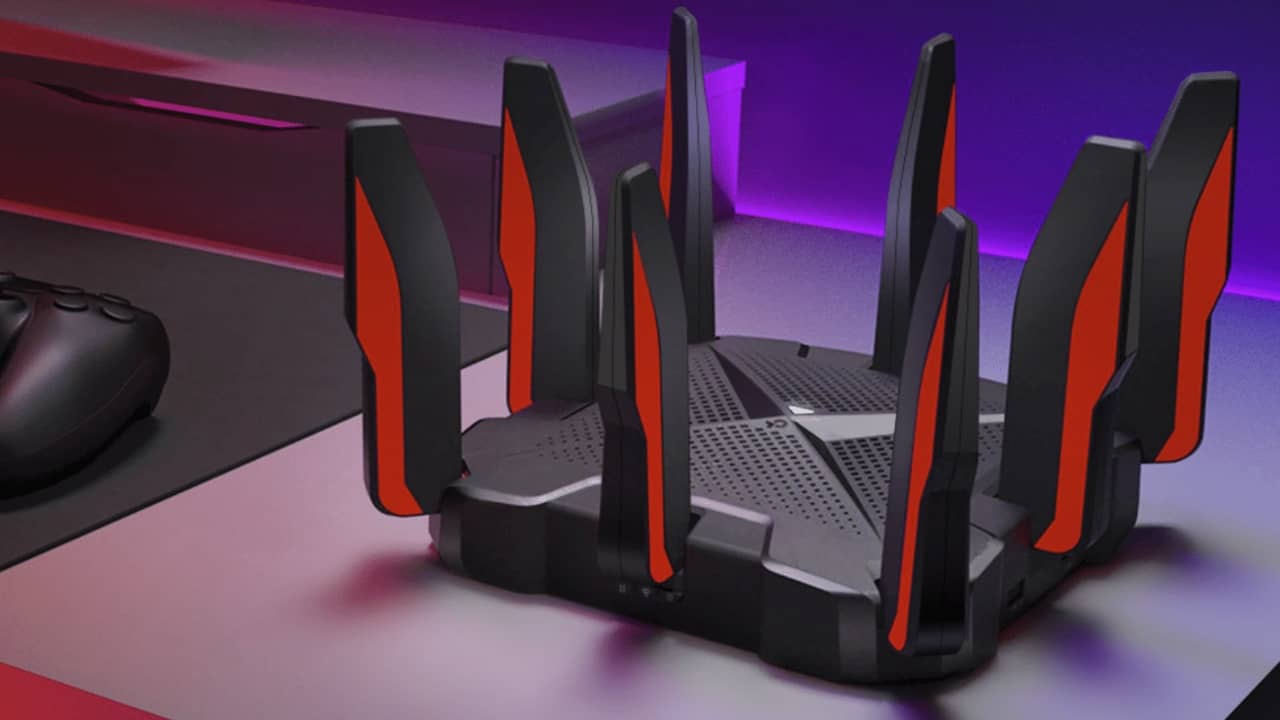
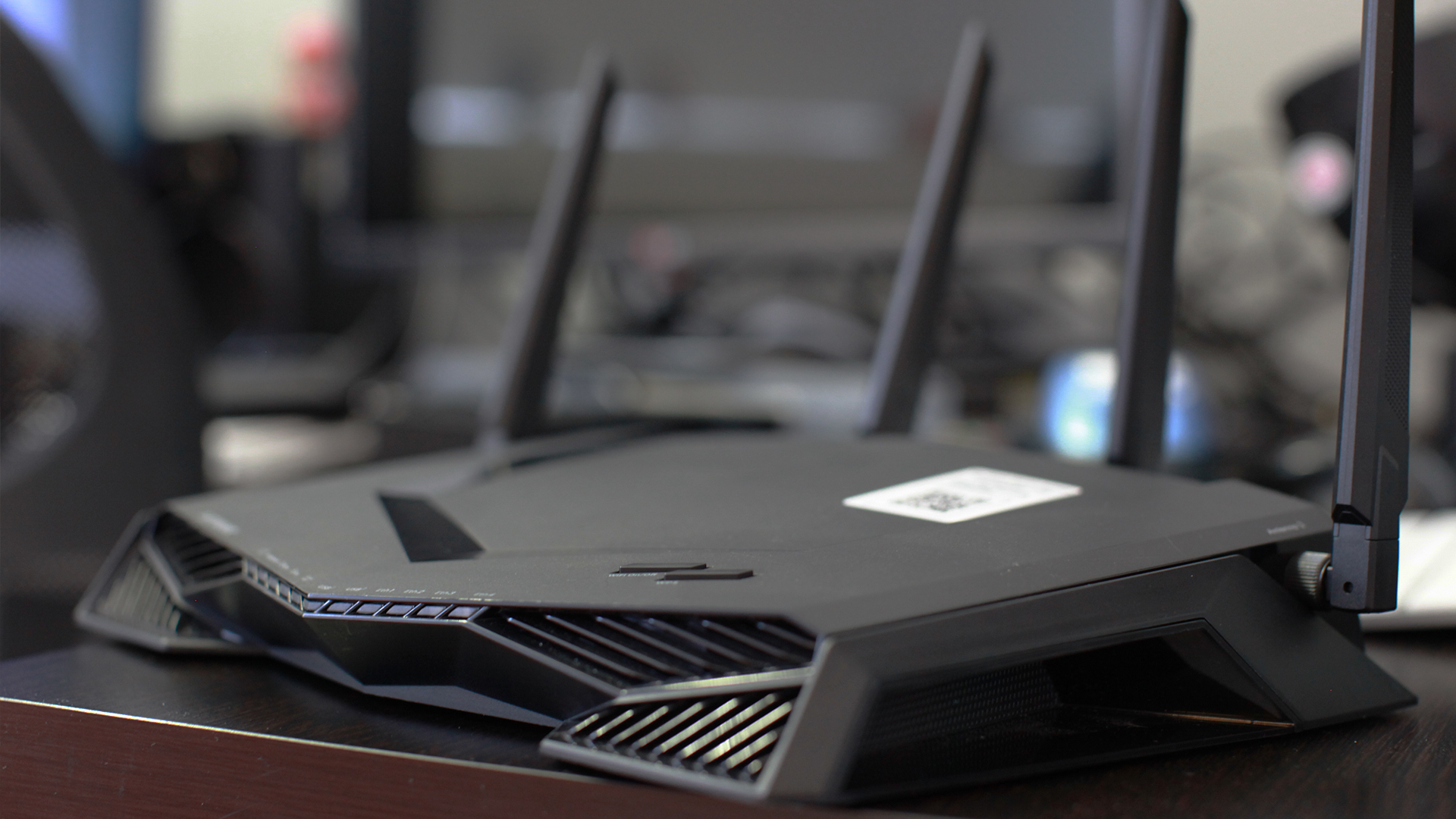
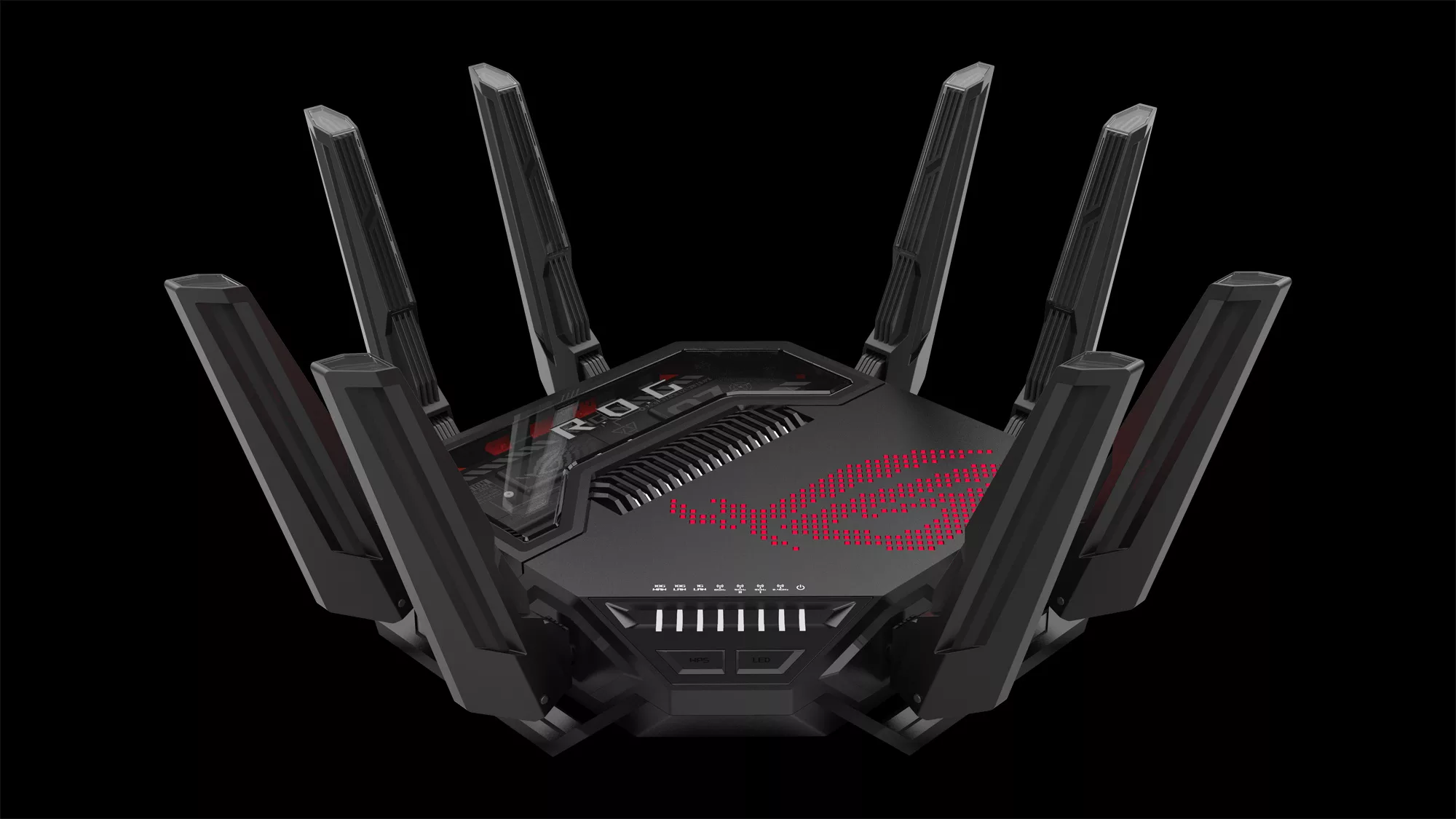
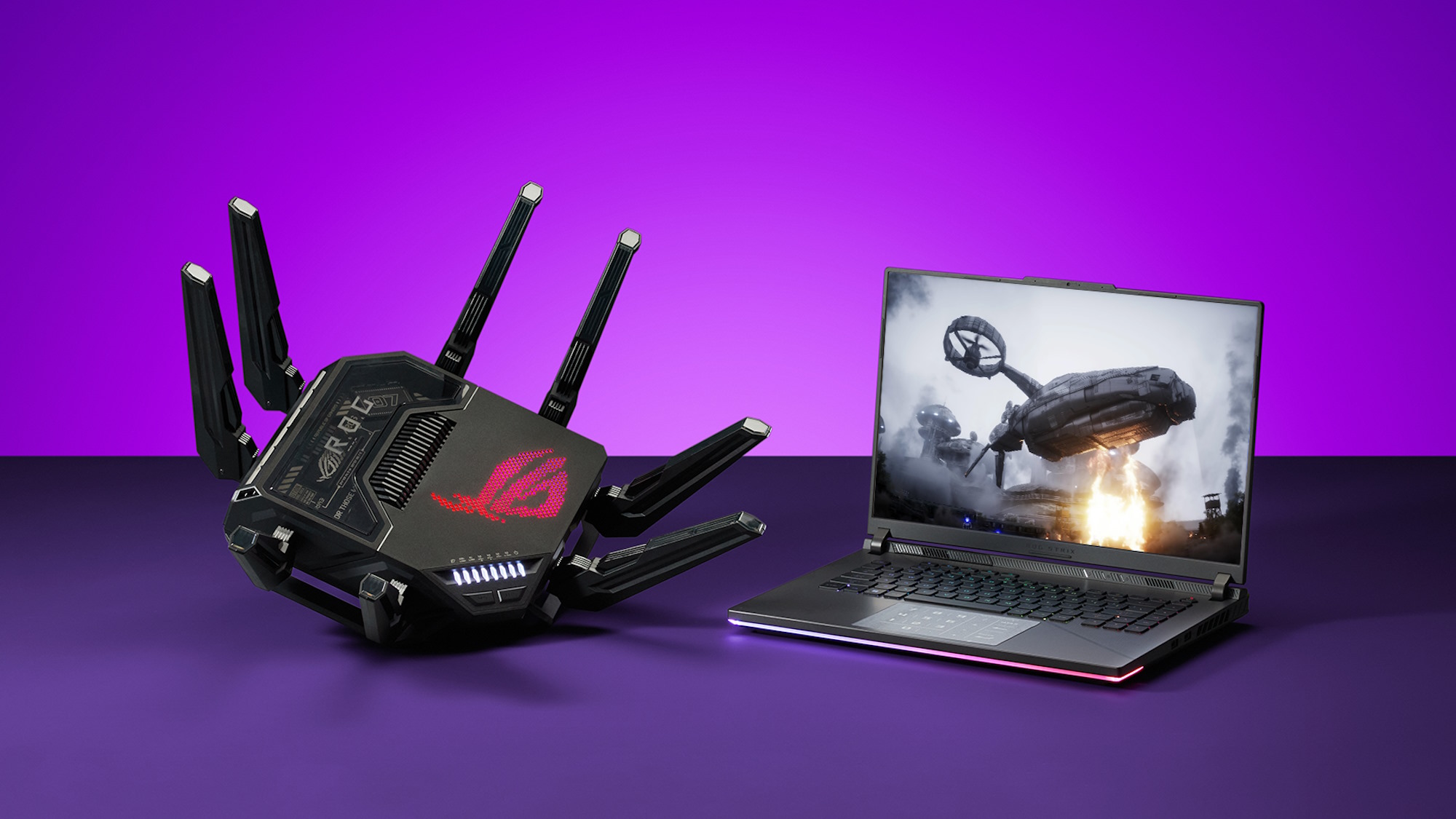
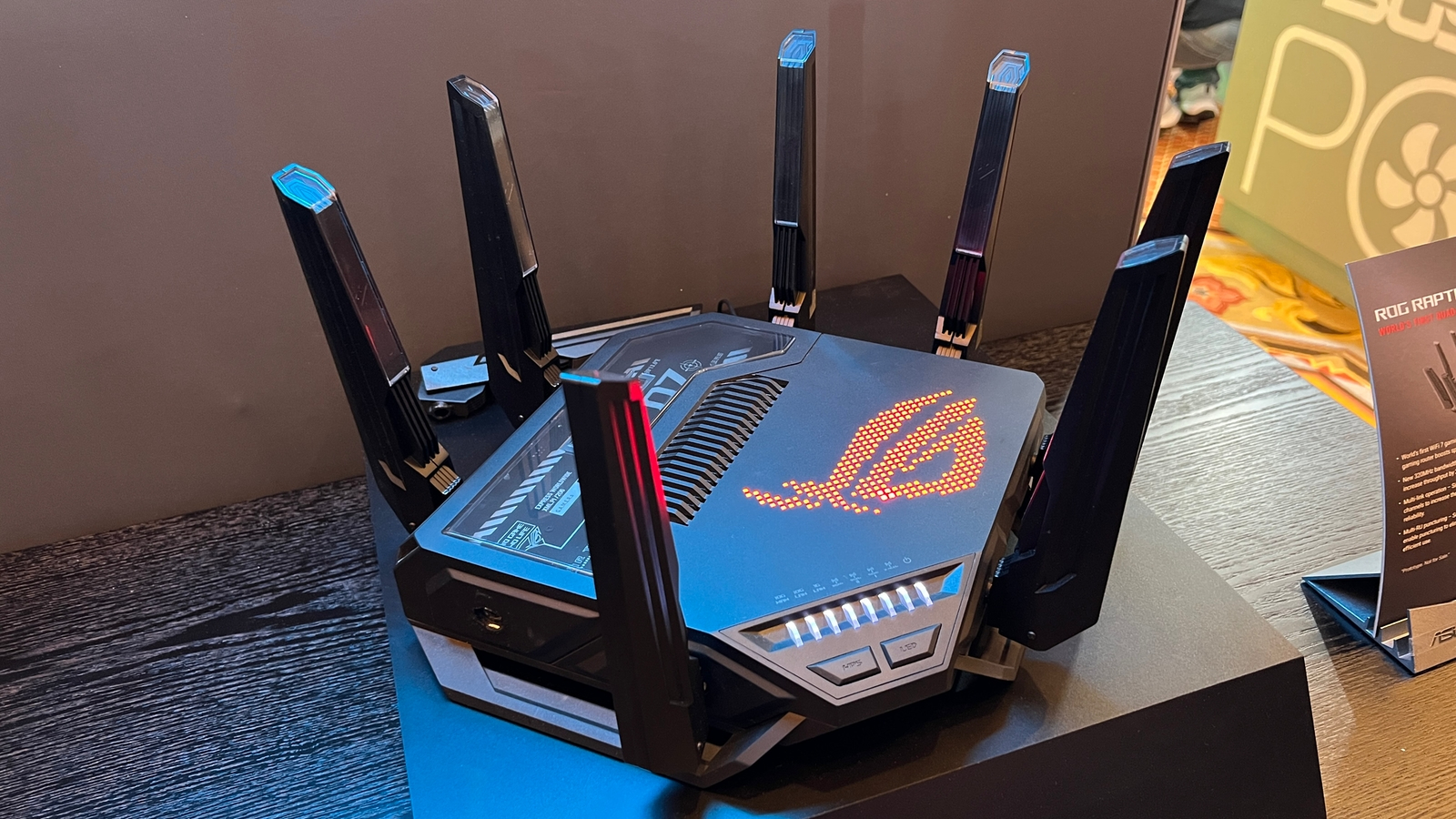
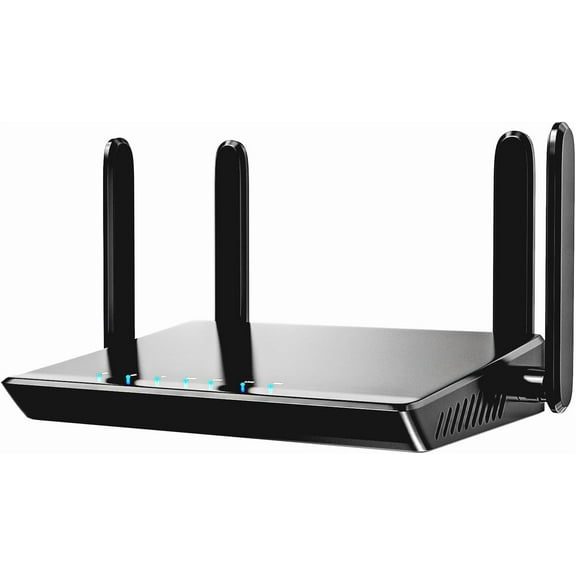
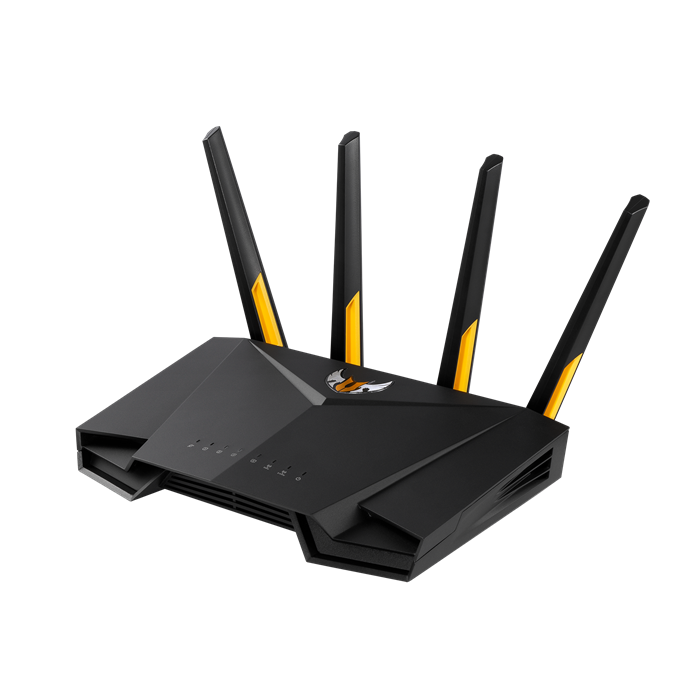
Select a router that prioritizes gaming traffic, manages network congestion, and maintains stable connections even during high-traffic times. The TP-Link Archer BE900 and Asus ROG Rapture GT-BE19000 are popular choices among gamers.
Setting Up Your Router for Online Gaming
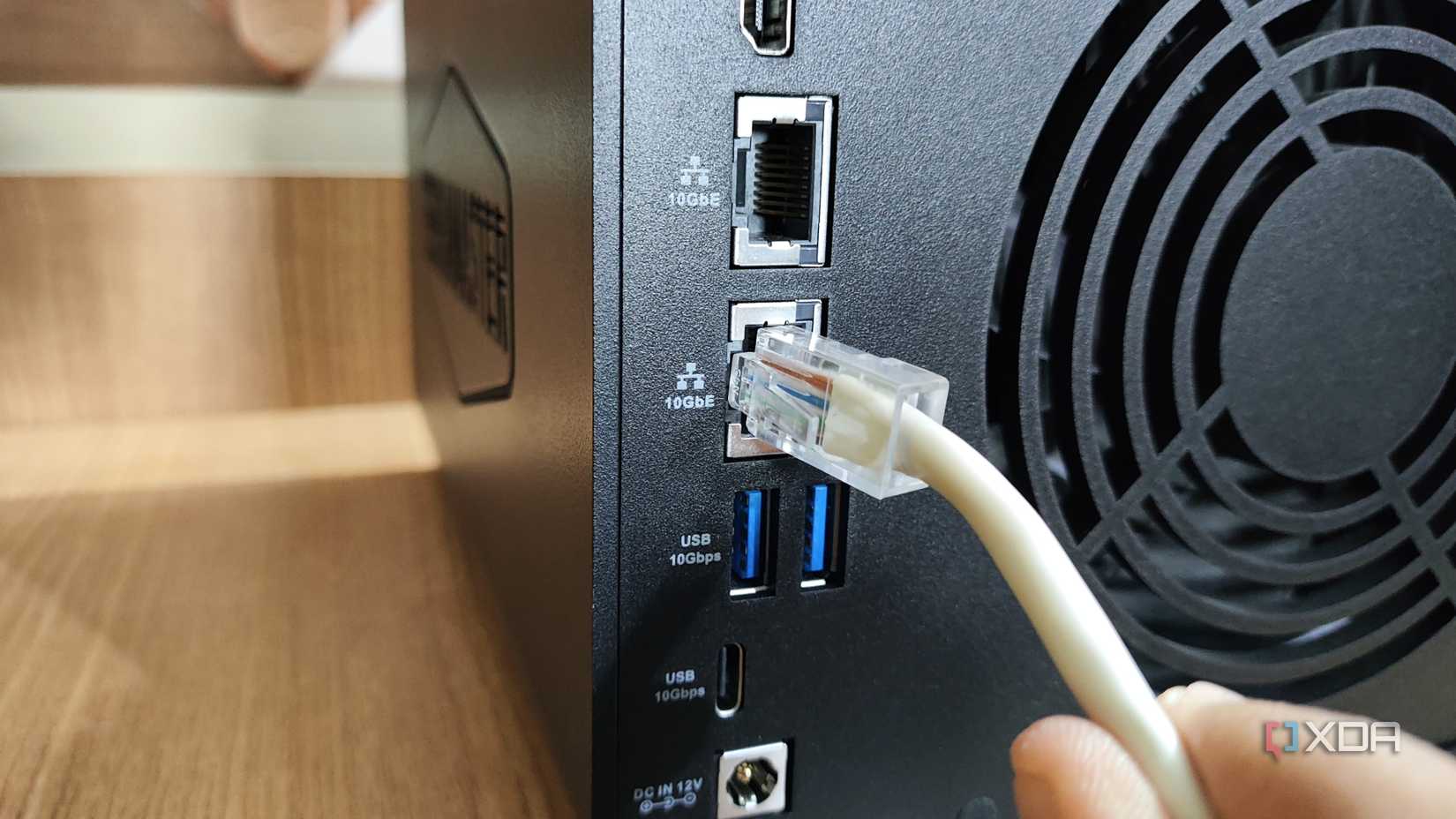
- Connect your gaming device to the router using an Ethernet cable for the fastest speeds.
- Update your router's firmware to the latest version.
- Configure Quality of Service (QoS) to prioritize gaming traffic.
- Enable MU-MIMO (Multi-User Multiple Input Multiple Output) to improve network efficiency.
Wireless Router Configuration for Gaming Network Tips and Tricks
Here are some expert tips to optimize your wireless router for gaming:
- Use a dedicated router: Gaming routers are designed to prioritize gaming traffic and optimize network performance.
- Enable UPnP (Universal Plug and Play) for easy access to online gaming services.
- Customize your router's settings for optimal gaming performance.
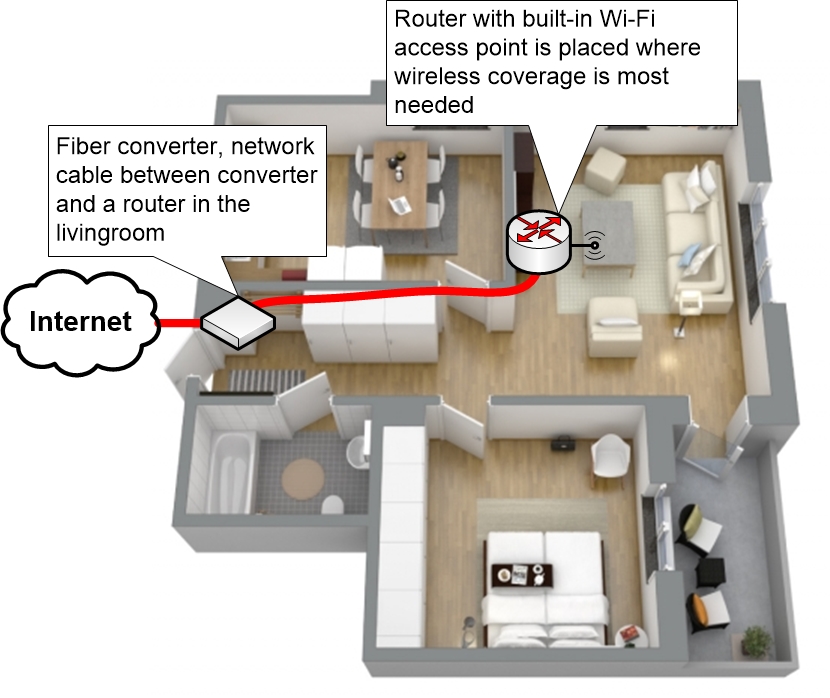
- Consider investing in a mesh Wi-Fi system for seamless coverage and reduced lag.
Conclusion
By following these steps and tips, you'll be well on your way to setting up an unbeatable gaming network. Remember to always keep your router's firmware up-to-date and experiment with different settings to find the perfect balance for your gaming needs.
With this comprehensive guide, you'll master the art of wireless router configuration for a gaming network and dominate the online gaming world.







![[Wireless Router] How do I enter my ASUS router's setting page using ...](https://desktopedge.net/wp-content/uploads/best-gaming-router-for-xbox-one_1899-2.jpg "[Wireless Router] How do I enter my ASUS router's setting page using ...")