Mastering Linksys Router Configuration Settings for Optimal Performance
Are you struggling to set up your Linksys router for optimal performance? With the numerous advanced features and settings available, configuring your router can be a daunting task. In this article, we will guide you through the process of setting up your Linksys router configuration settings for a seamless and secure online experience.
Understanding Linksys Router Configuration Settings
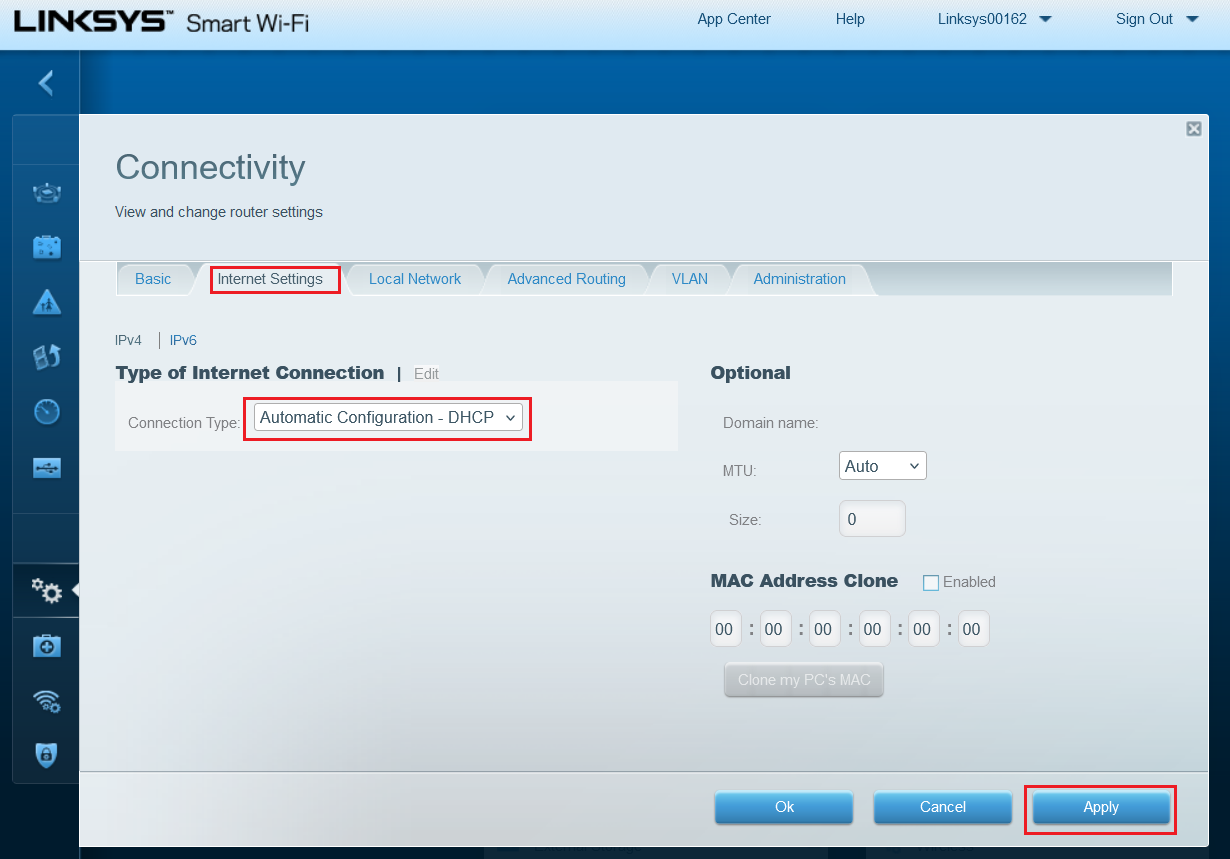
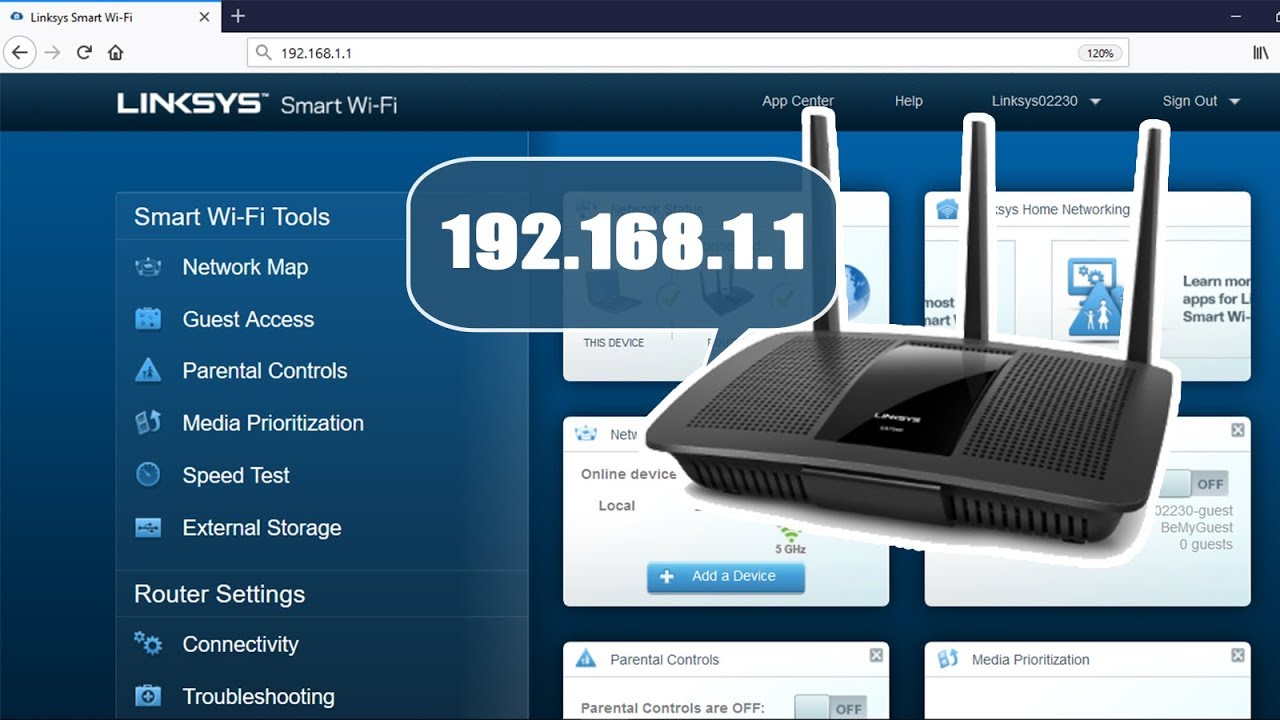
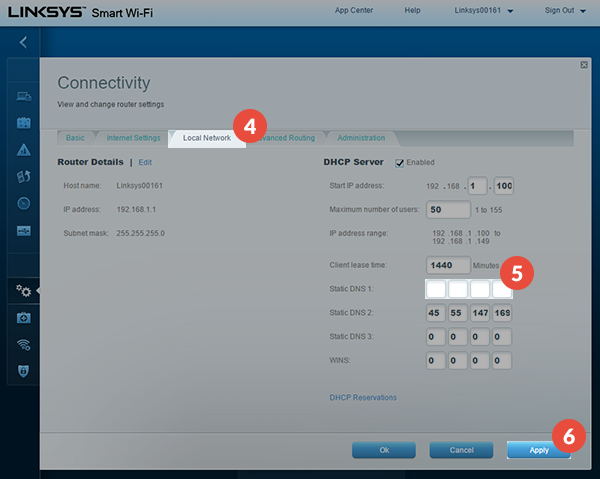
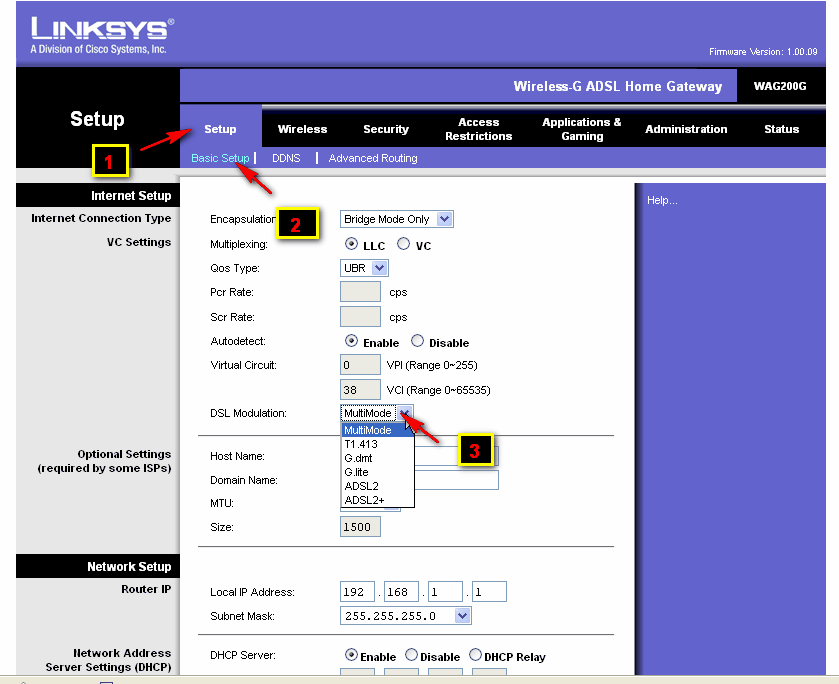
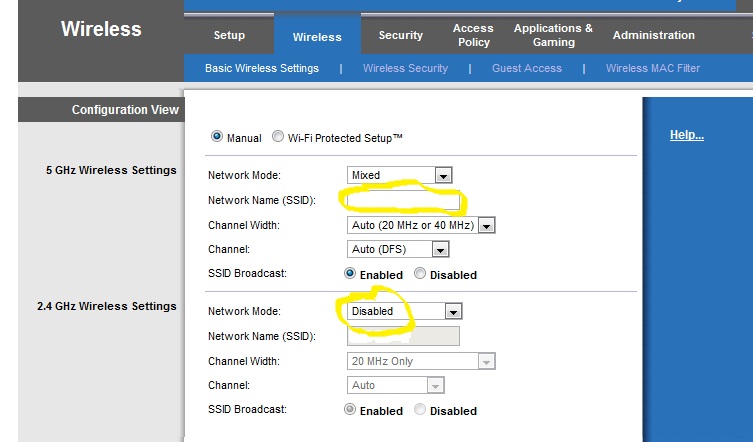
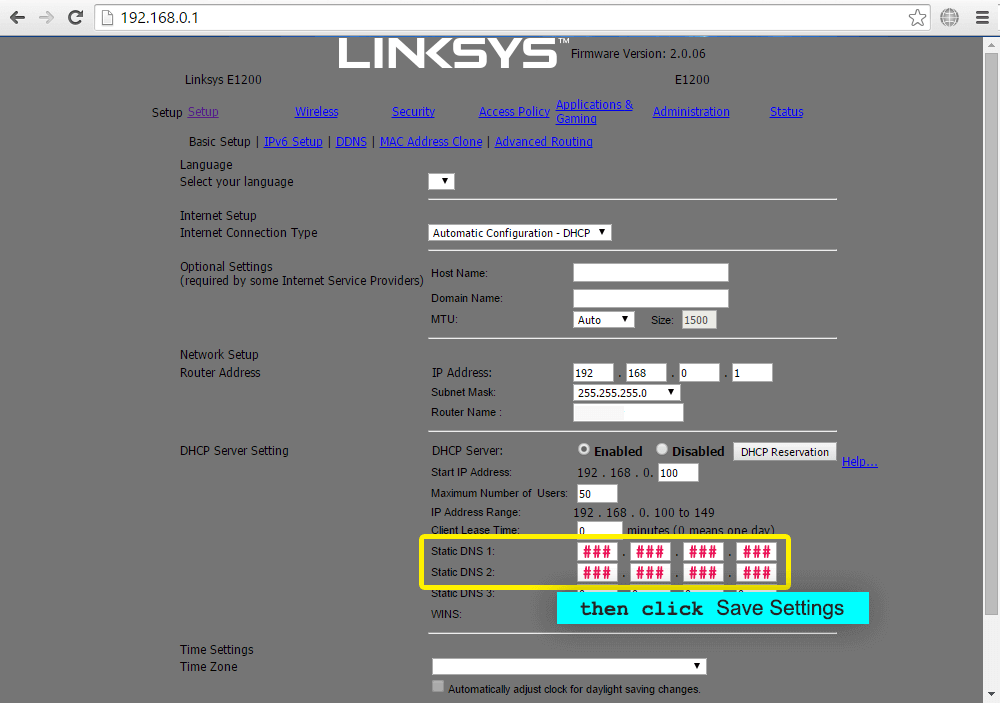
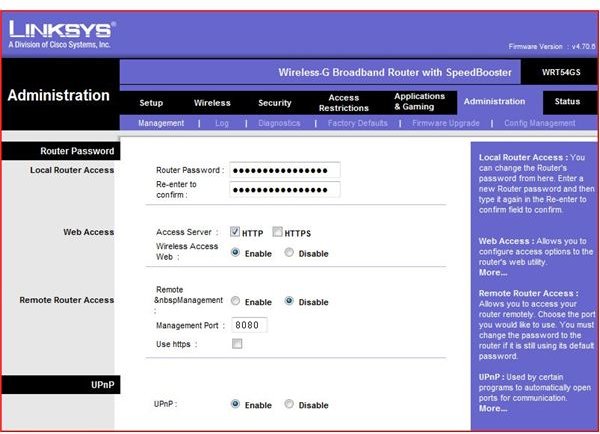
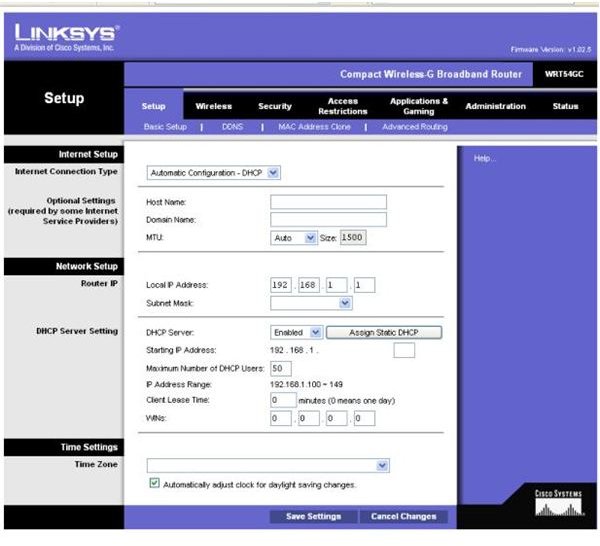
Before diving into the configuration settings, it's essential to understand the basics of Linksys router settings. These settings include Wi-Fi password, SSID, network mode, and more. To access the settings, you can log in to the router's web interface by typing the default gateway address (usually 192.168.1.1) in a web browser.
Setting Up Your Linksys Router for the First Time
Setting up your Linksys router for the first time can be a breeze if you follow the Smart Setup Wizard. This wizard guides you through the process of setting up your router, and it's available even if your router doesn't have an internet connection or is in its default settings. To access the Smart Setup Wizard, follow these steps:
- Connect your router to your computer using an Ethernet cable.
- Open a web browser and enter the default gateway address (usually 192.168.1.1).
- Follow the on-screen instructions to set up your router using the Smart Setup Wizard.