Complete Guide to Setting Up a G Wireless Network
Step-by-Step G Wireless Network Setup
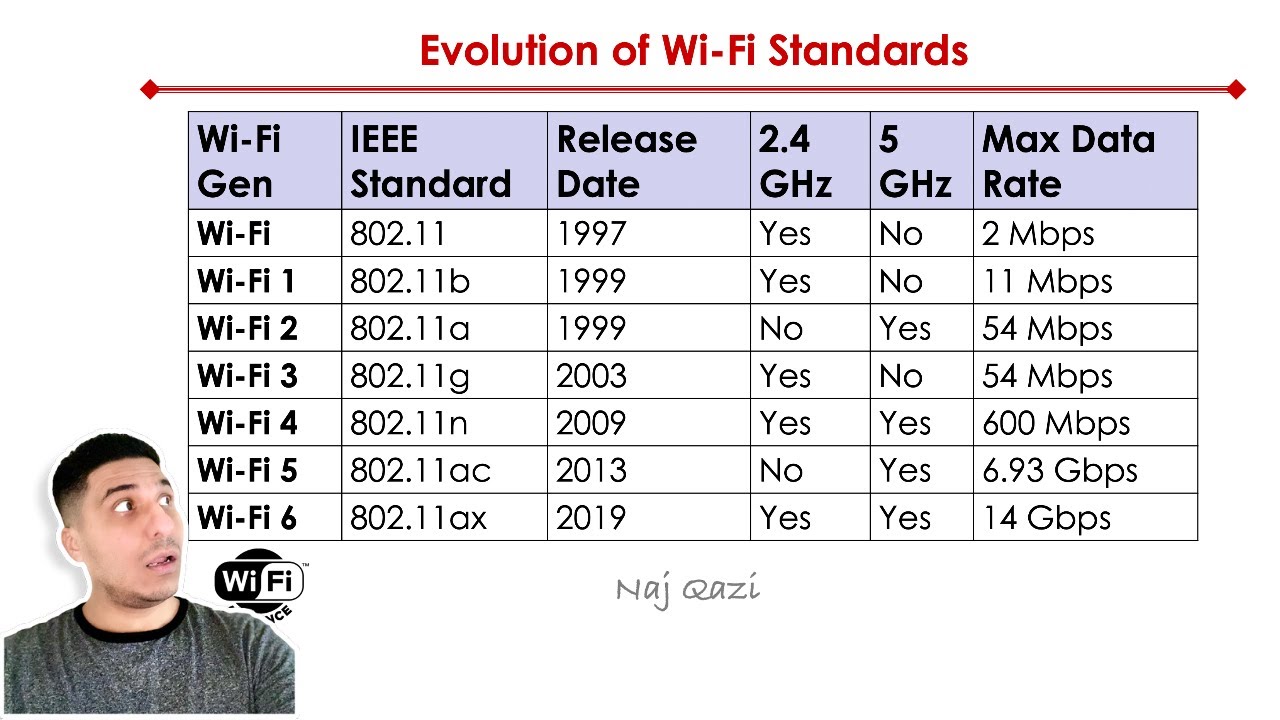
Establishing a G wireless network in your home or office is a straightforward process that can be completed with the right equipment and a brief understanding of the setup process. A G wireless network is a type of wireless local area network (WLAN) that operates at a speed of 54 Mbps, making it a reliable choice for internet connectivity in small to medium-sized areas.
What You Need for a G Wireless Network
- A G wireless router
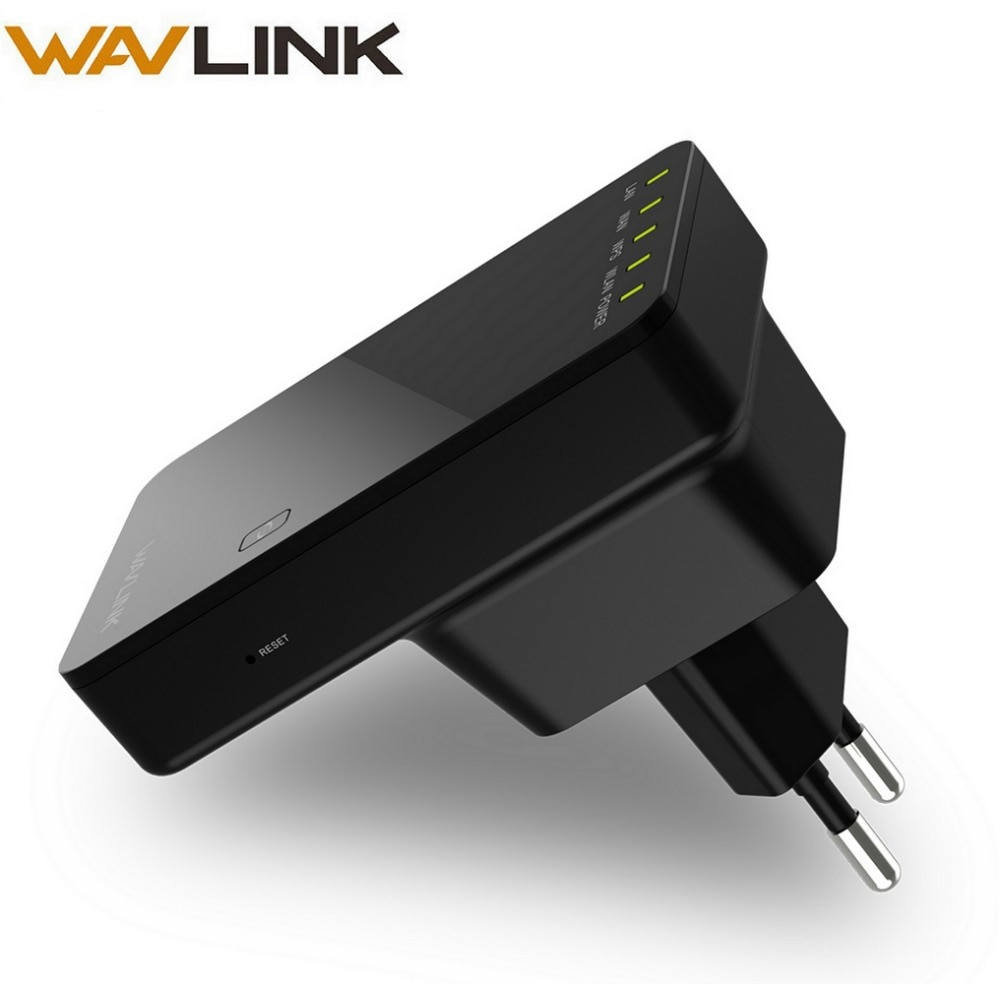
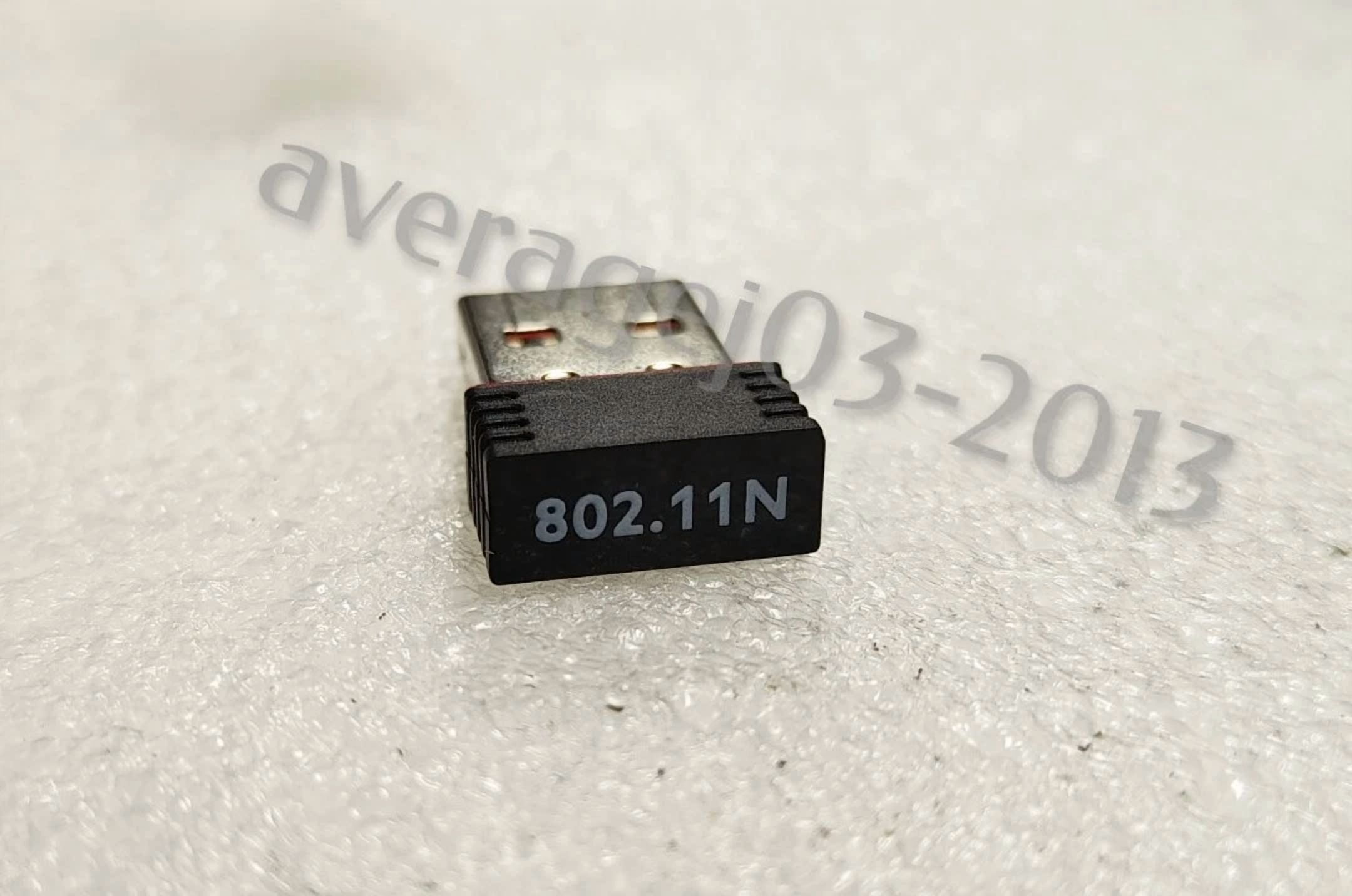
- Wireless network adapters for each device that will connect to the network
- An Ethernet cable (for connecting to a broadband modem or other network devices)
Step 1: Connect the Router to the Modem

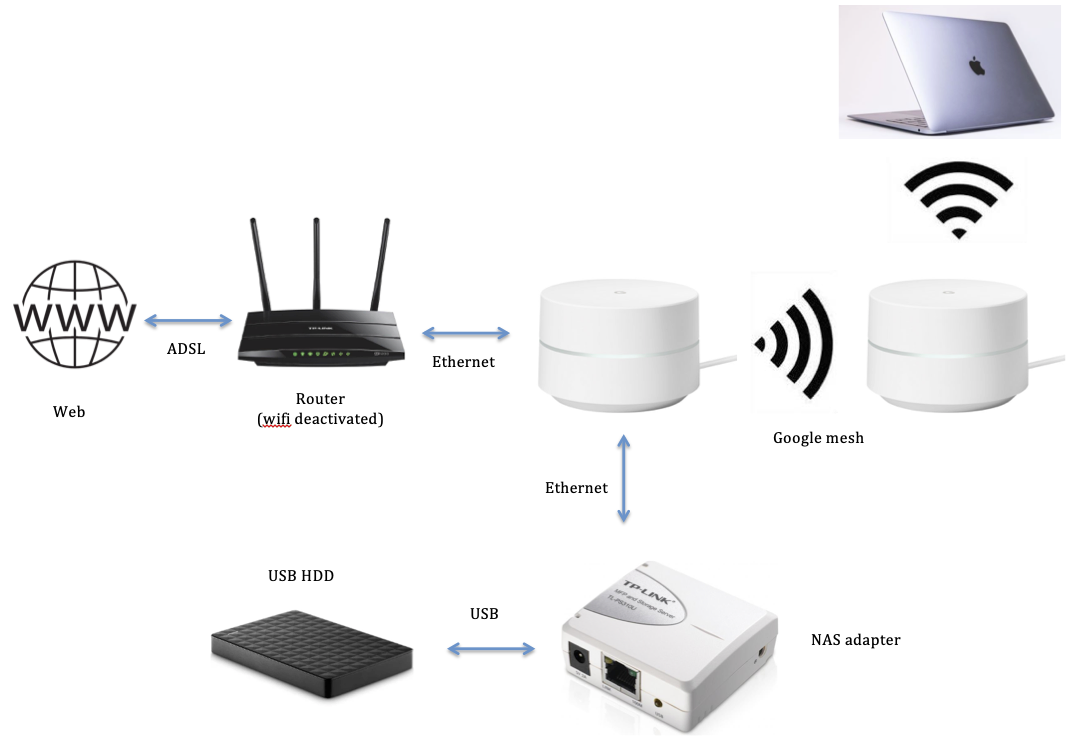
Begin by connecting the G wireless router to your broadband modem using an Ethernet cable. This provides a stable connection for your router to access the internet.
Step 2: Configure the Router's Wireless Settings
Log in to your router using its default IP address (usually 192.168.0.1 or 192.168.1.1). Set up the wireless network by giving it a name (SSID), setting a password, and choosing a channel to minimize interference from neighboring networks.