D-Link G Router Setup for Business Network: A Comprehensive Guide
Introduction
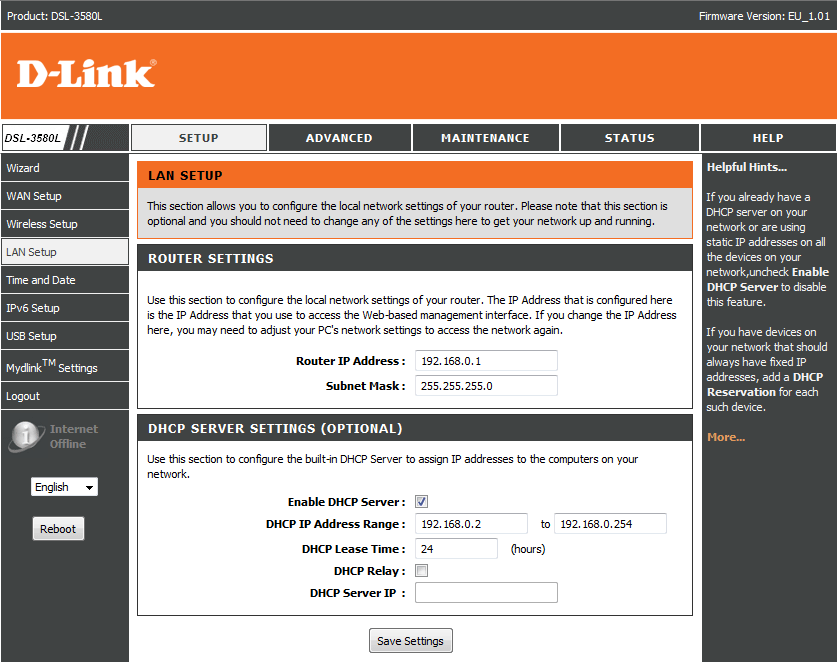
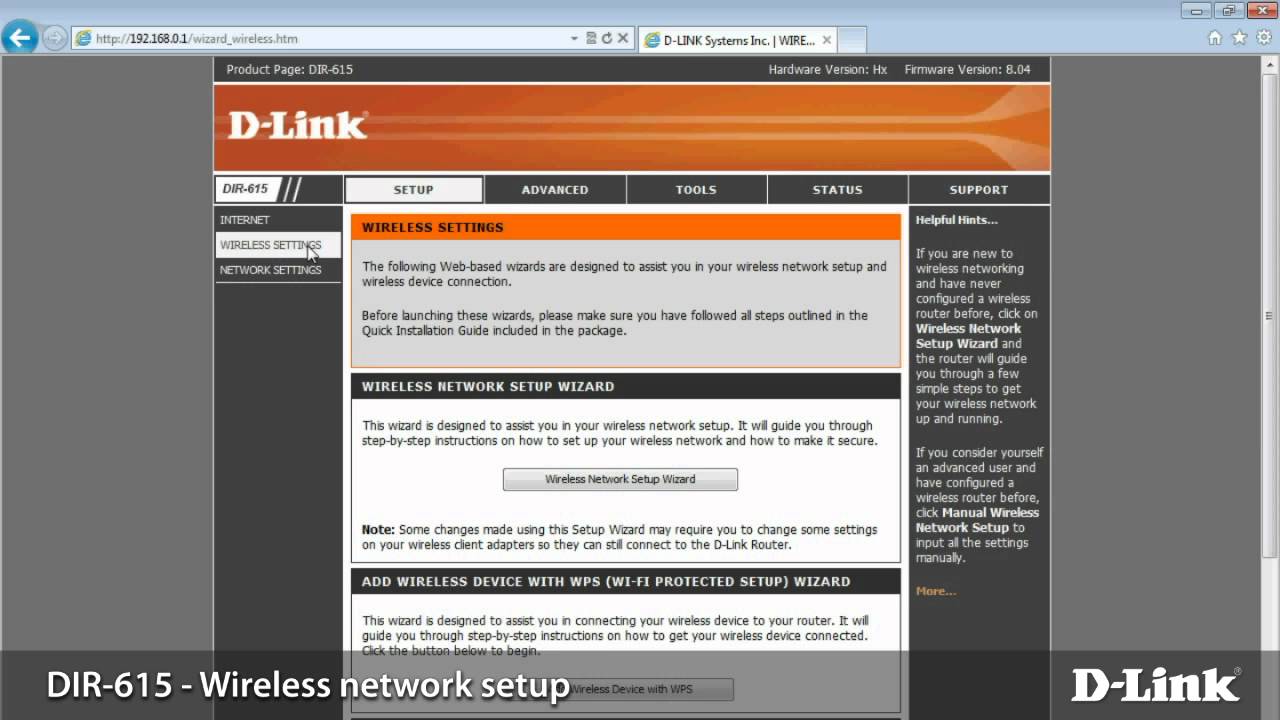
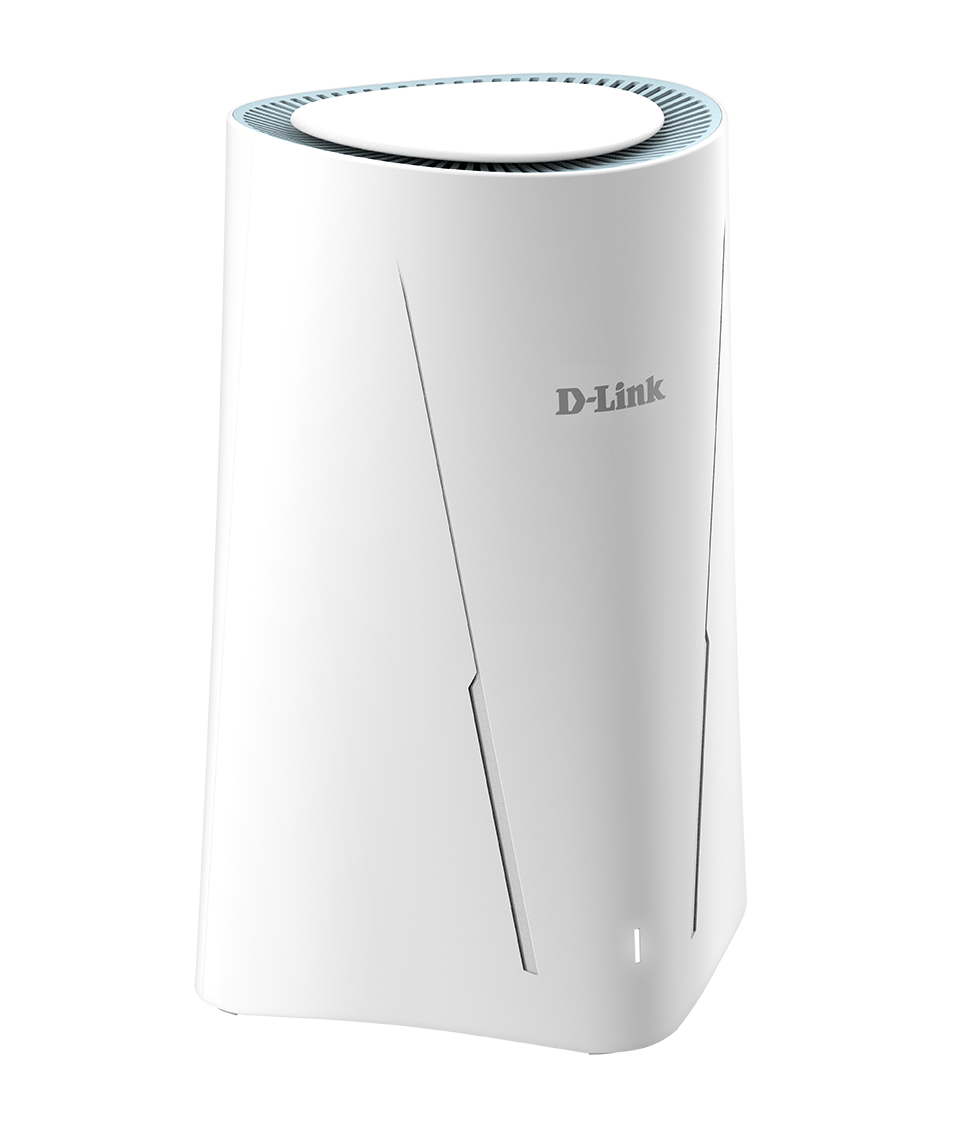
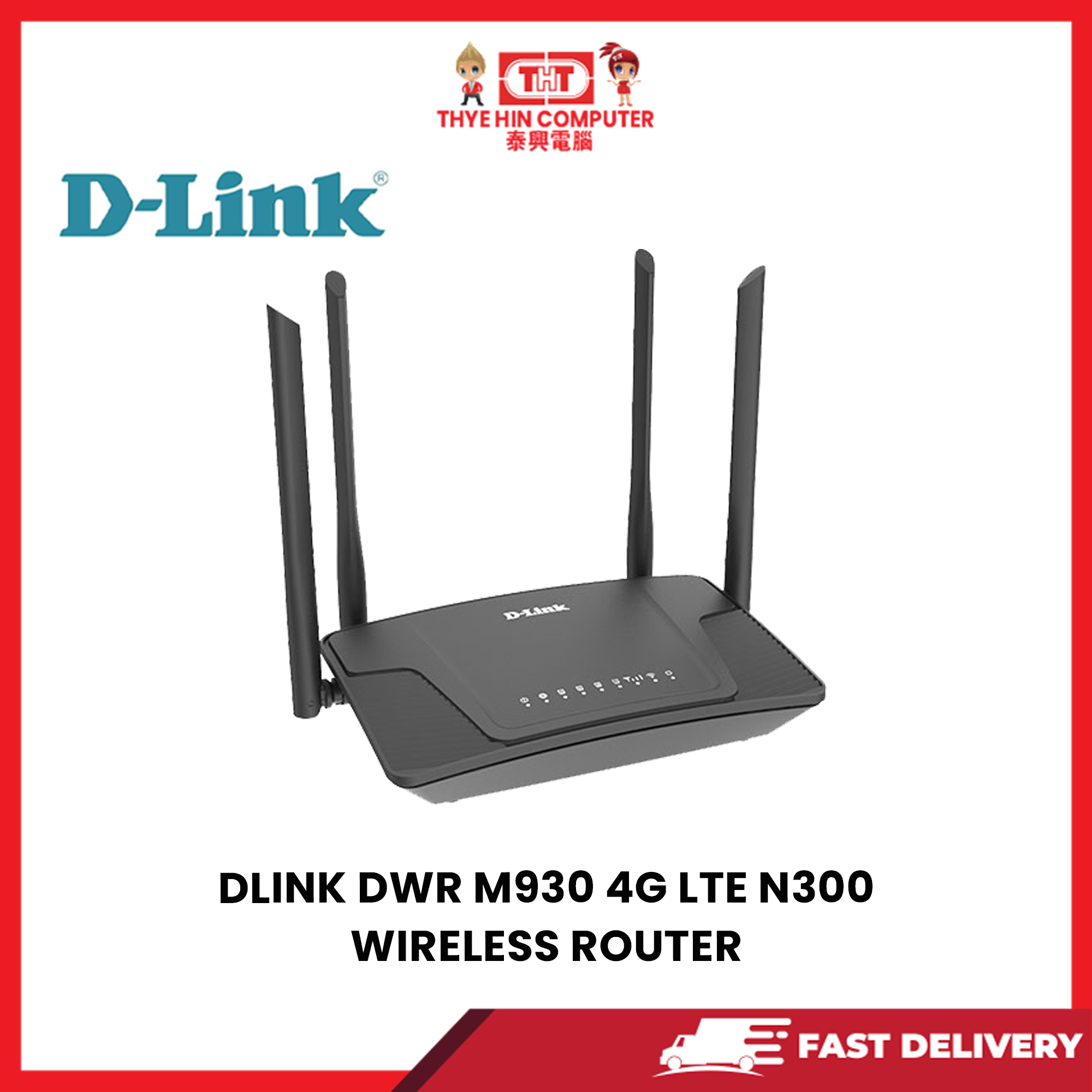
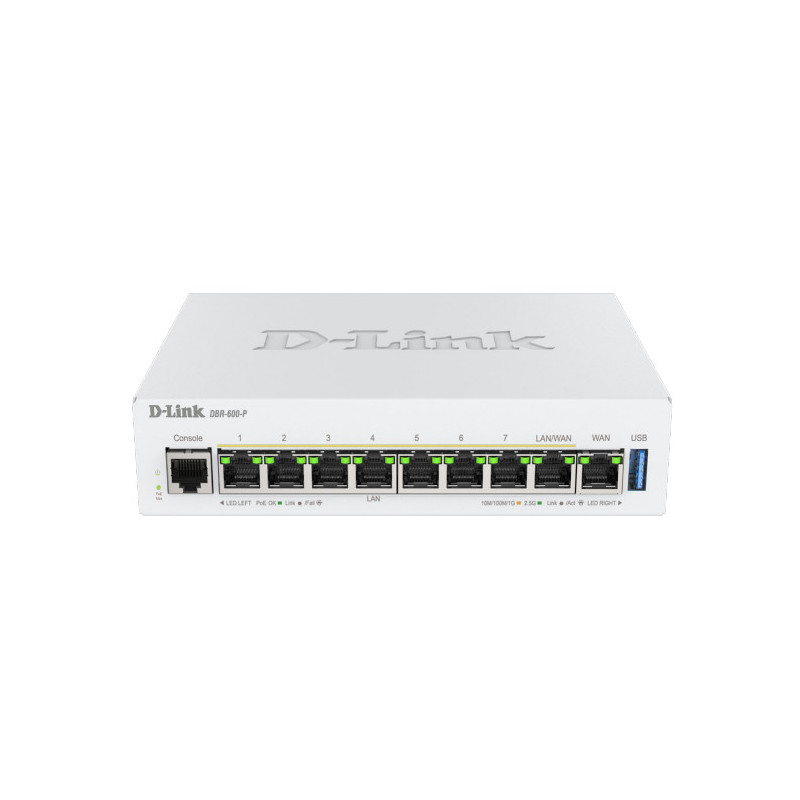
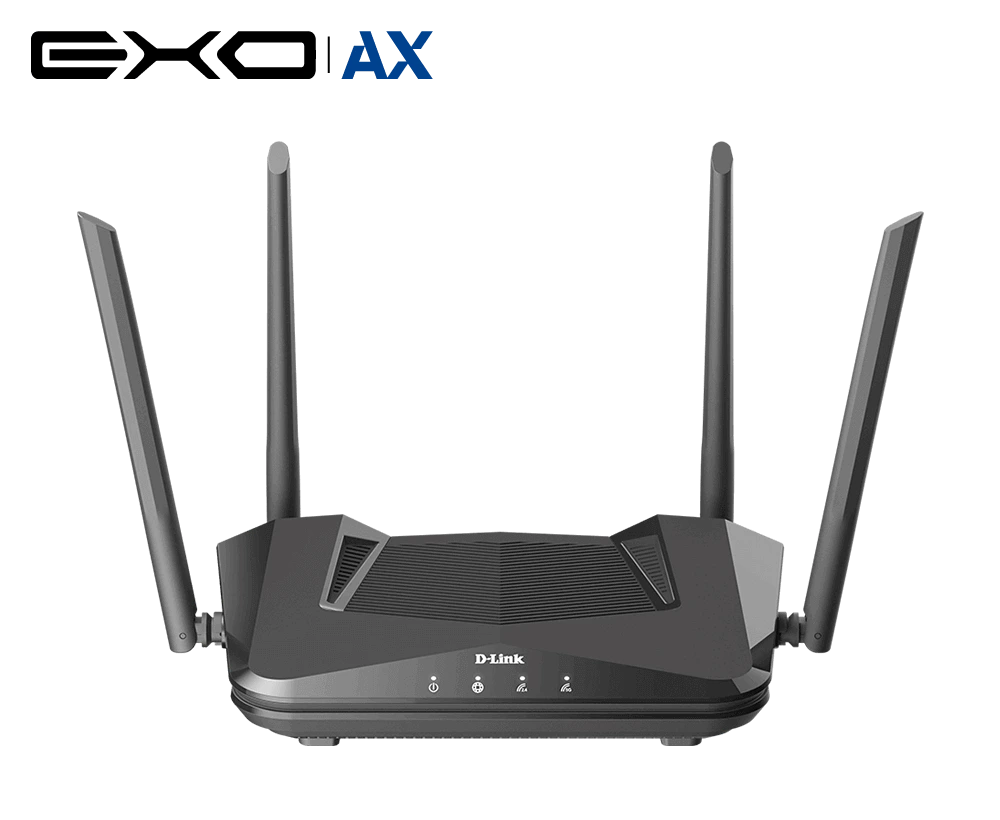
In today's fast-paced business environment, a reliable and efficient network is essential for day-to-day operations. A D-Link G router is a popular choice for businesses due to its high-speed performance, robust security features, and ease of setup. In this article, we will guide you through the process of setting up a D-Link G router for your business network.Before You Begin
Before setting up your D-Link G router, you need to understand the basics of your business network. Check with your internet service provider (ISP) to determine how the internet is provided and what type of router is recommended for your business needs. Once you have this information, you can move on to the next step.Hardware Installation
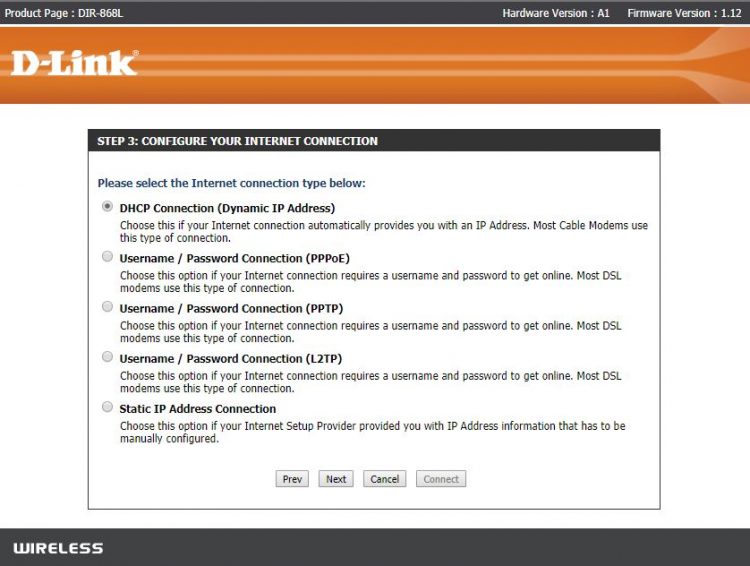
- Unplug the power to your cable/DSL internet modem.
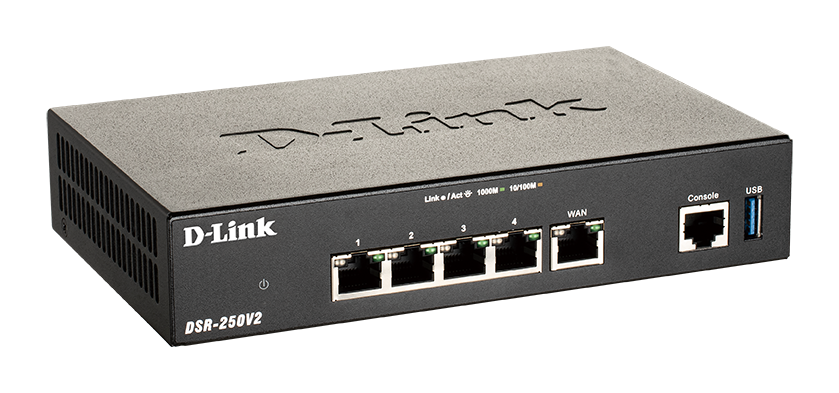
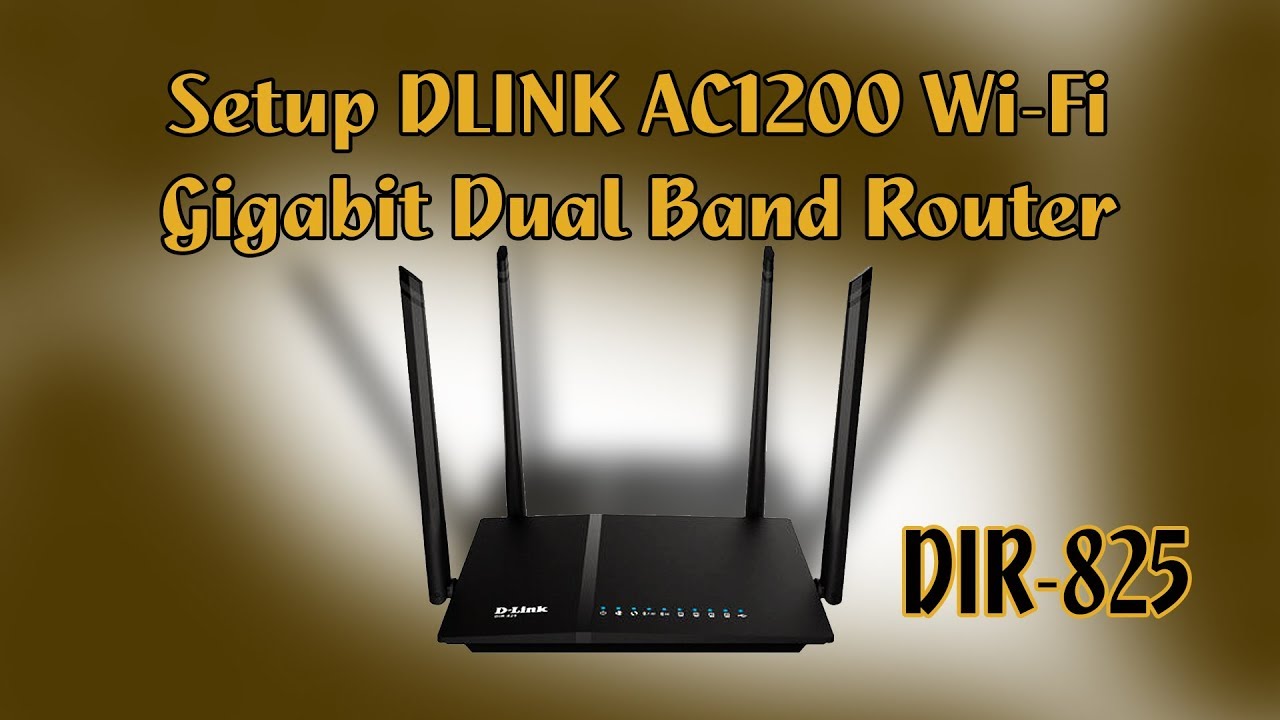
- Position your router close to your modem and a computer for the initial setup process.
- Once your router is set up, place it in an open area of your intended work area for better wireless coverage.