Cisco Router Configuration Basics: A Comprehensive Guide
Introduction
In the world of networking, Cisco routers are a crucial component that enables communication between different networks. Understanding the basics of Cisco router configuration is essential for network administrators, engineers, and anyone looking to advance their career in the field. In this article, we will cover the fundamental concepts of Cisco router configuration, including the must-know commands, configuration modes, and best practices.Understanding Cisco Router Configuration Basics

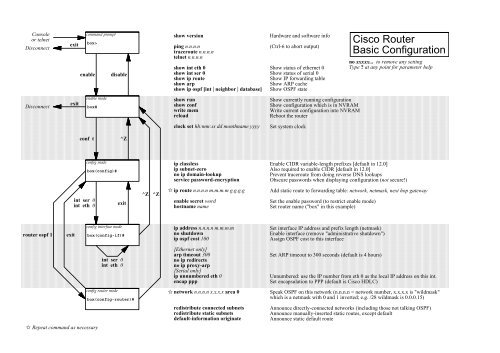
- Hostname**: Setting the hostname is a crucial step in configuring your router. Use the "hostname" command to assign a unique hostname to your router.
- Enable Secret**: Securing privileged mode is vital to prevent unauthorized access. Use the "enable secret" command to configure a secret password.
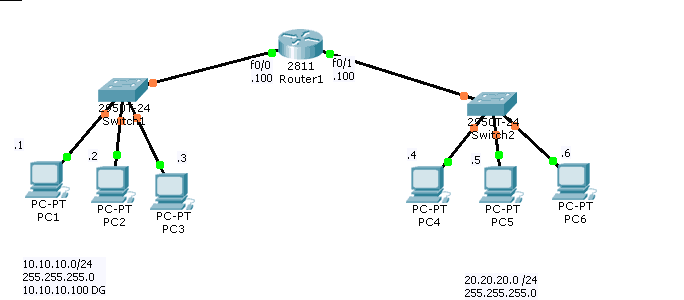
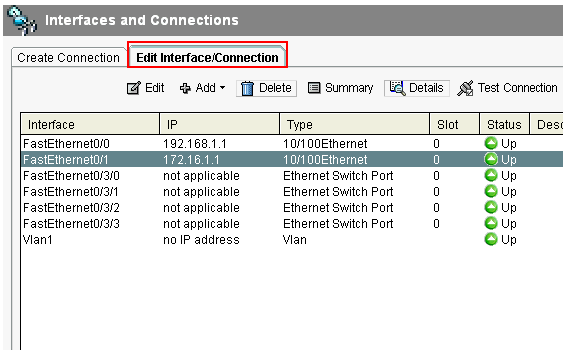
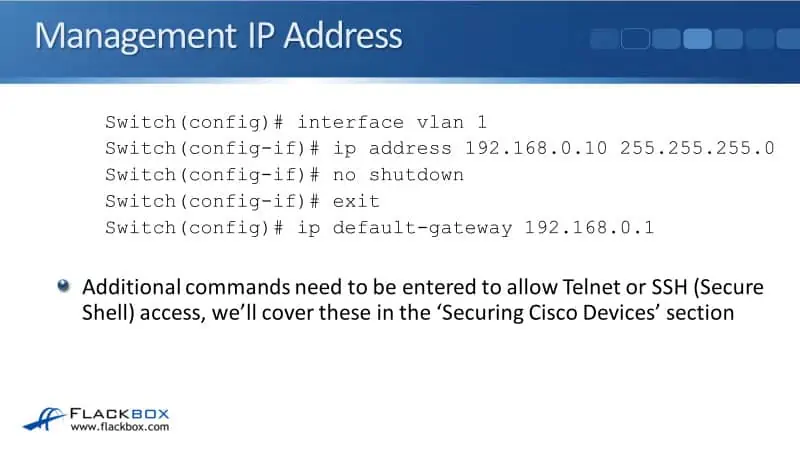
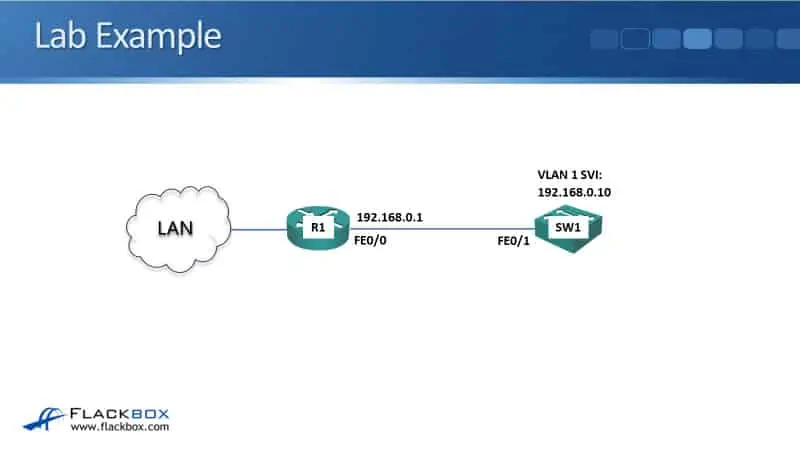
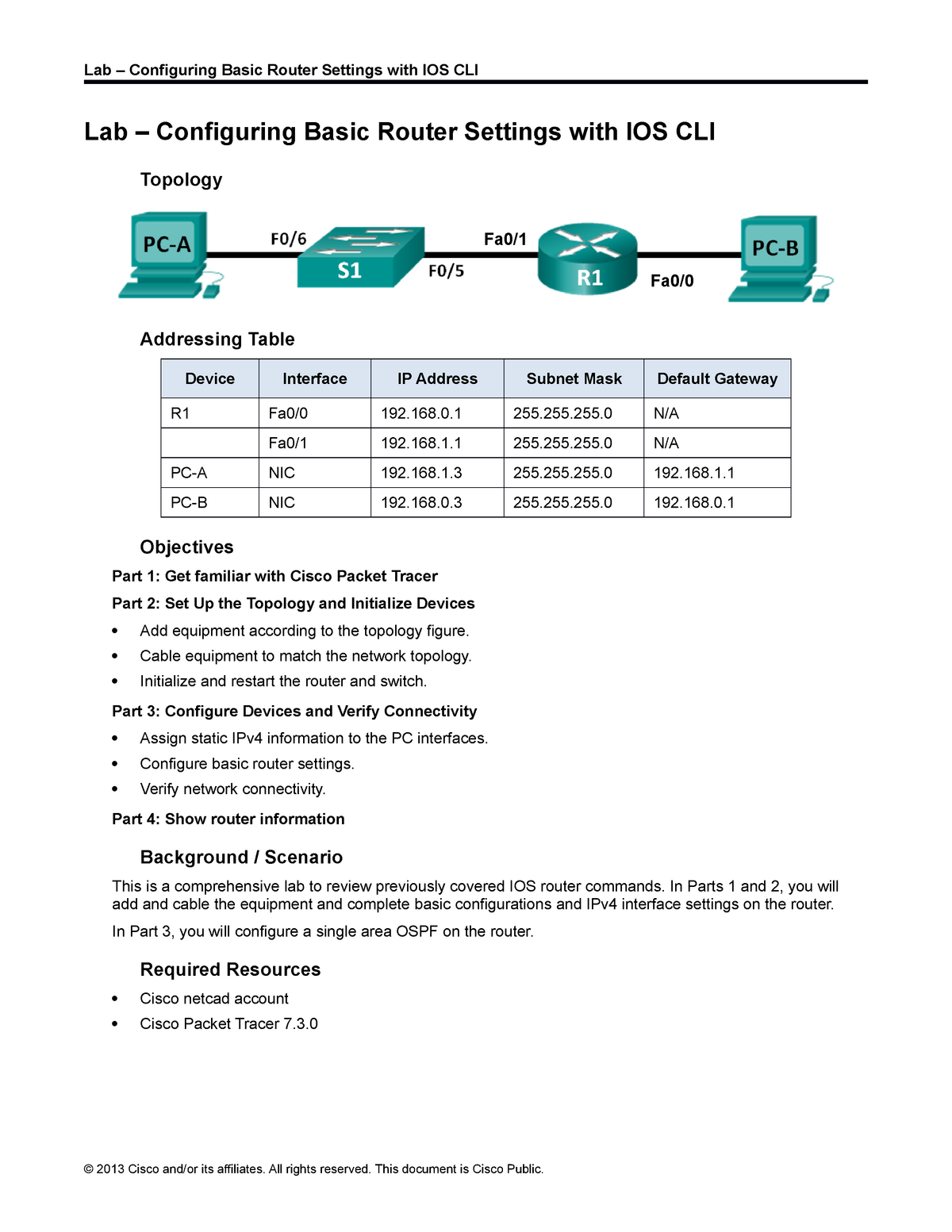
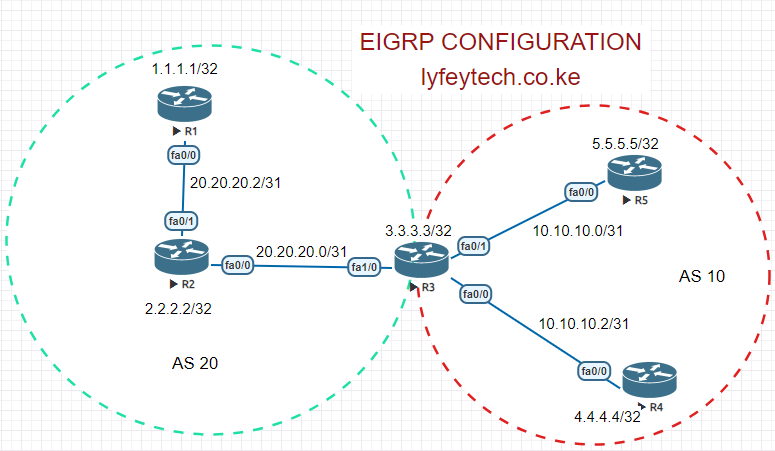
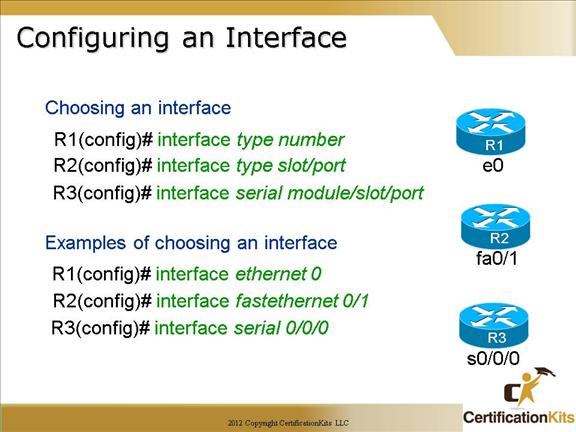
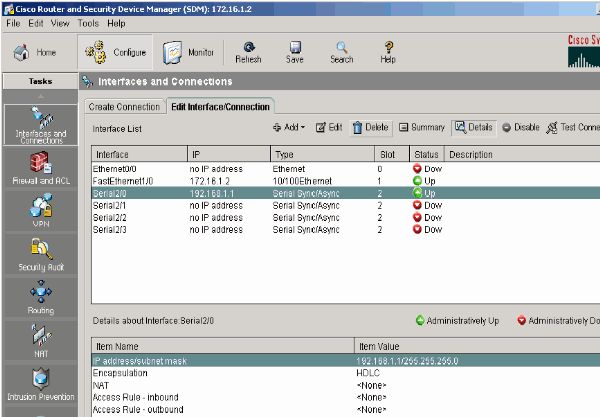
- Interface Configuration**: Use the "interface" command to configure IP addresses and enable interfaces. The "no shutdown" command is used to activate ports.
- Password Configuration**: Configure passwords for console and VTY lines using the "password" command.