Understanding Basic Network Router Configuration
In today's digital age, having a stable and secure network is crucial for both personal and professional use. A router is a critical component of any network, directing data packets between different networks and ensuring proper communication. However, setting up and configuring a router can be a daunting task, especially for those new to networking. In this article, we will dive into the basics of network router configuration, covering the essential steps to get your router up and running.
Router Settings: Uncovering the Basics
Before we begin, it's essential to understand the different settings that come with a router. These settings can be categorized into two main sections: network settings and security settings.
- Network Settings: These settings enable you to configure your router's connection to the internet, set up your network's IP address, and configure your router's port forwarding settings.
- Security Settings: These settings allow you to secure your router, protect it from unauthorized access, and limit the devices that can connect to your network.
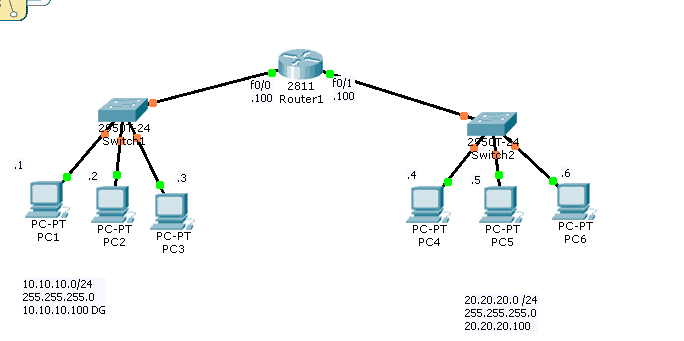
Configuring Basic Network Router Settings
To configure your basic network router settings, you'll need to follow these simple steps:
Step 1: Access the Router's Web Interface
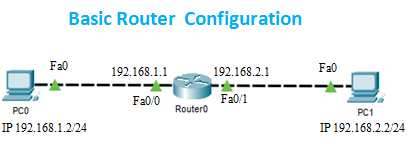
First, open a web browser and type the router's IP address (usually 192.168.1.1 or 192.168.0.1) in the address bar. You'll be asked to log in using the router's default administrator username and password.