Avoid Interference on Home Network: Tips and Tricks
Are you tired of dealing with a slow or unstable home network? Do you find yourself struggling to get a strong Wi-Fi signal in every corner of your home? You're not alone. Many homeowners experience interference on their home network, which can lead to slow speeds, dropped connections, and frustration. In this article, we'll explore the common causes of Wi-Fi interference and provide you with practical tips and tricks to avoid interference on your home network.
What Causes Wi-Fi Interference?
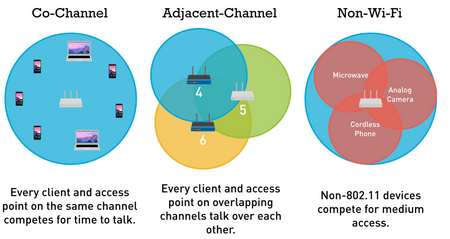
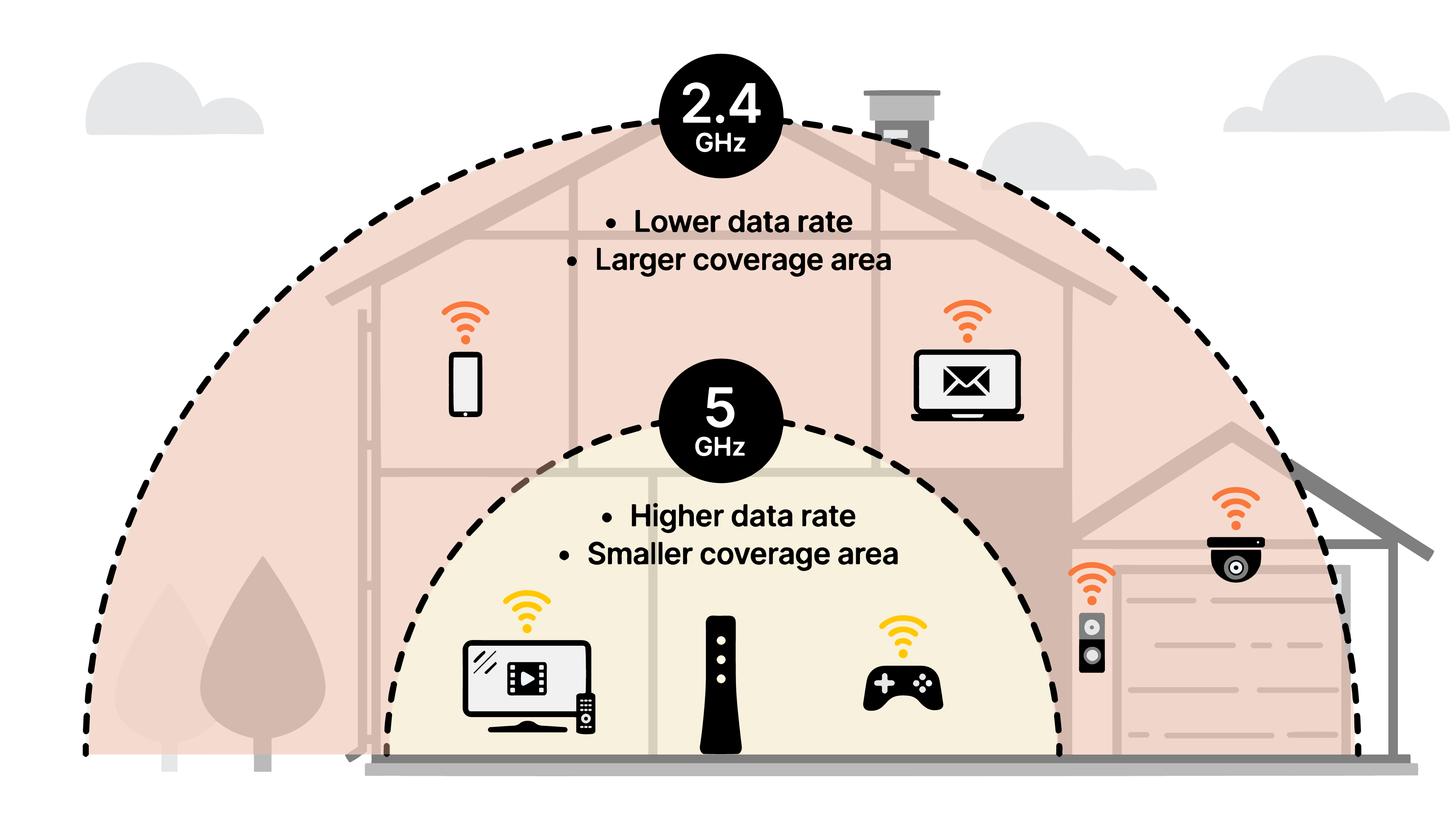
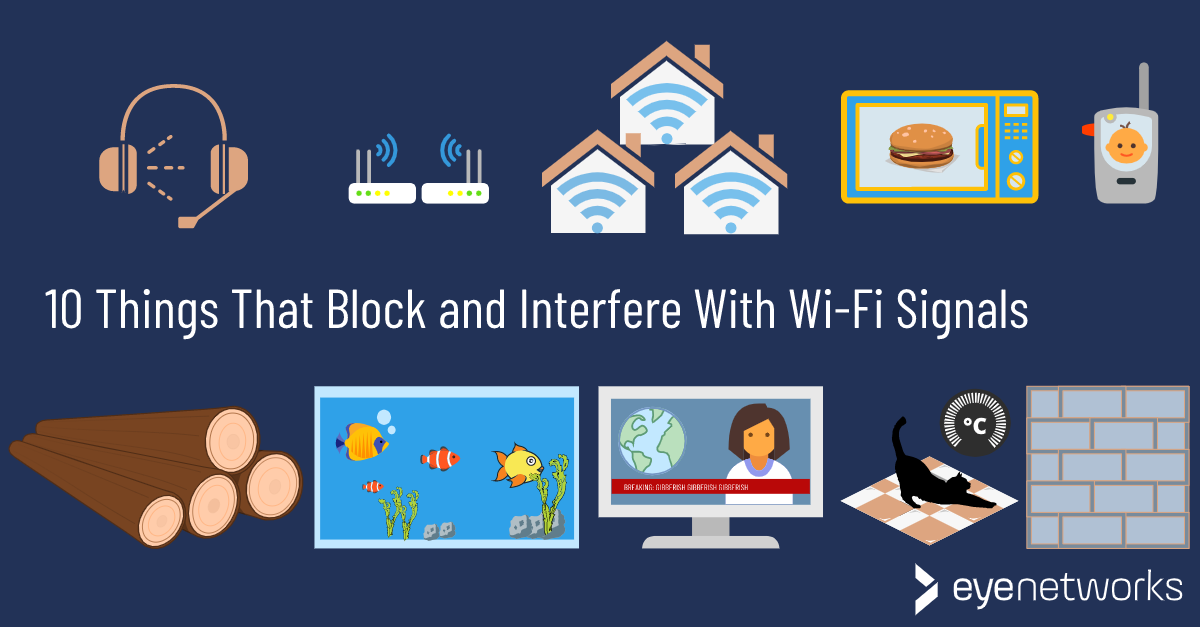
Wi-Fi interference can be caused by a variety of factors, including physical obstructions, other devices on your network, and external sources of interference. Some common causes of Wi-Fi interference include:
- Physical obstructions: Walls, floors, and ceilings can all interfere with your Wi-Fi signal.
- Other devices on your network: If you have multiple devices connected to your network, they can cause interference with each other.
- External sources of interference: Neighboring Wi-Fi networks, cordless phones, and microwaves can all cause interference with your Wi-Fi signal.
How to Avoid Interference on Your Home Network
To avoid interference on your home network, there are several steps you can take: