Optimizing G Router Settings for Home Internet Speed
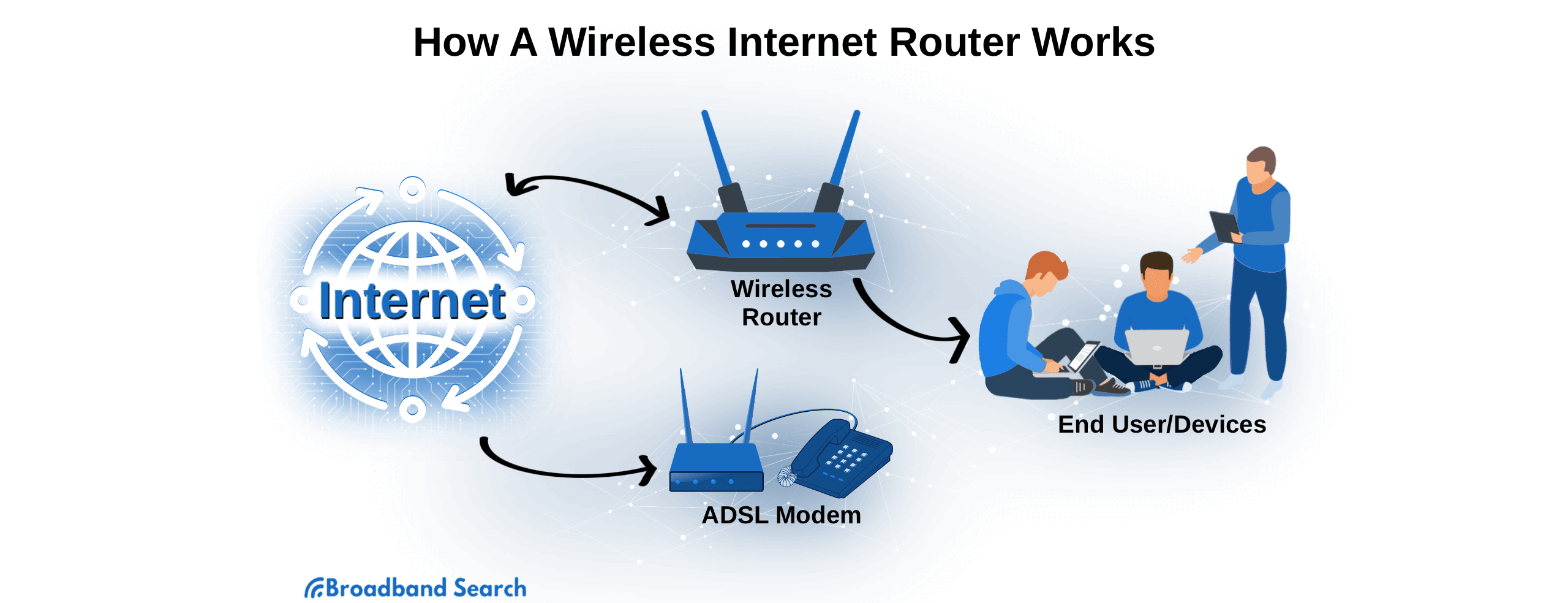
Having a stable and high-speed internet connection is crucial for both personal and professional use. Your router plays a key role in determining the speed and stability of your internet connection, making it essential to optimize its settings for optimal performance.
Understanding Router Settings
Most people never think about modifying their router's settings, but they are one of the quickest and simplest ways to optimize Wi-Fi performance. A good router can make a massive difference to your internet connection speed, but if your router performance has slowed down, how can you keep up in a world of online meetings and streaming platforms?
Optimizing G Router Settings for Home Internet Speed
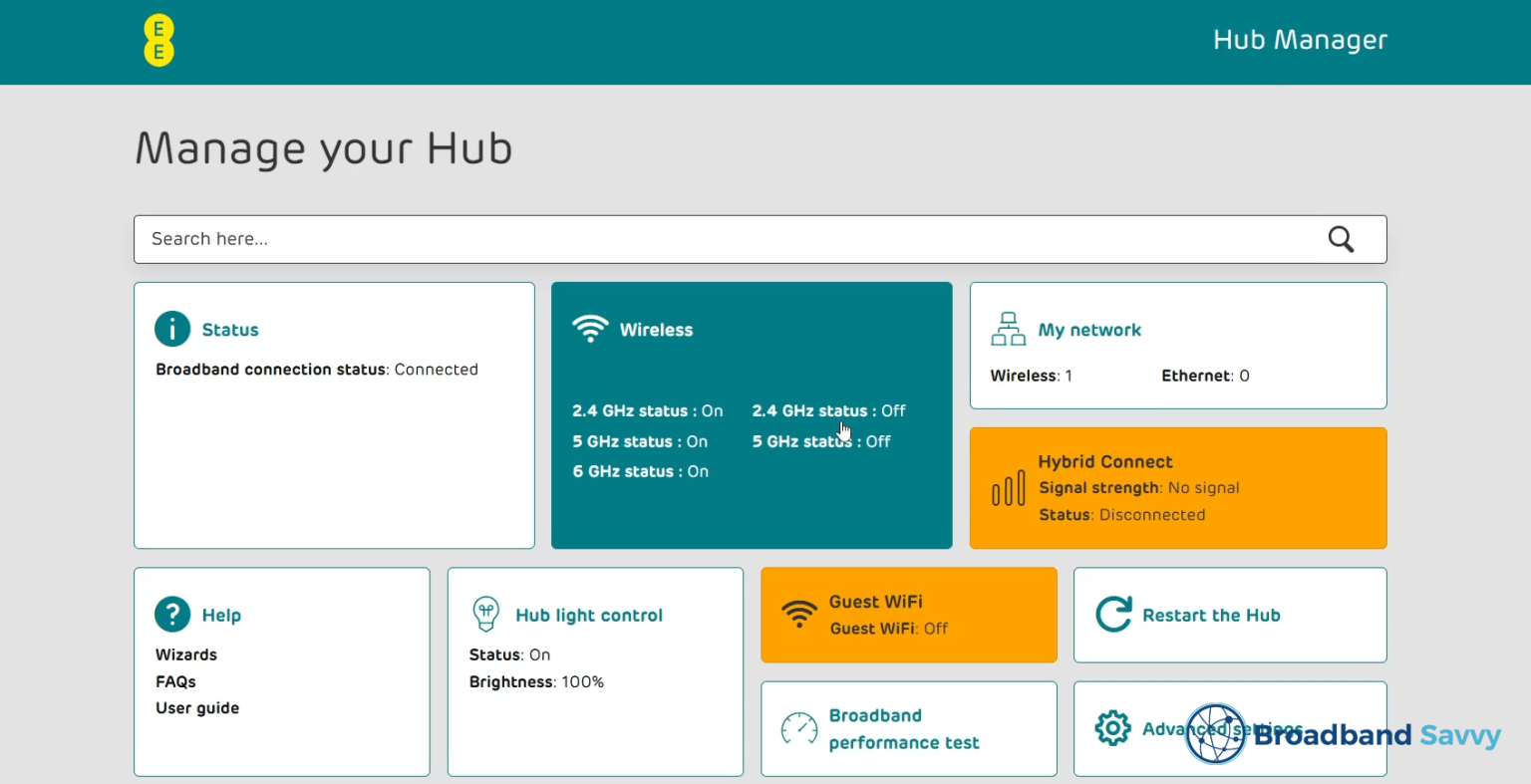
Following and changing these router options can potentially improve your wireless network's performance and speed. Some of these options typically work better in different situations. We have included some basic summaries of these settings, and you can read more about why these settings work.
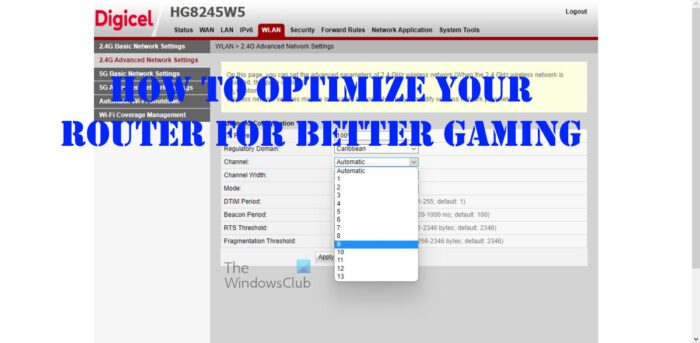
- Channel Selection: Changing the Wi-Fi channel on your router can help improve performance by reducing interference from other devices. Modern routers often have a feature to automatically select the best channel, but you can also manually select a channel that works best for your network.
- 5GHz Band Settings: The 5GHz band offers faster speeds than the 2.4GHz band, but its range is shorter. You can configure your router to use the 5GHz band for devices that are close to the router and use the 2.4GHz band for devices that are farther away.
- QoS Prioritization: Quality of Service (QoS) prioritizes internet traffic to ensure that critical applications get the quickest route through your network. You can set QoS to prioritize gaming data, video calls, or other applications over background downloads.
- MU-MIMO and OFDMA: Multi-User Multiple Input Multiple Output (MU-MIMO) and Orthogonal Frequency-Division Multiple Access (OFDMA) are advanced technologies that can improve wireless performance and range. You can enable these features on your router to get better device management and consistent connections.