Google Wi-Fi Installation Instructions: A Step-by-Step Guide
Are you ready to expand Wi-Fi coverage throughout your home with a Google Wi-Fi mesh network? Look no further! In this article, we'll provide you with a comprehensive guide on how to set up your Google Wi-Fi system, including tips on device placement and troubleshooting.
What is Google Wi-Fi?
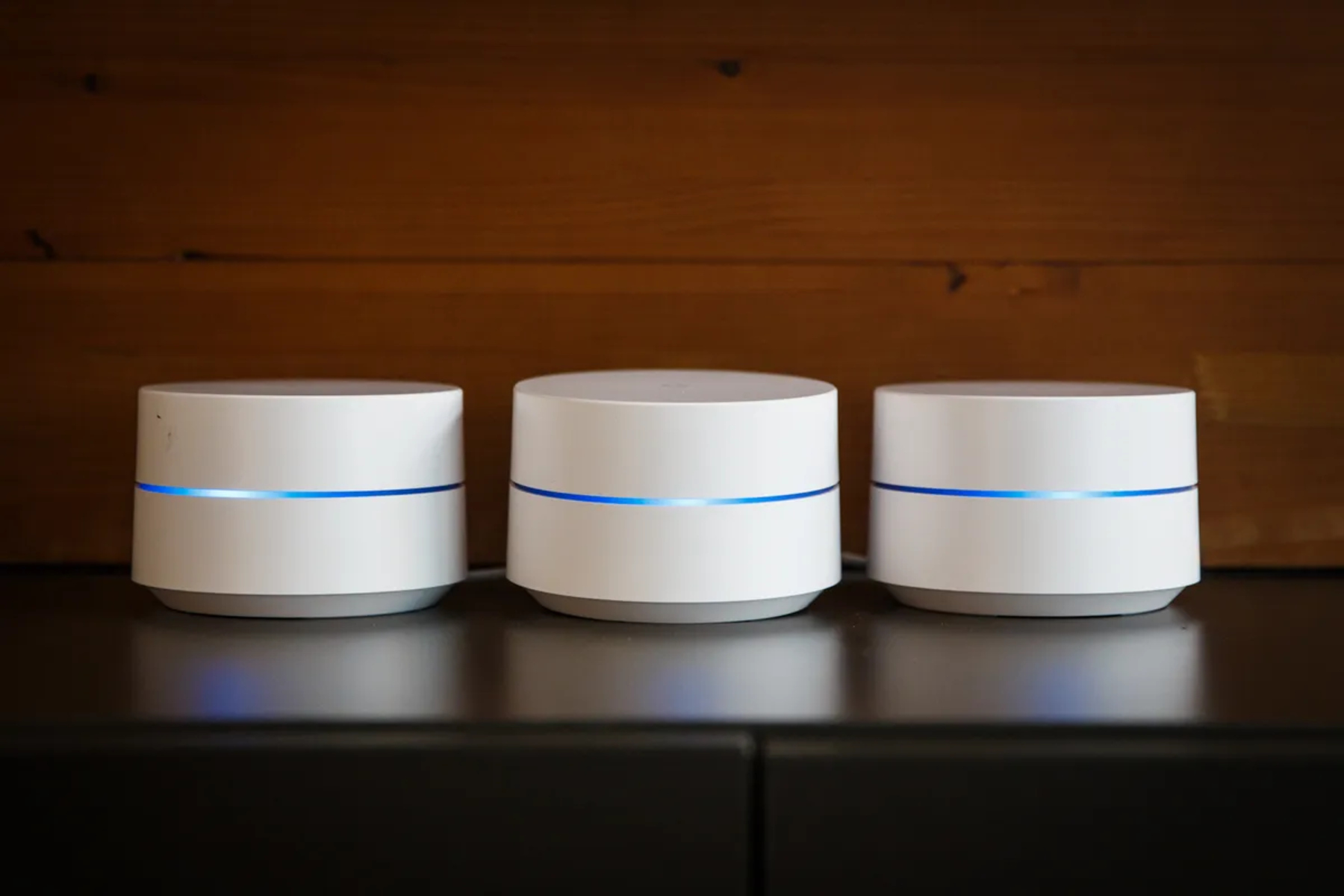
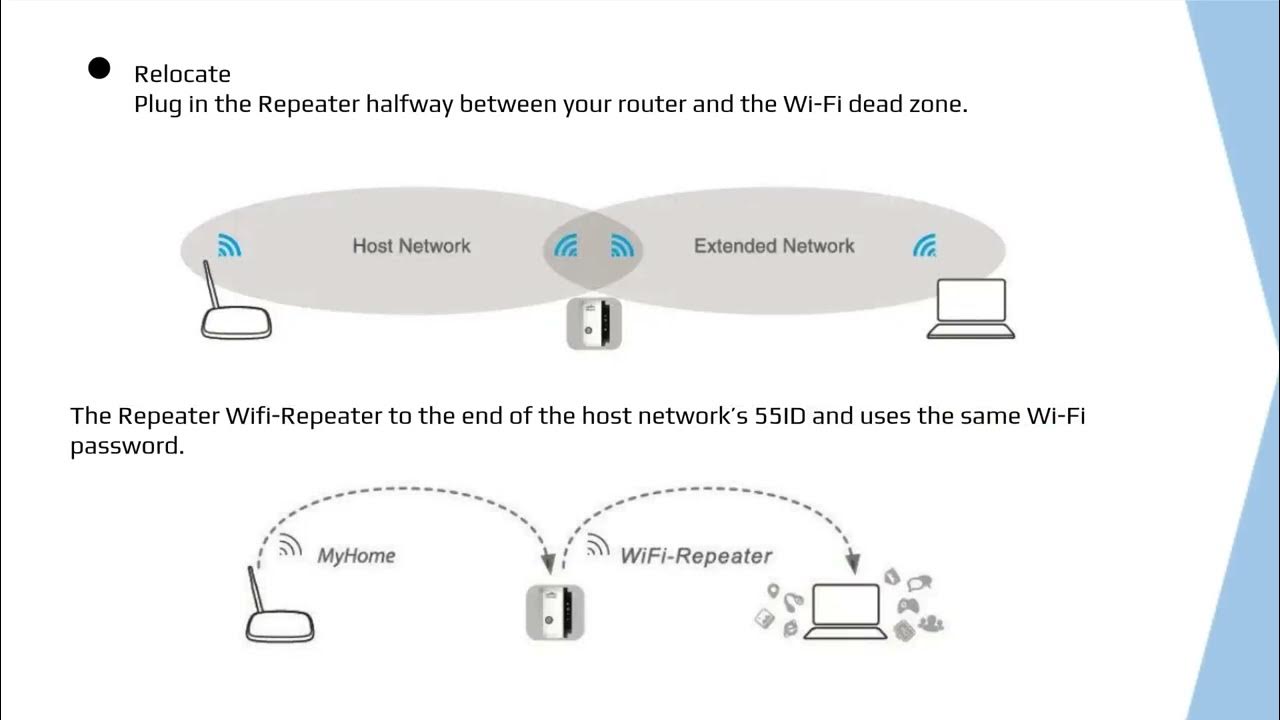
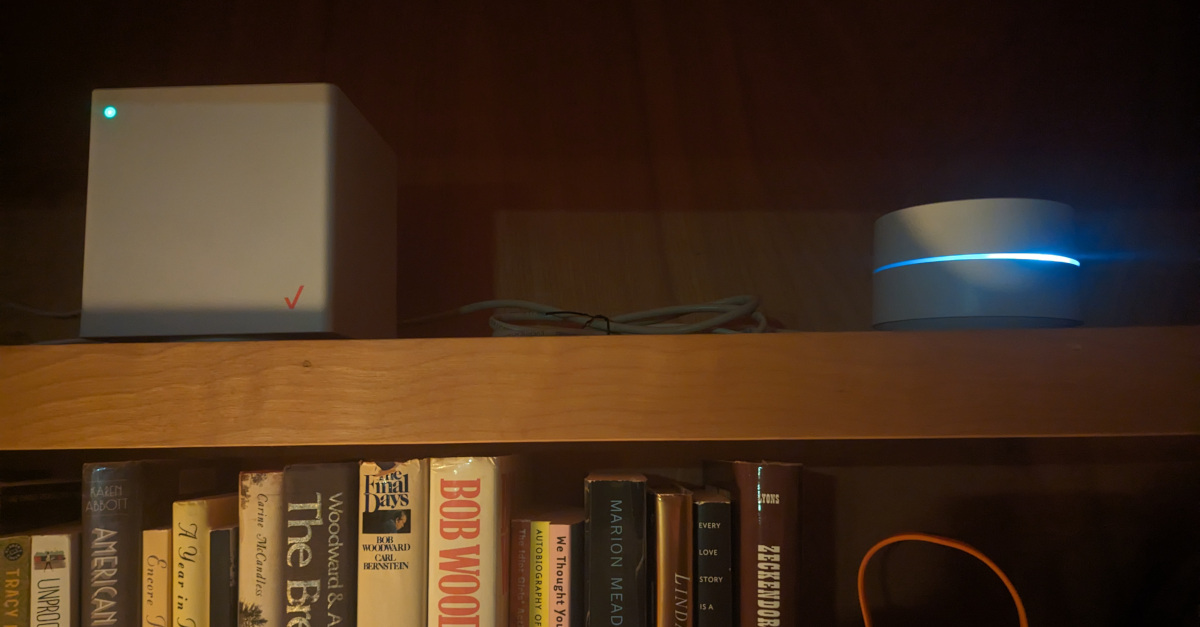
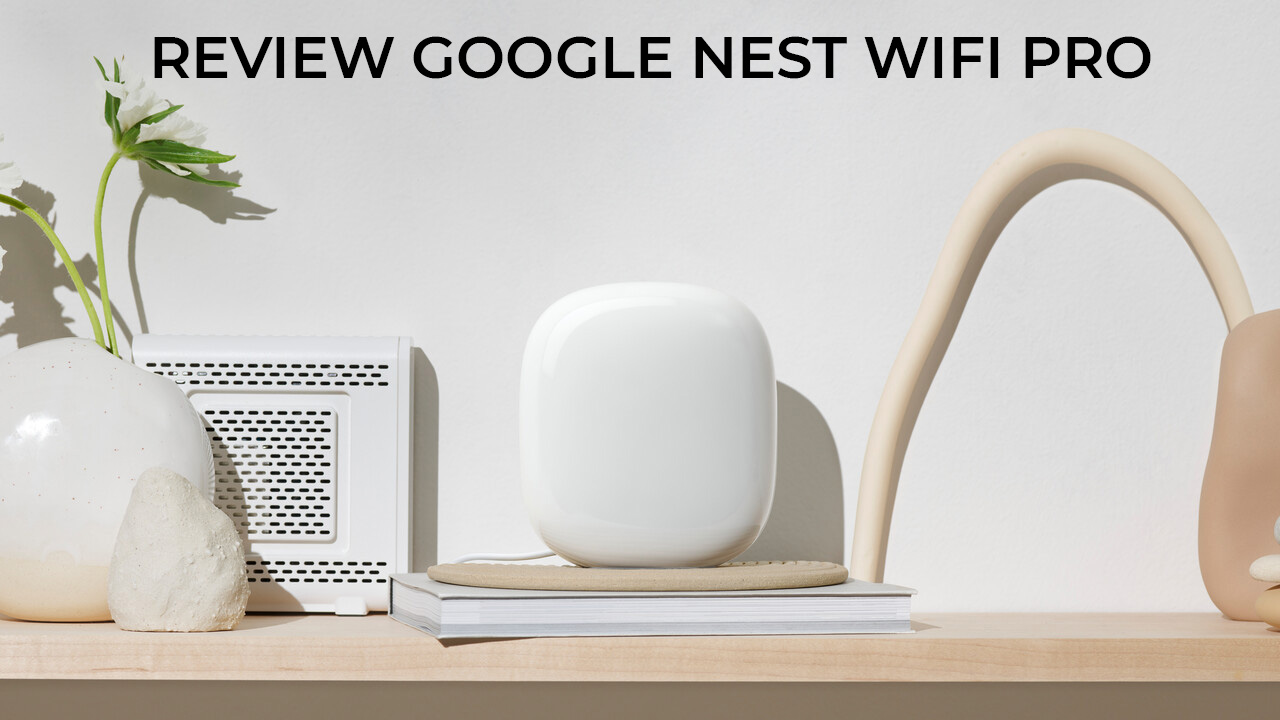
Google Wi-Fi is a mesh Wi-Fi system that uses multiple wireless routers to create a network of connected devices throughout your home. This ensures reliable and fast internet connectivity, making it perfect for heavy internet users or large households.
Equipment Needed
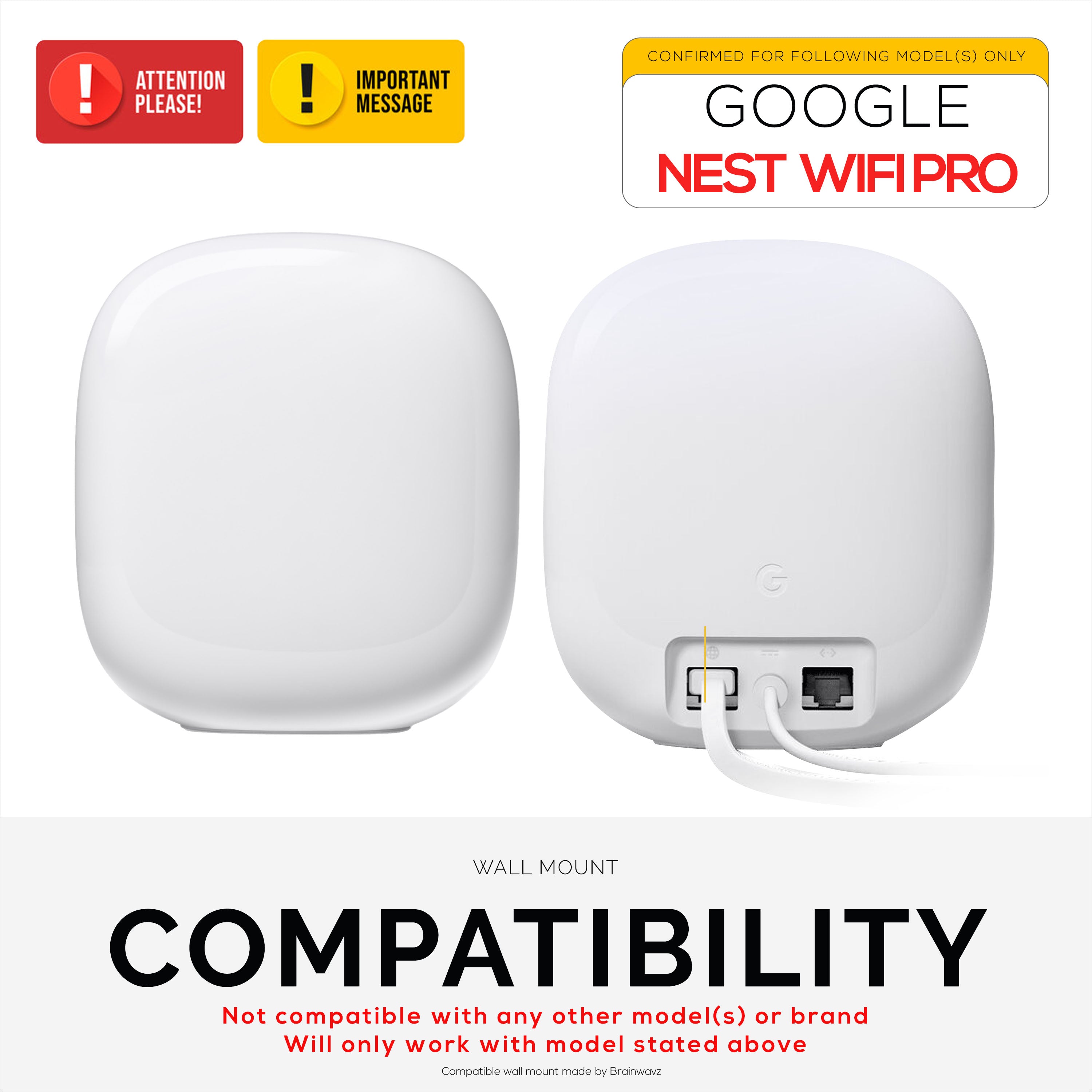
- Google Wi-Fi router (main unit)
- Google Wi-Fi points (additional units for expanded coverage)
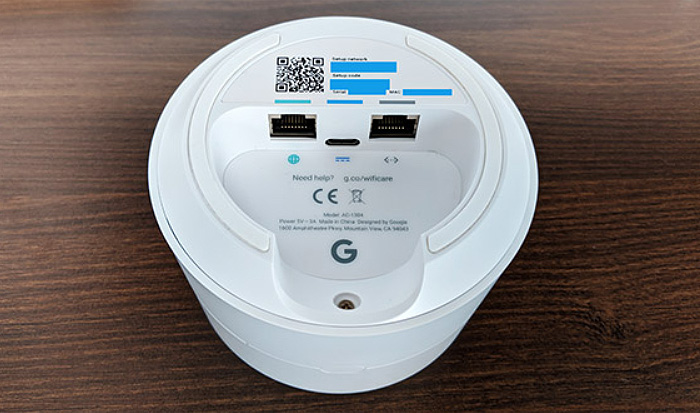
- Power adapter
- Mobile device (smartphone or tablet) with Android or iOS operating system

Step 1: Download and Install the Google Home App
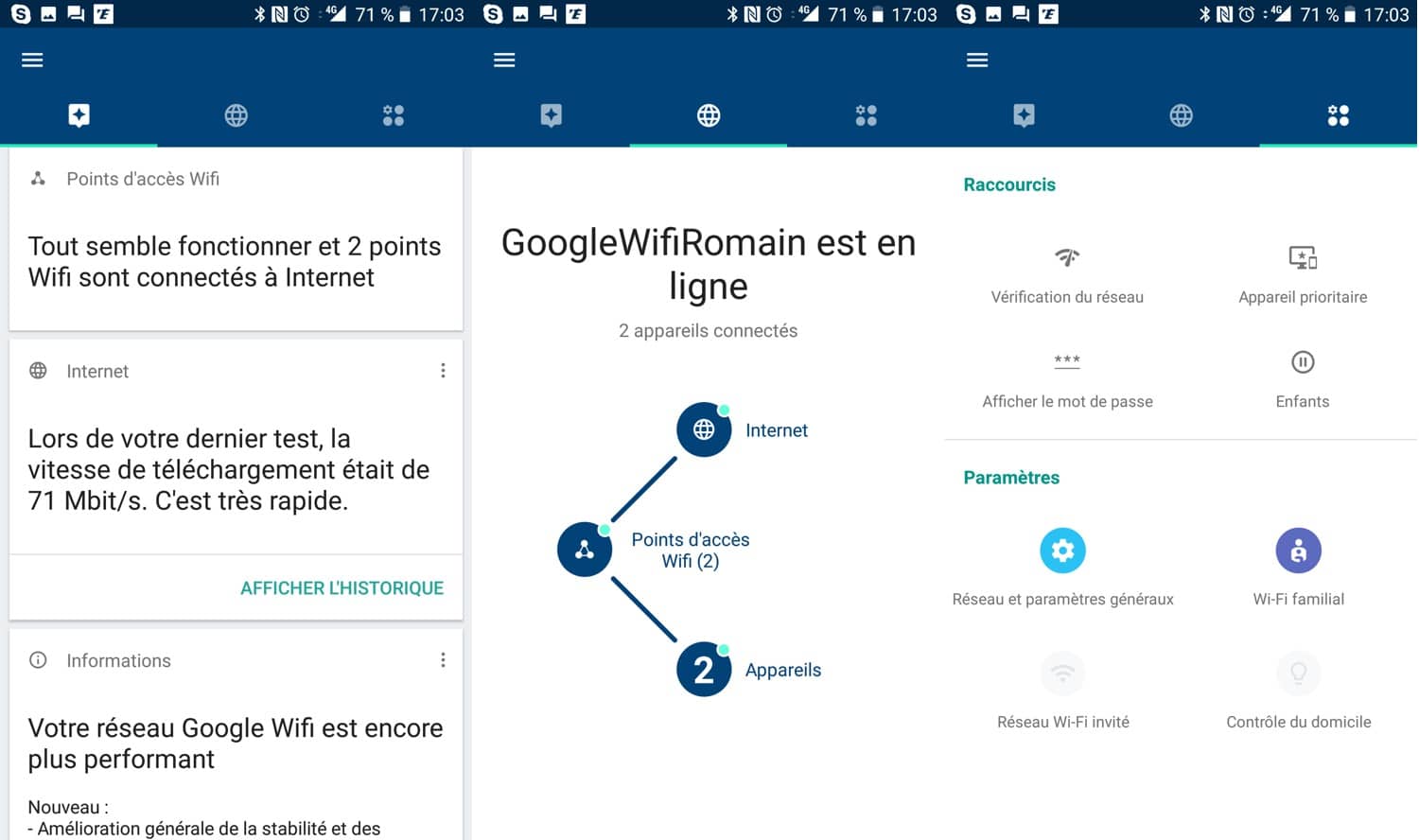
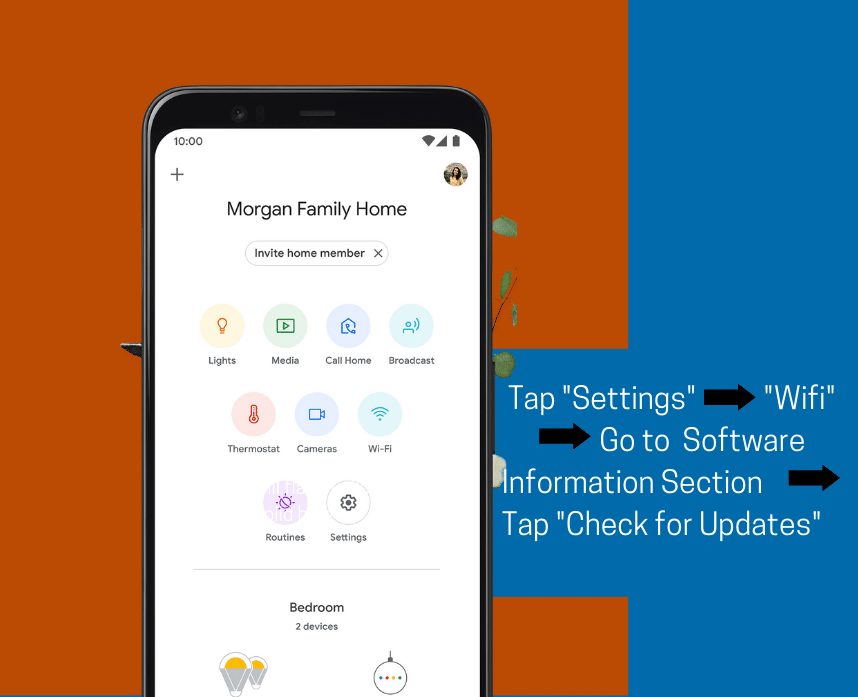
Before you begin, you need to download and install the Google Home app on your mobile device. This app is the hub for your Google Wi-Fi system and allows you to access its settings. You can download the app from the Google Play Store (for Android devices) or the Apple App Store (for iOS devices).
Step 2: Unbox and Install the Google Wi-Fi Router
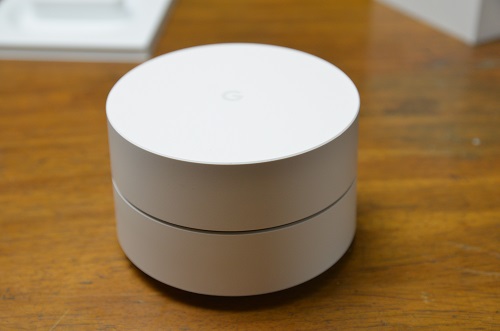
Unbox your Google Wi-Fi router and install it in a central location in your home. Follow the manufacturer's instructions for installation.