D-Link Router Setup with PC: A Step-by-Step Guide
Are you ready to configure your D-Link router and connect to the internet? This comprehensive guide will walk you through the process of setting up your device using a PC.Step 1: Position Your Router
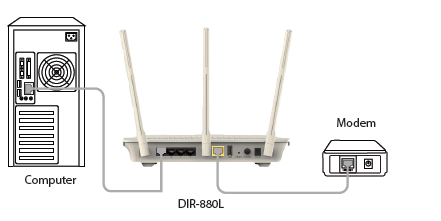
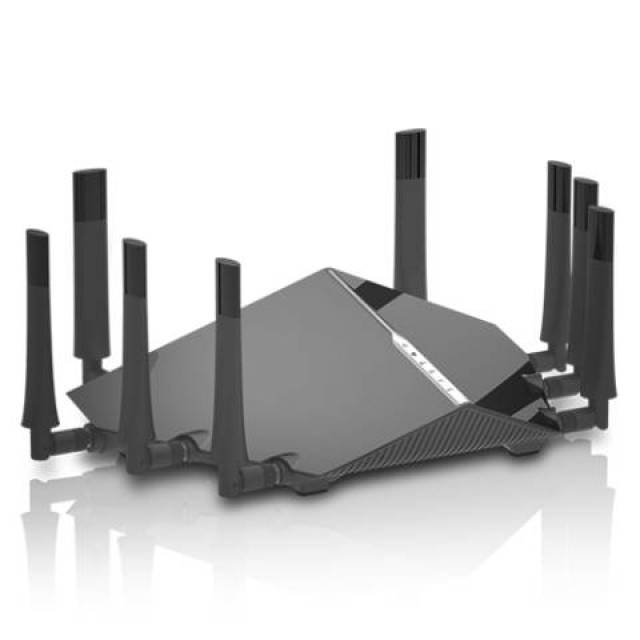
Before you begin, make sure your router is in an open area with minimal obstructions for better wireless coverage. Position your DIR-605L near your Internet-connected modem and PC.Step 2: Unplug Your Modem
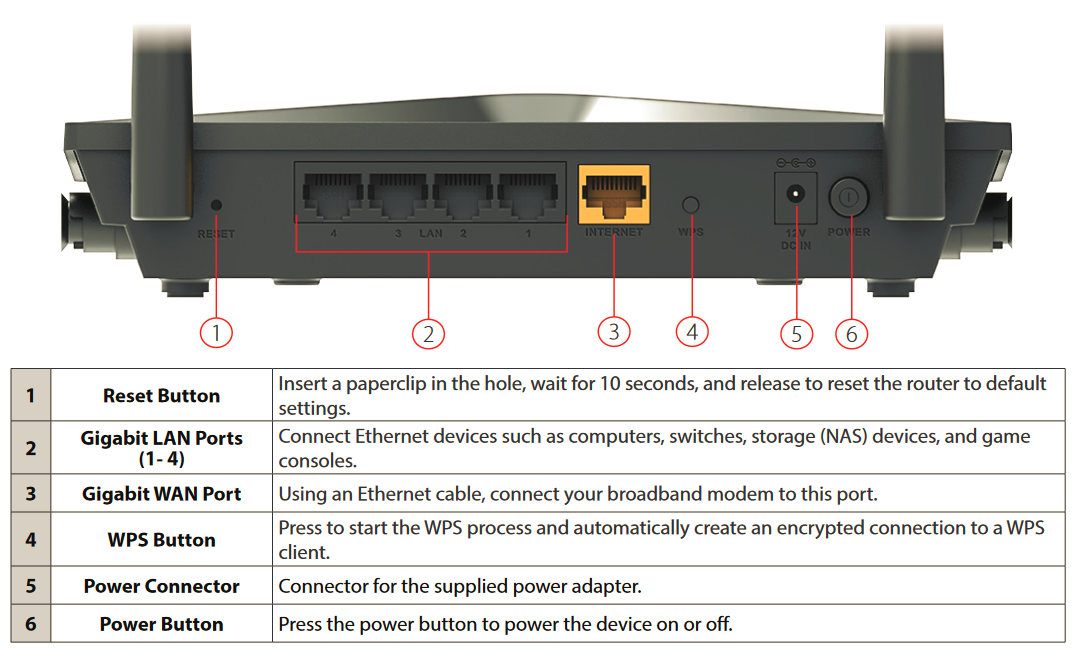
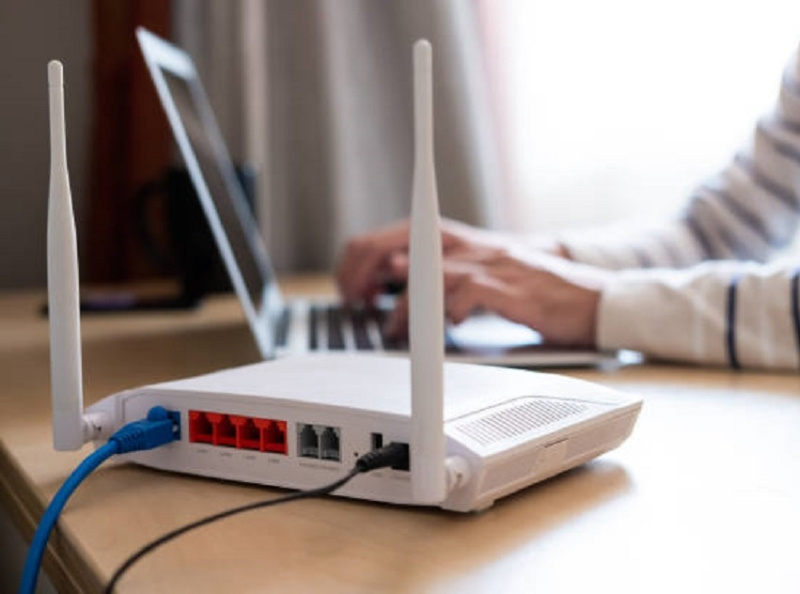
Unplug the modem's Ethernet cable connected to your computer (or existing router) and plug it into the port labeled 'INTERNET' on the back of your router.Step 3: Connect to Your Router