D-Link Router Setup Instructions: A Step-by-Step Guide
Properly setting up and configuring a D-Link router is essential for establishing a secure and efficient home network. This guide will walk you through the complete process of configuring your D-Link router, from initial setup to advanced features.
Step 1: Unboxing and Preparation
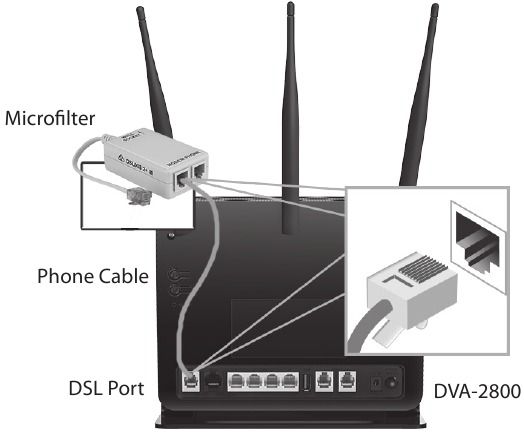
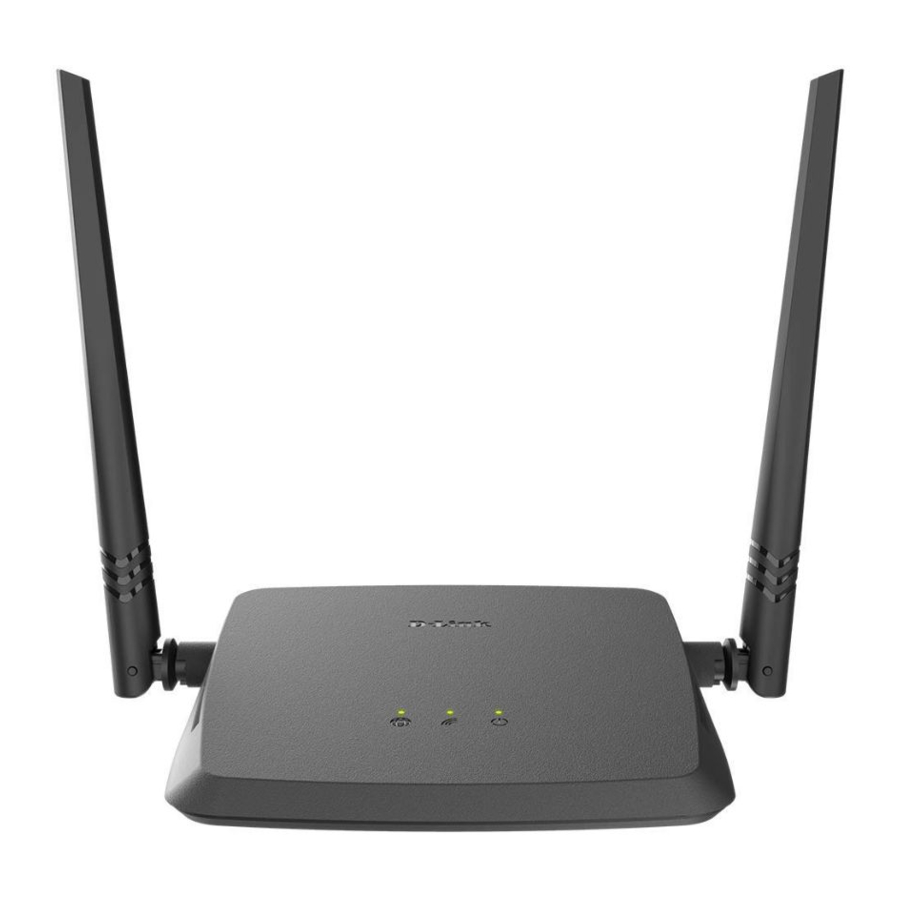
Before you begin, make sure you have the following items:
- D-Link router
- Power adapter
- Ethernet cables
- Modem (if separate)
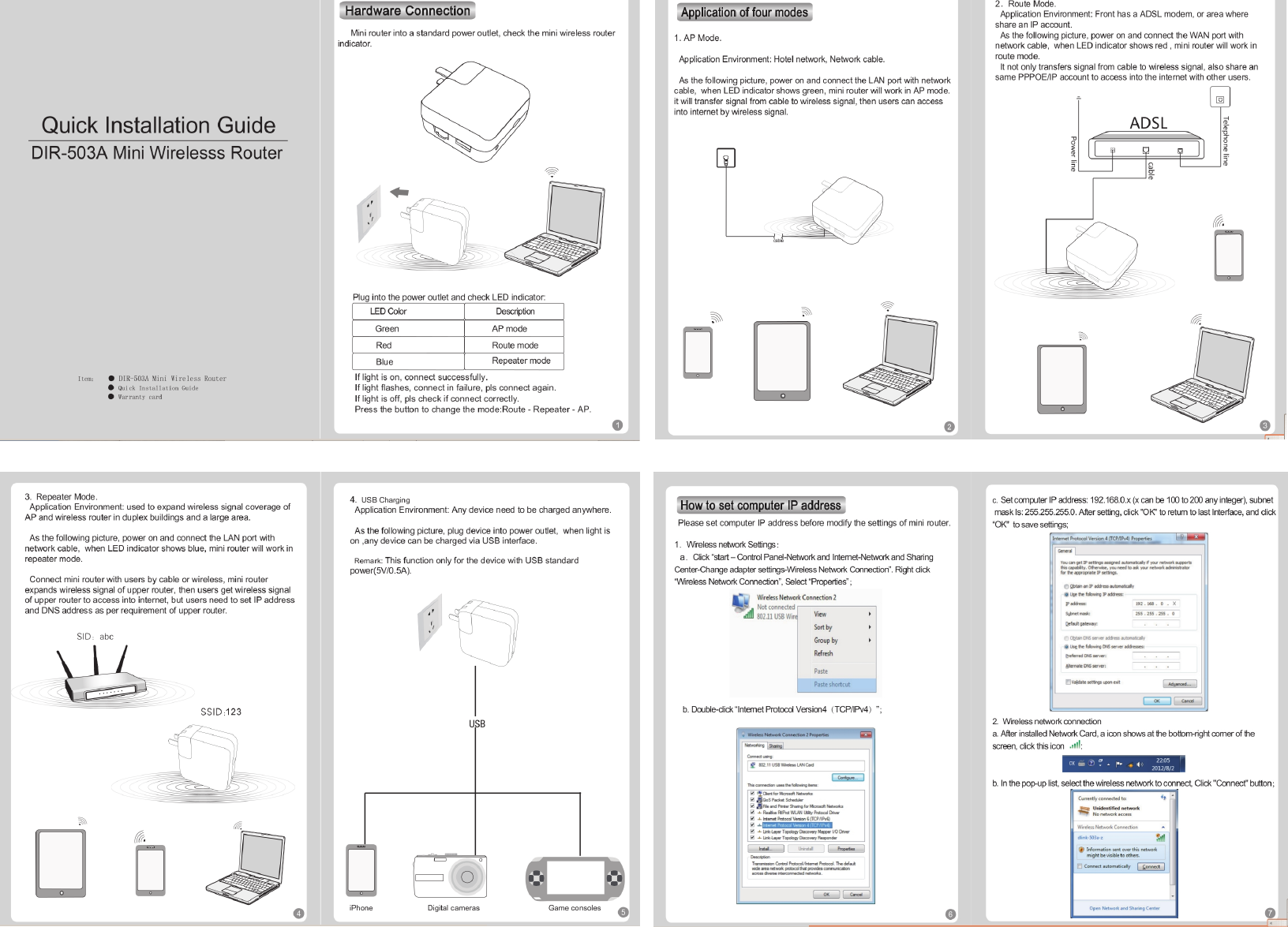
Peel the protective film from the top and bottom of the device. Charge the device by connecting the power adapter to the DIR-510L and plugging it in to a wall outlet. Charge the device for at least 4 hours or until the battery LED indicator turns solid green.

Step 2: Logging In to the Router
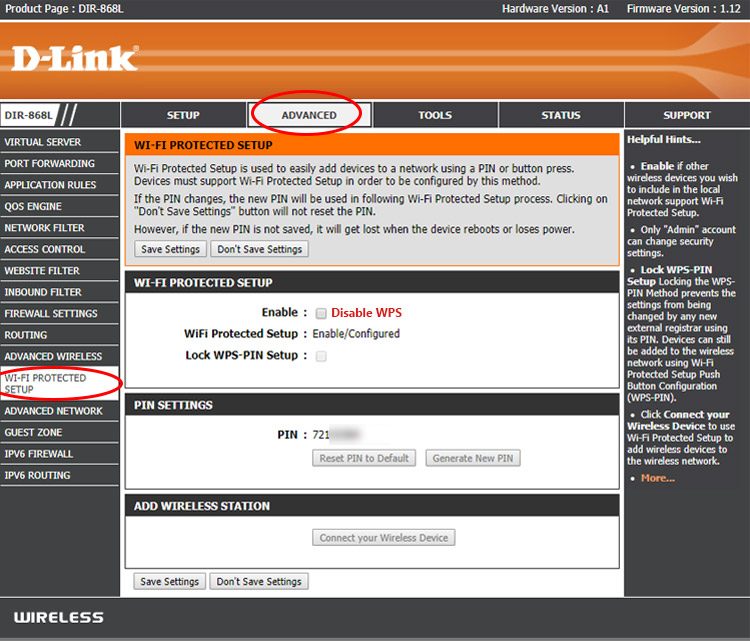
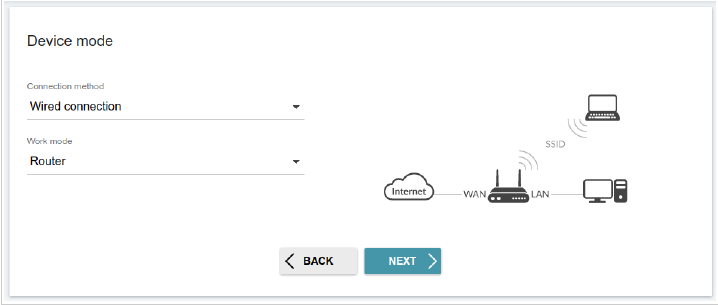
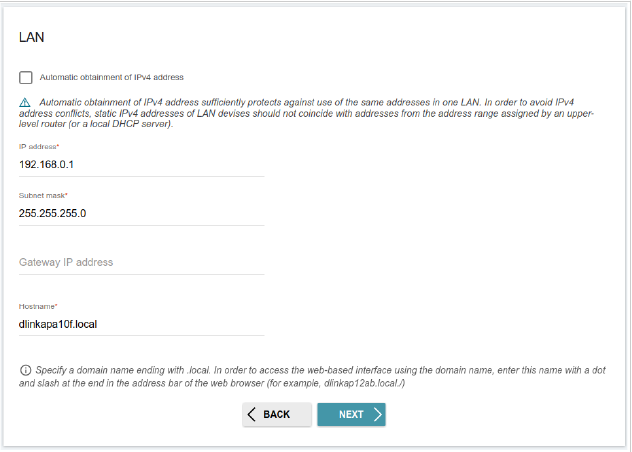
Open a web browser and type http://dlinkrouter.local or the default IP address of your router (usually 192.168.0.1 or 192.168.1.1) to access the router's web interface. You will be prompted to enter the admin username and password. If you haven't changed the default credentials, you can find them in the router's documentation or on the manufacturer's website.
Step 3: Wireless Settings
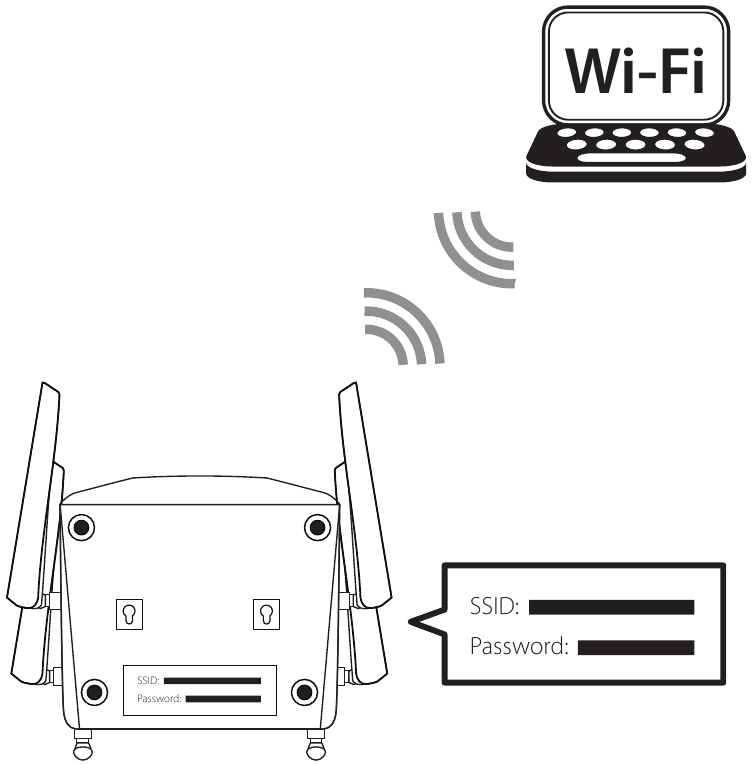
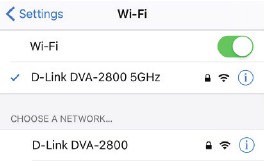
Click on "Settings" and then "Wireless" to configure your wireless settings. In the wireless Wi-Fi name (SSID) field, erase the default name and enter a unique wireless network name. This is the name you will see when scanning for wireless networks on your computer or wireless device.