The Best G Router Settings for Home Network Wi-Fi
Are you tired of slow and unreliable Wi-Fi connectivity in your home? Do you want to improve your internet speed and range? In this article, we'll show you how to configure the best G router settings for a seamless and secure home network Wi-Fi experience.
Optimizing Your G Router Settings for Home Network Wi-Fi

With the rise of smart home devices and online streaming, a fast and reliable Wi-Fi connection is more essential than ever. To get the most out of your G router, you need to optimize its settings for your home network. Here are some tips to help you do just that:
- Change the Wi-Fi Channel: The 2.4 GHz band is the most congested frequency band, and changing the channel can help you avoid interference from neighboring networks. Use tools like Wi-Fi Analyzer to scan for nearby networks and choose the best channel for your router.
- Use Quality of Service (QoS): QoS allows you to prioritize traffic for critical applications like online gaming and video streaming. This ensures that your high-priority devices get the bandwidth they need, while less important devices share the remaining bandwidth.
- Update Your Firmware: Regular firmware updates can improve your router's performance, fix bugs, and add new features. Make sure to check your router's manufacturer website for the latest firmware updates.
- Secure Your Network: Use a strong password and WPA2 encryption to secure your network. You can also enable MAC address filtering to restrict access to specific devices.
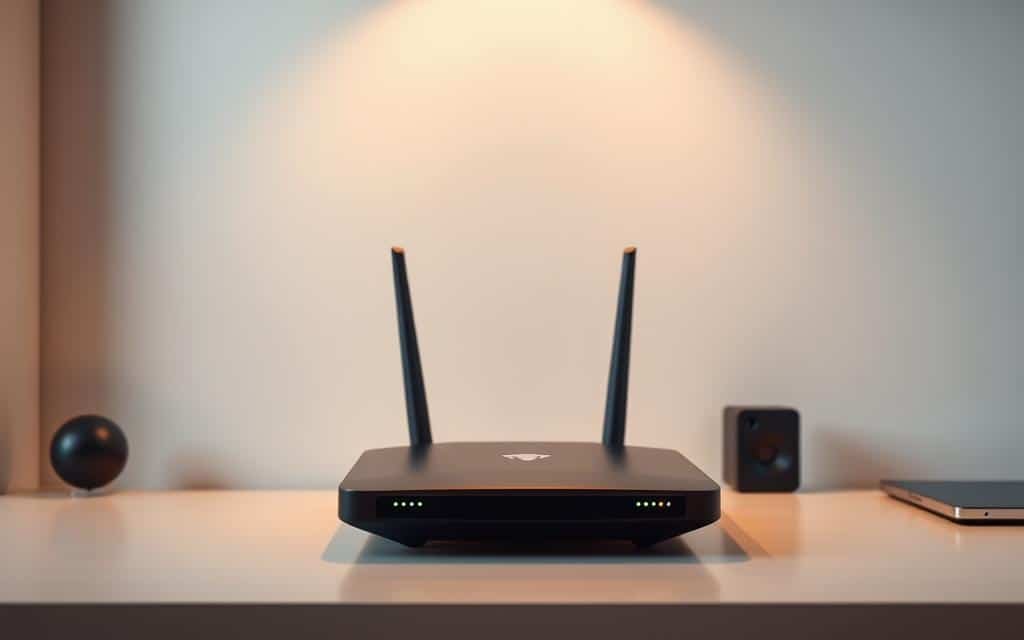
- Optimize Your Router's Position: The position of your router can significantly impact its performance. Place it in a central location, away from physical obstructions, and ensure it has a clear line of sight to all devices.