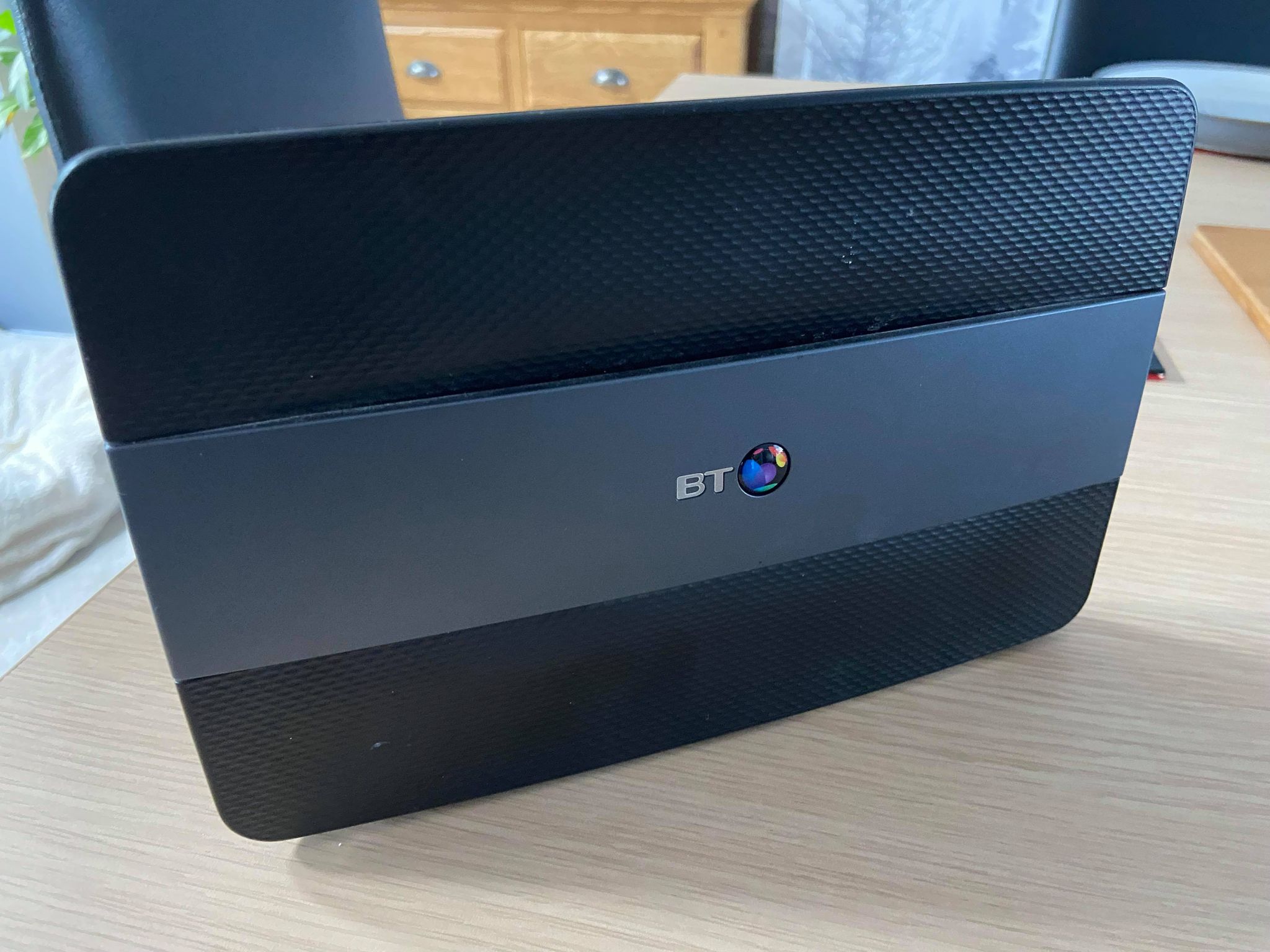
BT Smart Hub Firmware Update Schedule: A Comprehensive Guide
The BT Smart Hub Firmware Update Schedule is a crucial aspect of ensuring your router remains secure and functional. In this article, we will delve into the world of firmware updates, covering what they are, why they are essential, and how to manage them on your BT Smart Hub.
What are Firmware Updates?
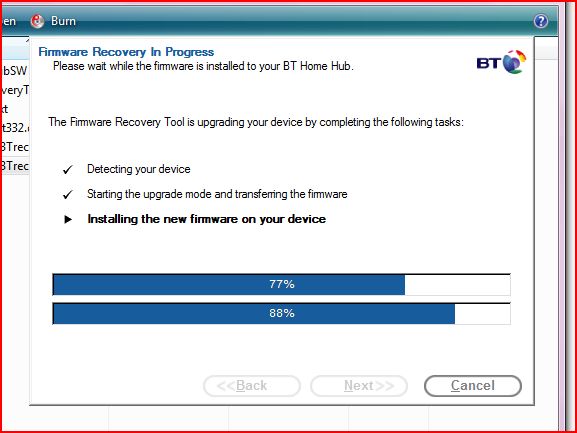
Firmware is the software that controls the internal functions of your router. Firmware updates, on the other hand, are patches or upgrades that improve the performance, security, and features of your router. These updates can fix bugs, resolve issues, and add new functionality to your device.
Why are Firmware Updates Important?
Firmware updates are vital for several reasons:
- Security: Firmware updates often include patches for security vulnerabilities, protecting your network and devices from potential threats.
- Performance: Updates can improve the overall performance and speed of your router, ensuring a smoother and more reliable connection.
- Features: Firmware updates can introduce new features and enhancements, expanding the capabilities of your router.
How to Check for Firmware Updates on Your BT Smart Hub
To check for firmware updates on your BT Smart Hub, follow these simple steps:
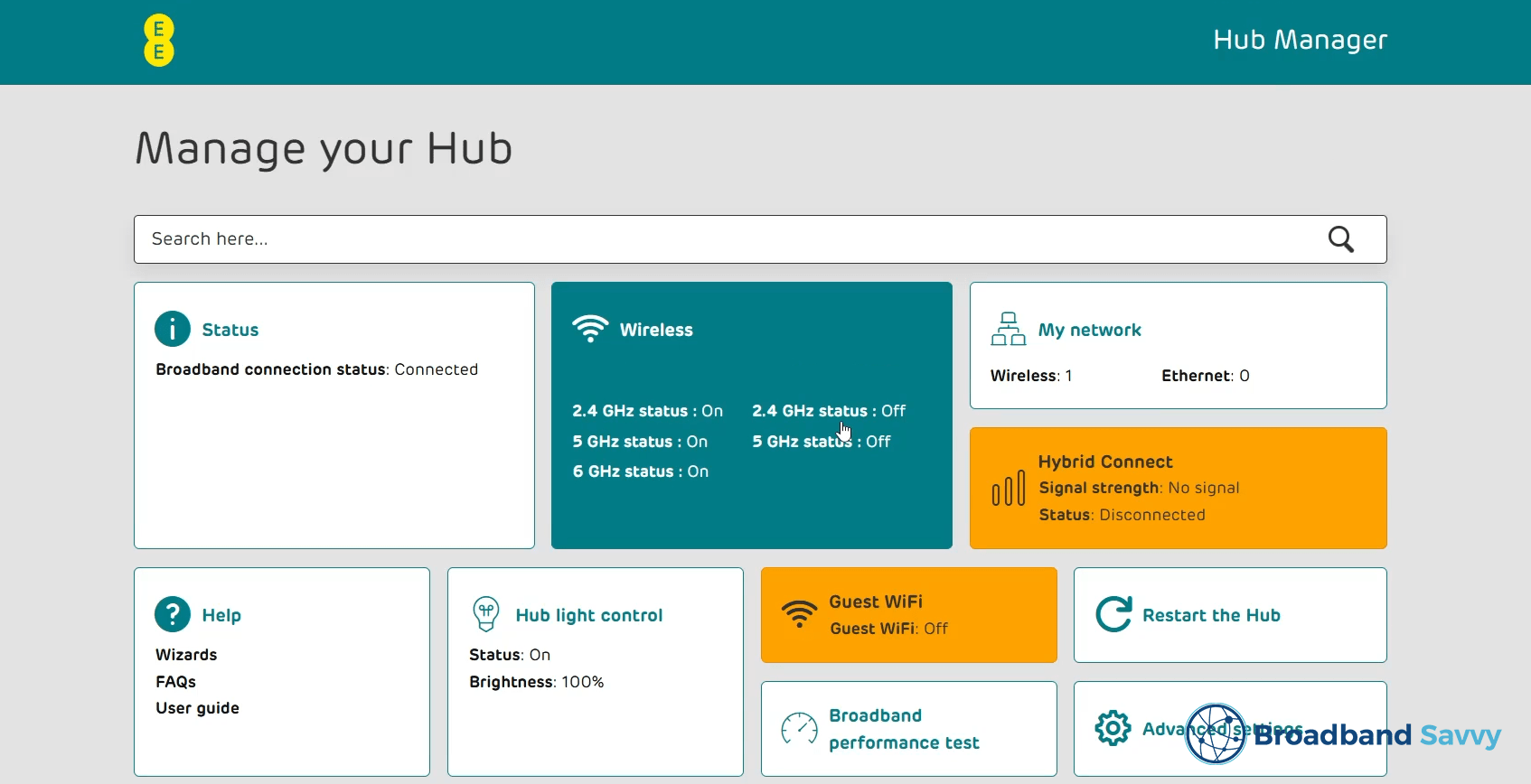
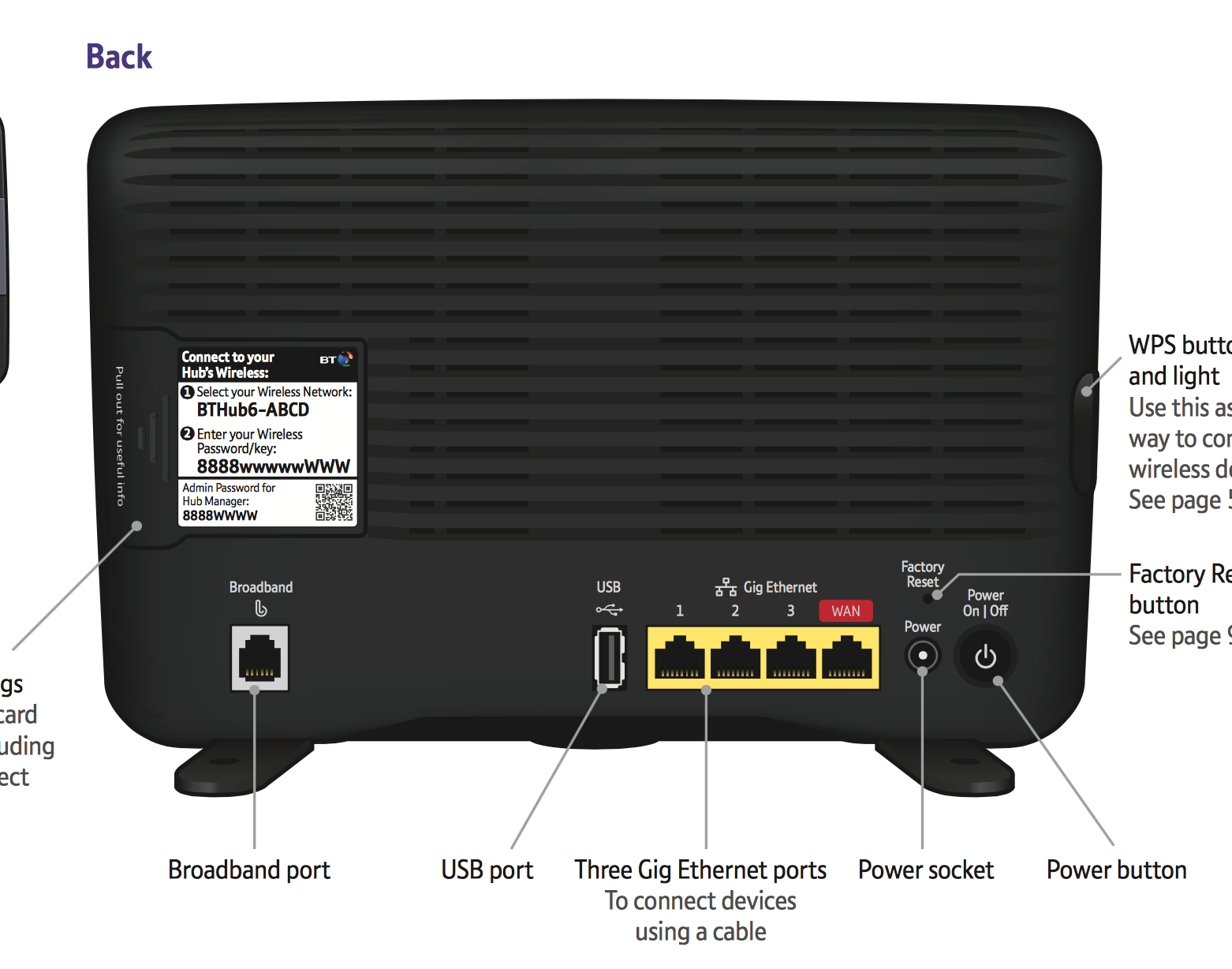
- Login to your router's admin page by typing 192.168.1.254 in your web browser's address bar.
- Navigate to the Advanced Settings page.
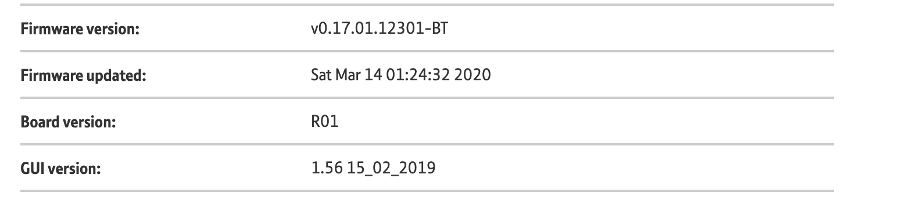
- Click on Technical Log Information and check the Firmware Version and Update Date to see if there are any available updates.