Wi-Fi Setup with Google Mesh Network: A Comprehensive Guide
Are you tired of dealing with dead zones and weak Wi-Fi signals throughout your home? Look no further than Google's mesh network setup solution. In this article, we'll walk you through the step-by-step process of setting up a Google mesh network, covering the entire home with reliable and fast Wi-Fi coverage.
What is Google Mesh Network?
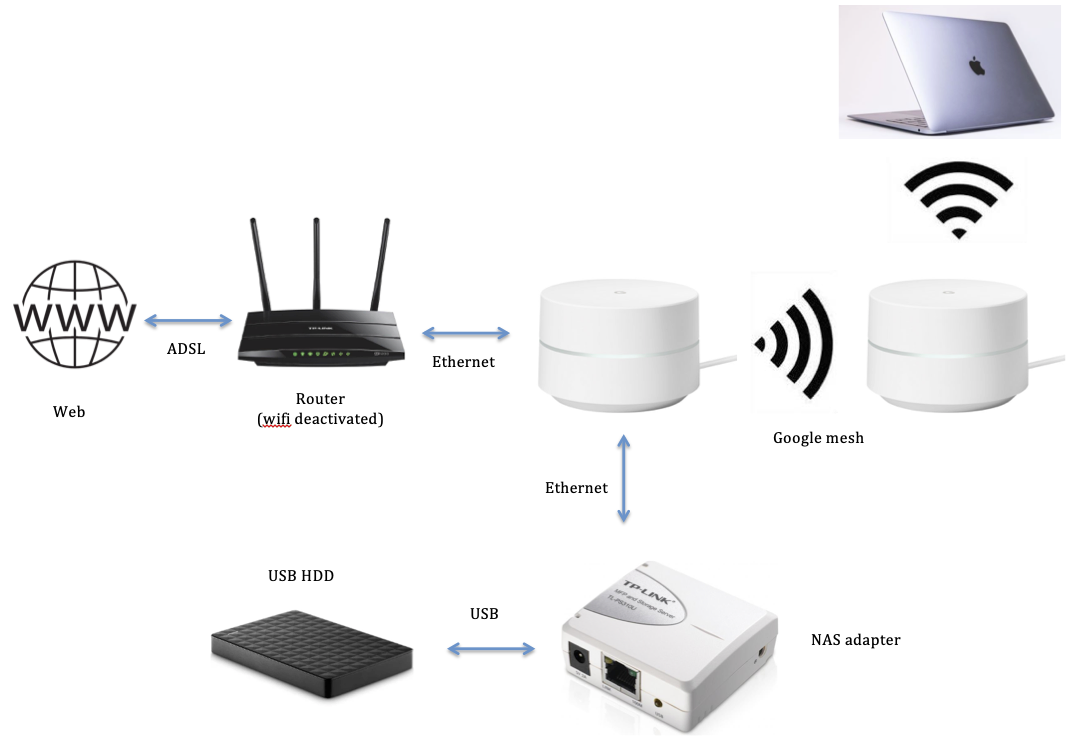
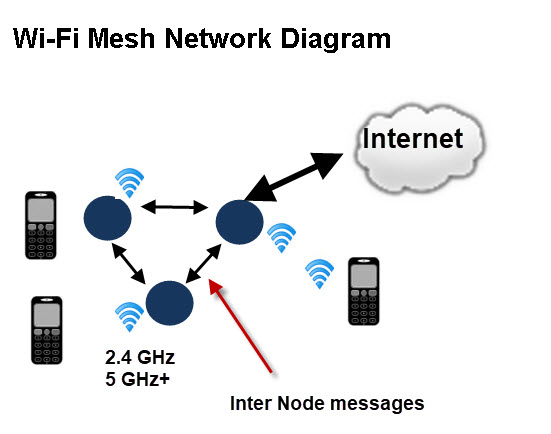
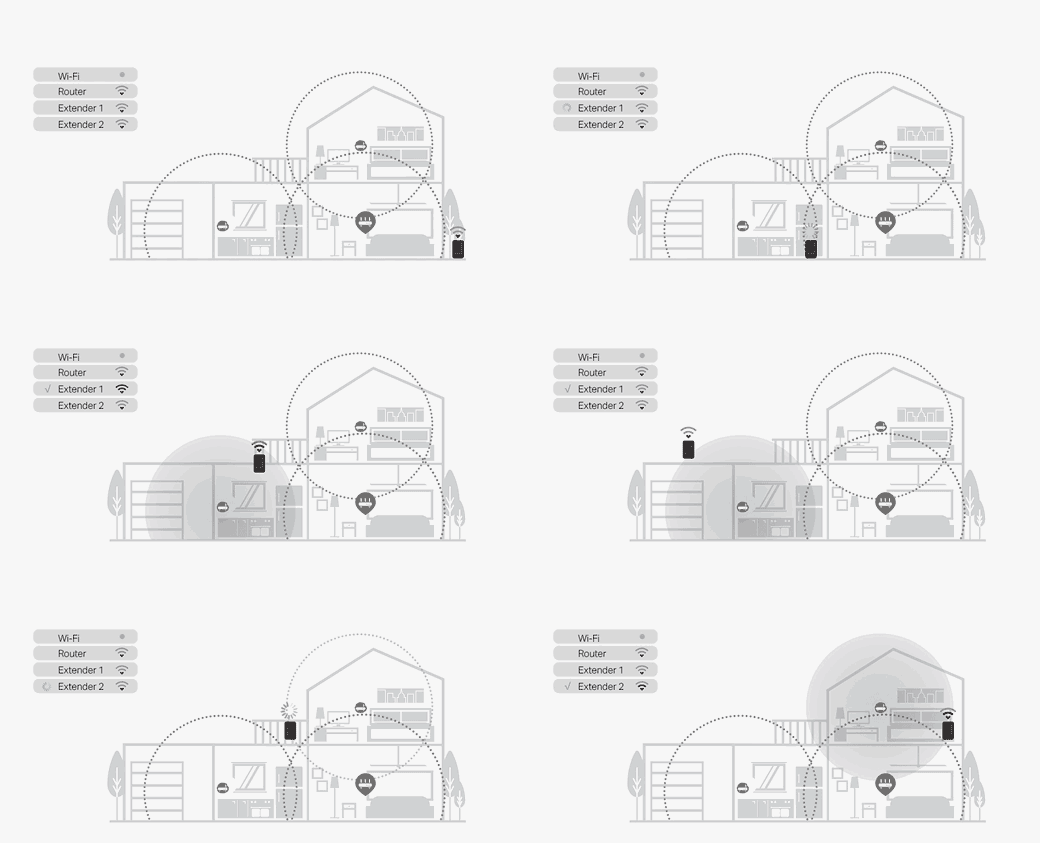
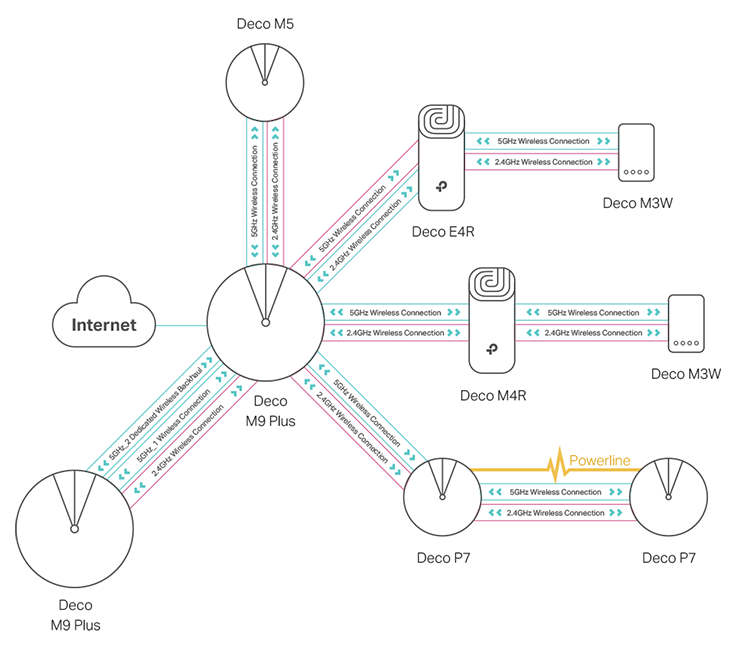
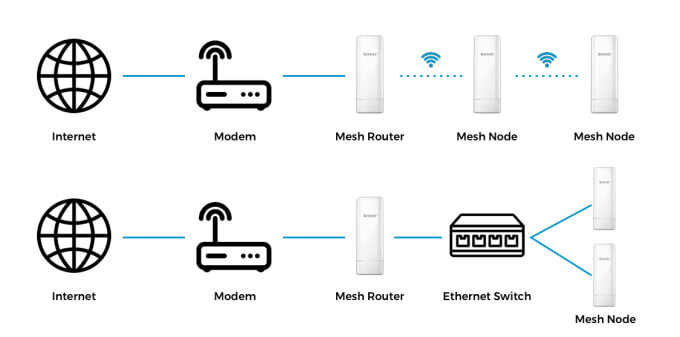
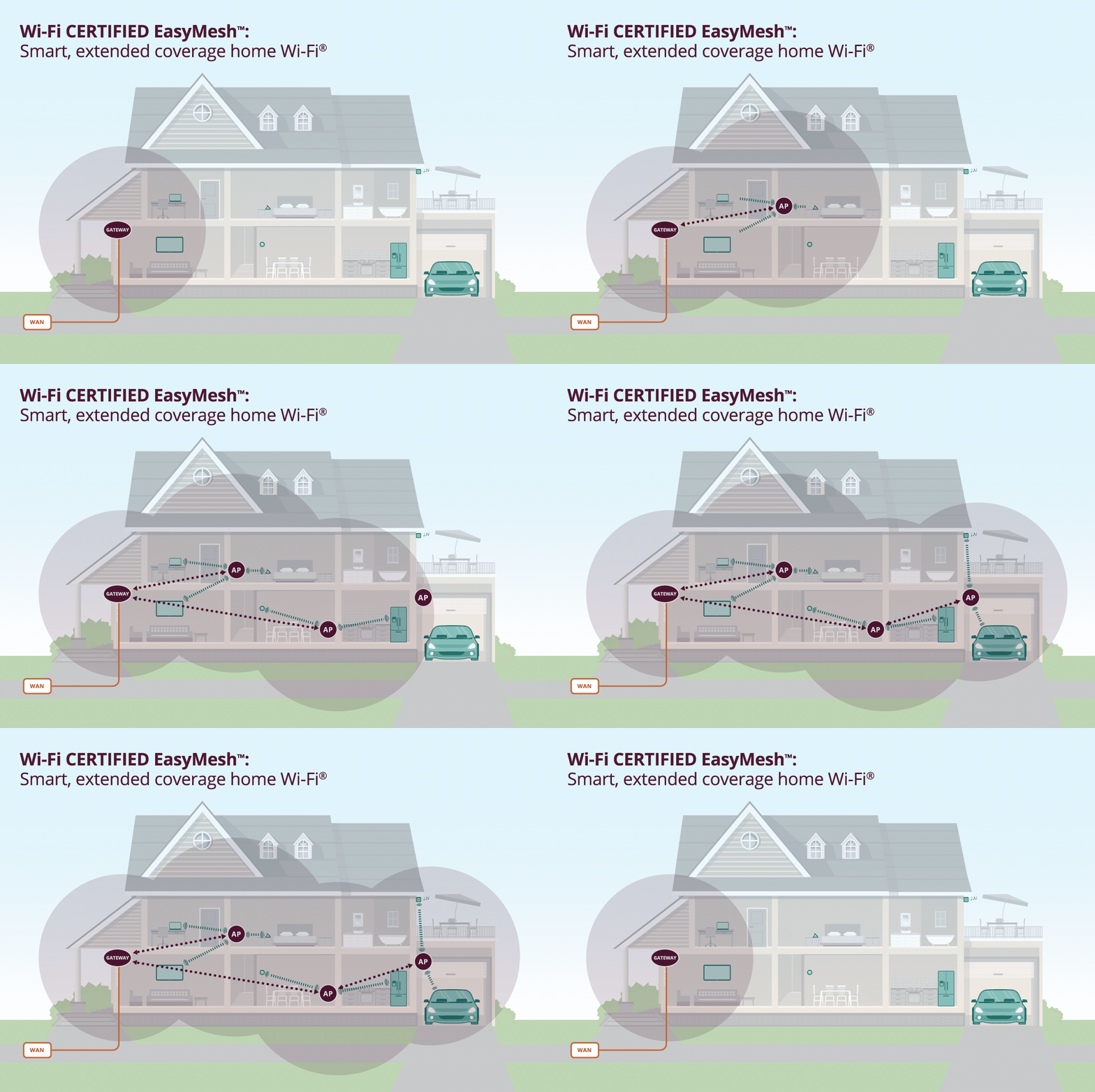
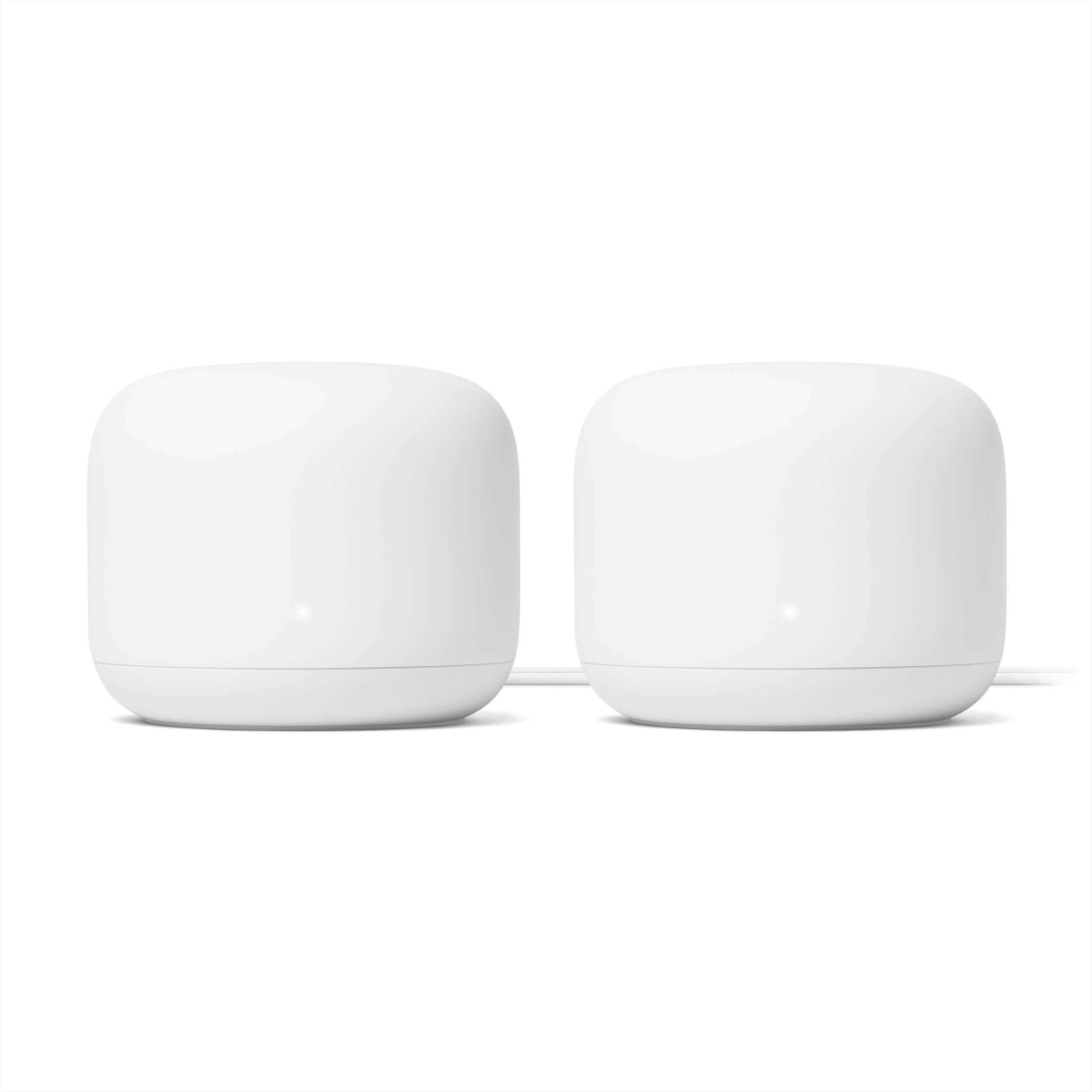
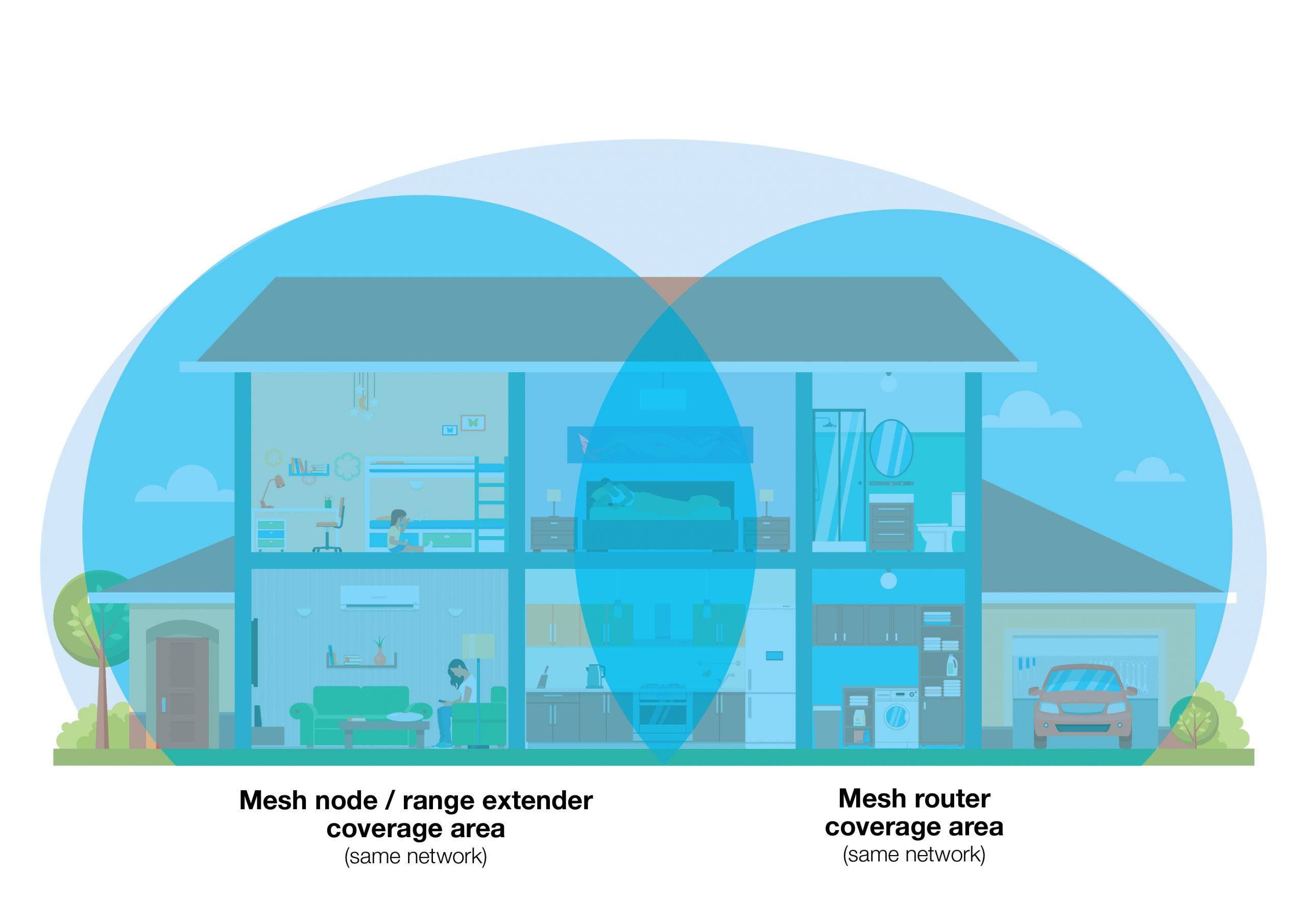
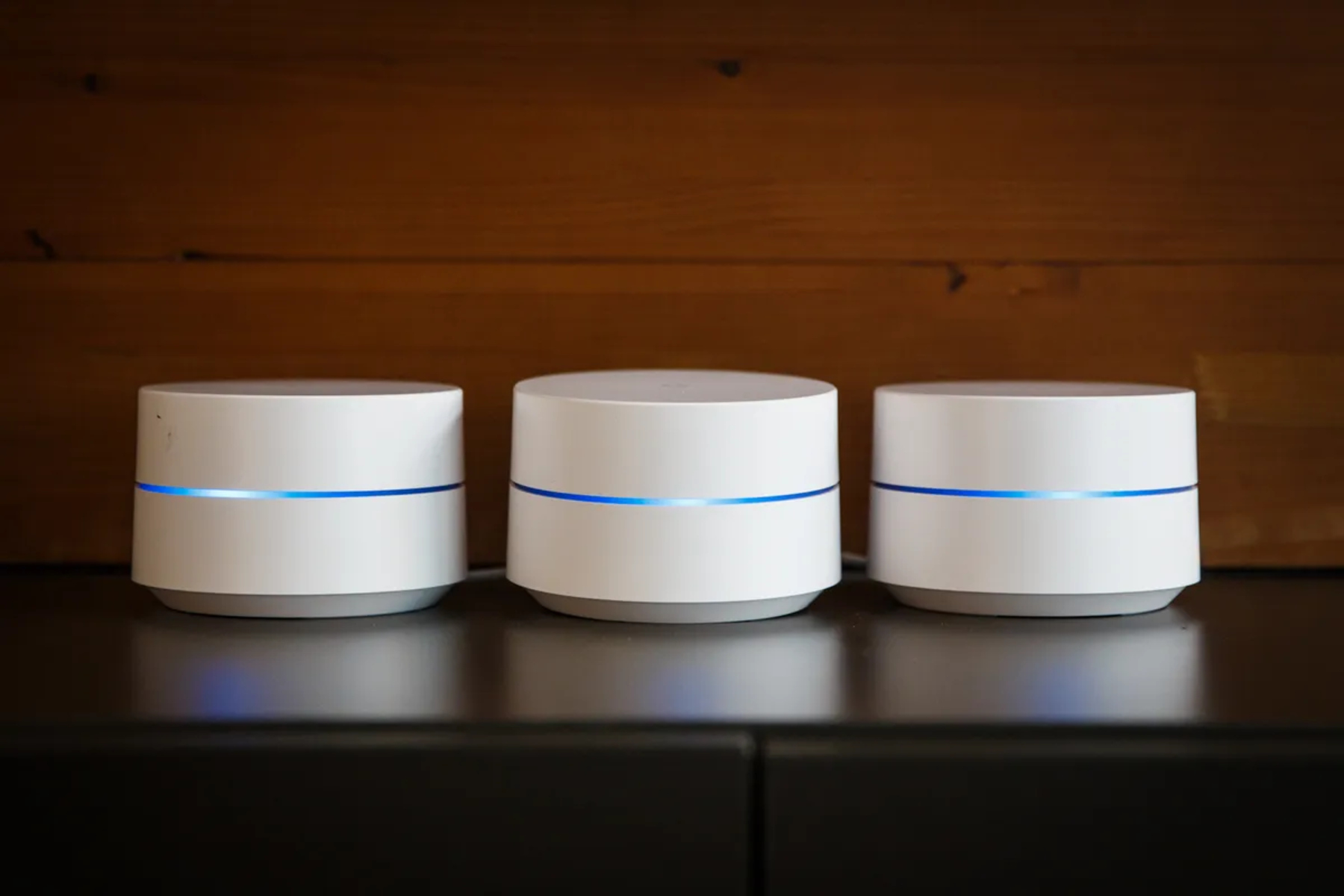
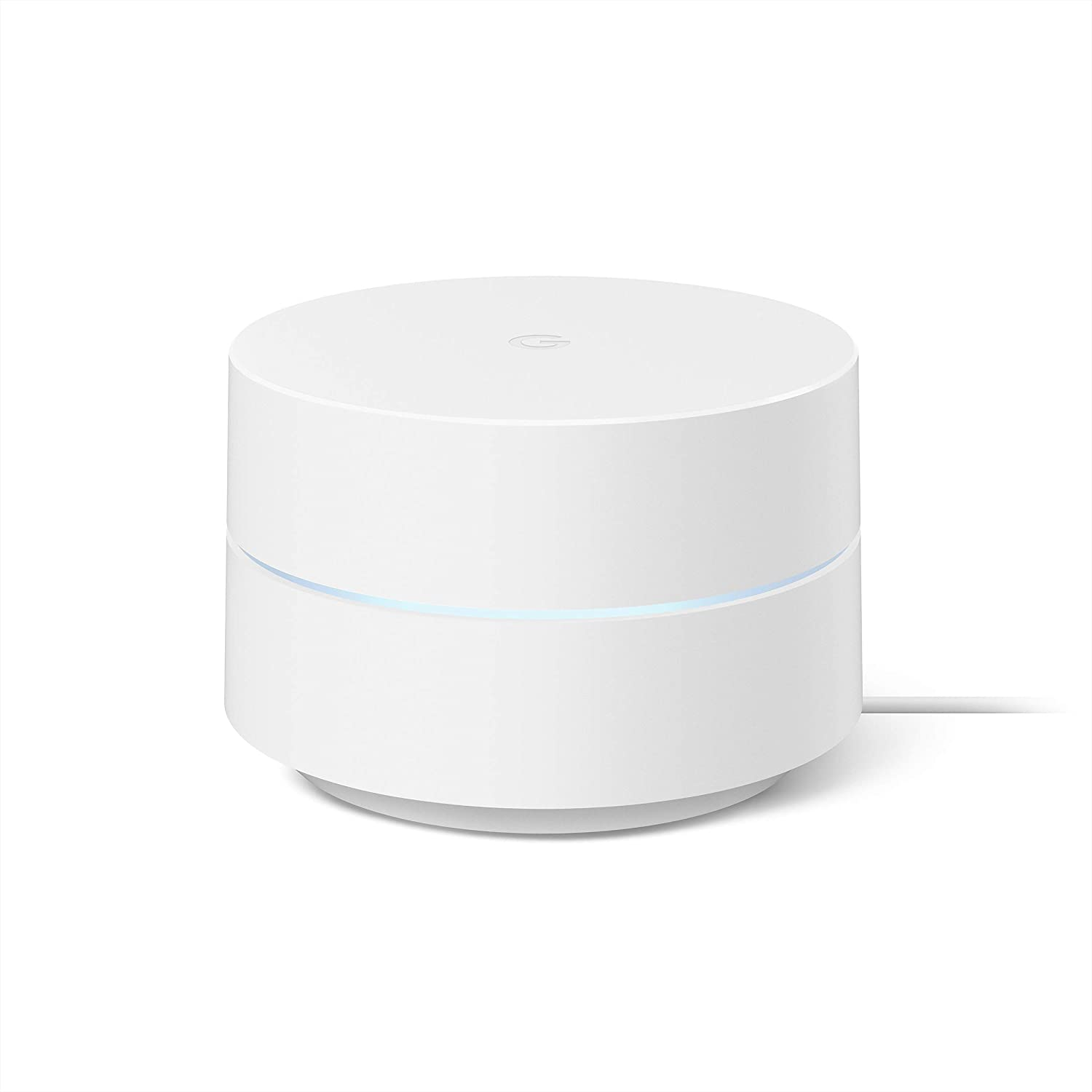
Google mesh network is a type of wireless network that uses multiple nodes, or Wi-Fi points, to create a single, seamless network. This is in contrast to a traditional Wi-Fi setup, which may rely on a single router and may experience dead zones or weak signals in certain areas of the home. By using multiple nodes, Google's mesh network can provide full coverage throughout the home, even in areas with thick walls or other obstacles.

Benefits of Google Mesh Network Setup
- Improved Coverage**: With a Google mesh network, you can expect full coverage throughout your home, eliminating dead zones and weak signals.
- Boosted Speed**: Google's mesh network can provide faster speeds than traditional Wi-Fi setups, making it ideal for heavy users and streaming enthusiasts.
- Seamless Connectivity**: With Google's mesh network, devices can seamlessly transition between nodes, ensuring a stable and reliable connection throughout the home.
- Easy Setup**: The Google Home app makes setting up your mesh network a breeze, guiding you through the process with ease.
- Convenient Management**: The Google Home app also provides easy management of your mesh network, allowing you to monitor performance, adjust settings, and troubleshoot issues with ease.