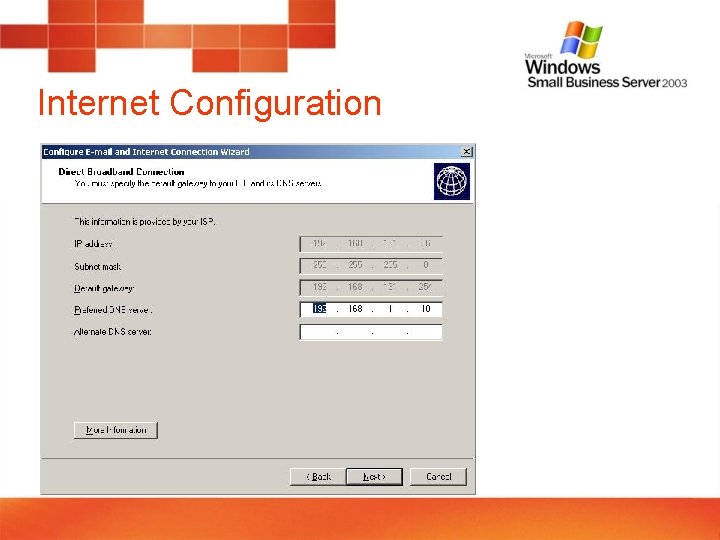
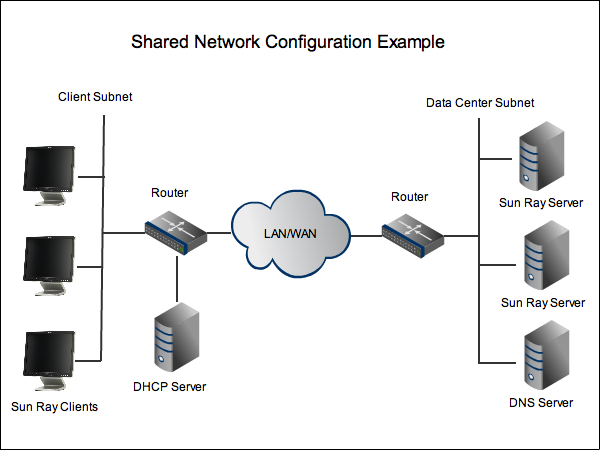
Internet Configuration for Home Use: A Beginner's Guide
Setting Up Your Internet Connection
Are you setting up internet access in your home for the first time? We'll help you set up your new broadband, DSL, or satellite internet connection, and get your PC, Mac, phones, and tablets online quickly and easily. In this article, we'll walk you through the process of setting up your internet connection from start to finish.Step 1: Determine Your Internet Type
The first step in setting up your internet connection is to determine what type of internet service you have. The most common types of internet services are broadband, DSL, and satellite internet. Make sure you know what type of service you have before proceeding.Hardware Requirements
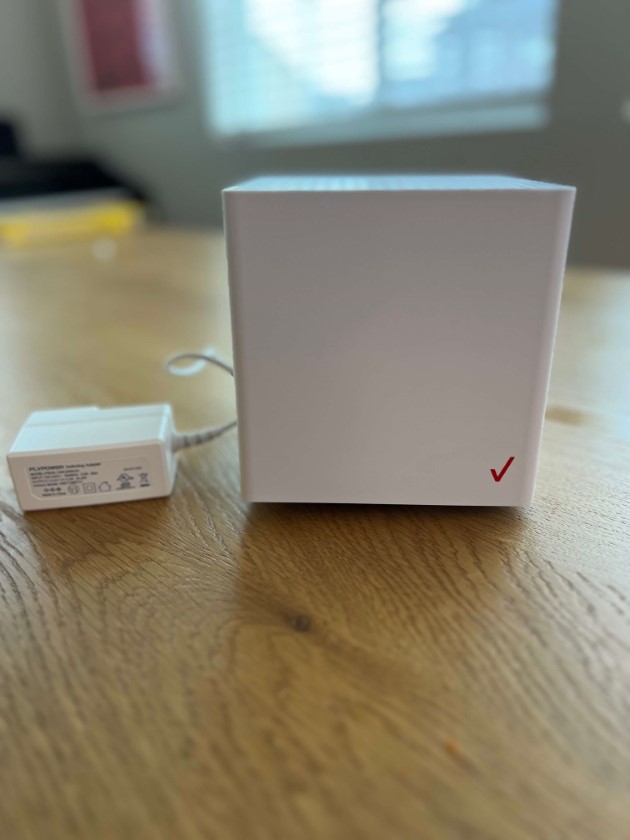
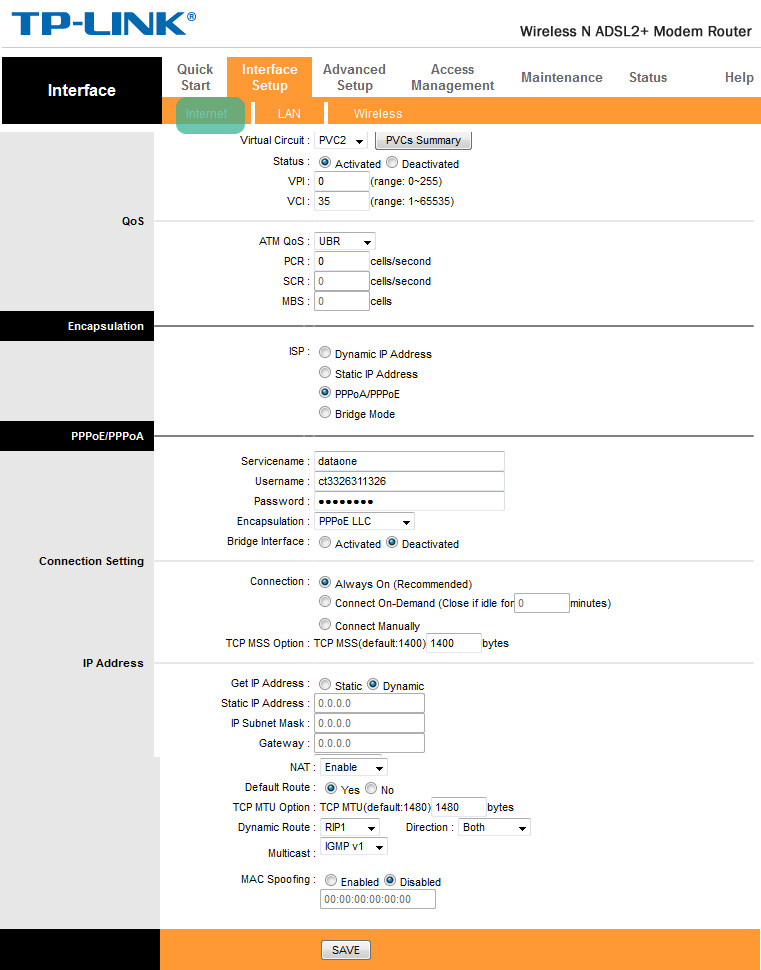
Step 2: Configure Your Modem
Once you've received your modem, follow these steps to configure it: 1.- Plug the power cord into a nearby outlet and turn on the modem.
- Wait for the modem to connect to your internet service provider's network.
- Check the modem's lights to ensure it's working correctly. The power light should be green, and the internet light should be solid or blinking.